












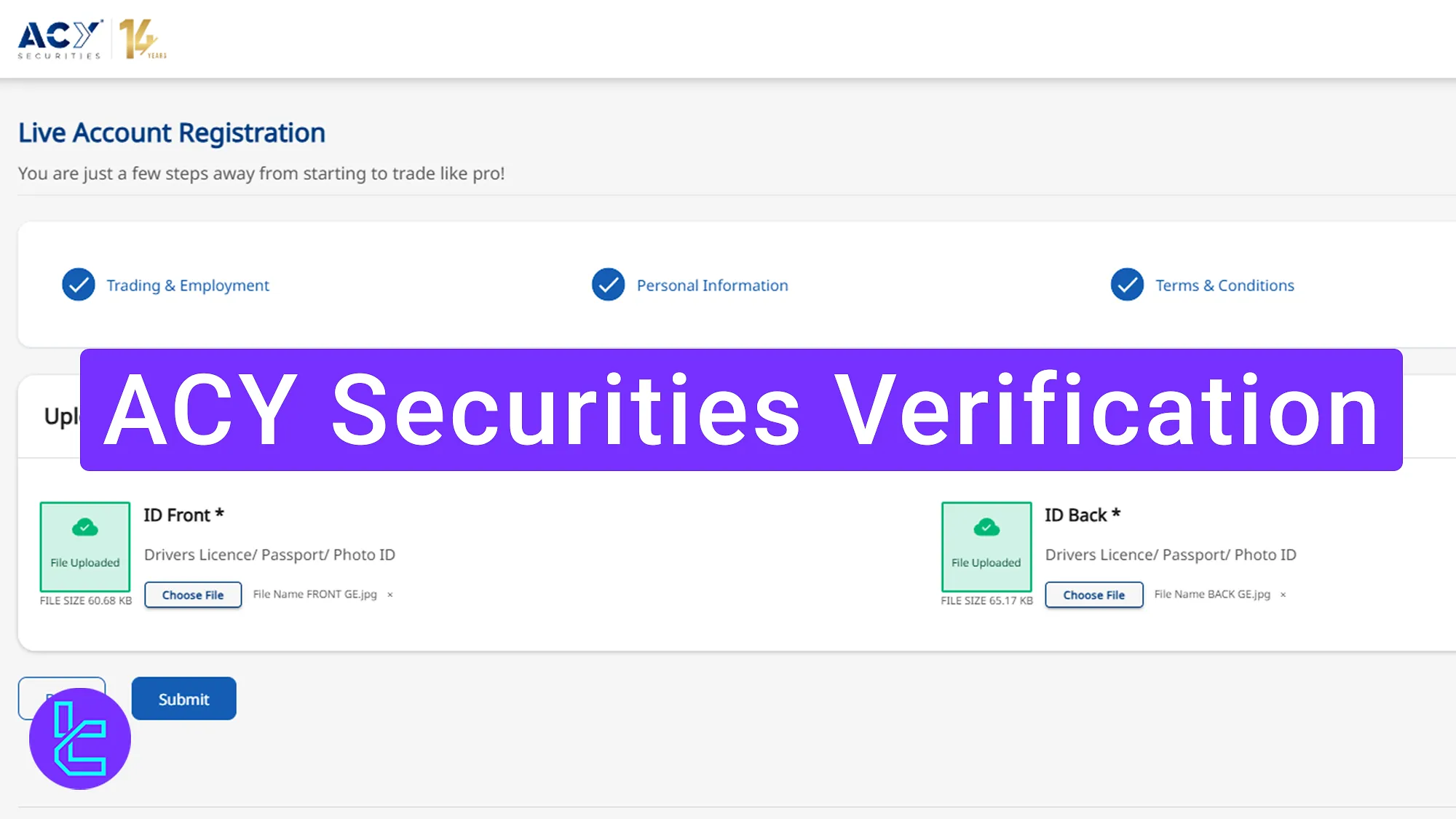
ACY Securities verification is a straightforward process that includes 6 steps and requires traders to provide clear images of their ID card front and back sides.
After completing account verification, traders can access easy withdrawals using various methods, including Cryptocurrencies, Visa, MasterCard, bank-wired transferes, and electronic wallets.
How to Complete ACY Securities Authentication Process
Verifying your account in the ACY Securities broker is easy but includes multiple steps. By following the phases outlined below, you can access all platform features.
ACY Securities verification steps:
- Select your account type and country of residence;
- Choose between fast or regular method;
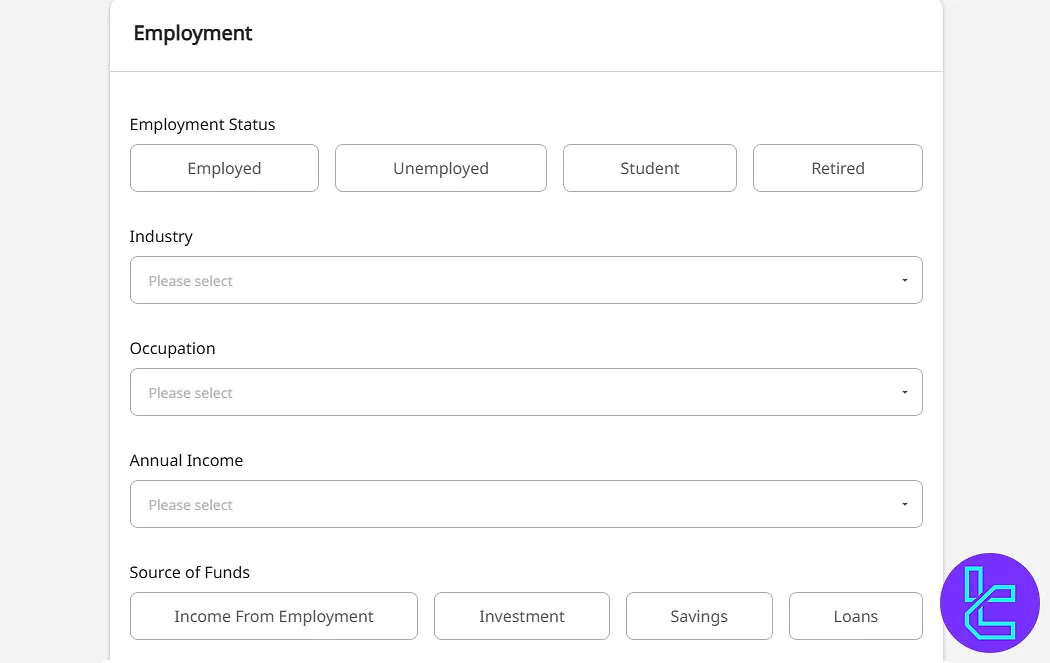
- Enter your trading experience and employment details;
- Provide your personal information;
- Upload identity confirmation documents;
- Submit and Wait for approval.
Here's what you need to verify your trading account in ACY Securities.
Verification Requirement | Yes/No |
Full Name | Yes |
Country of Residence | Yes |
Date of Birth Entry | Yes |
Phone Number Entry | Yes |
Residential Address Details | Yes |
Phone Number Verification | No |
Document Issuing Country | Yes |
ID Card (for POI) | Yes |
Driver’s License (for POI) | Yes |
Passport (for POI) | Yes |
Residence Permit (for POI or POA) | Yes |
Utility Bill (for POA) | No |
Bank Statement (for POA) | No |
2-Factor Authentication | No |
Biometric Face Scan | No |
Financial Status Questionnaire | Yes |
Trading Knowledge Questionnaire | Yes |
Restricted Countries | Yes |
#1 Choose Your ACY Securities Account Type
First, log into your account. On your ACY Securities dashboard, you will see that this broker offers two types of accounts:
- Individual
- Corporate
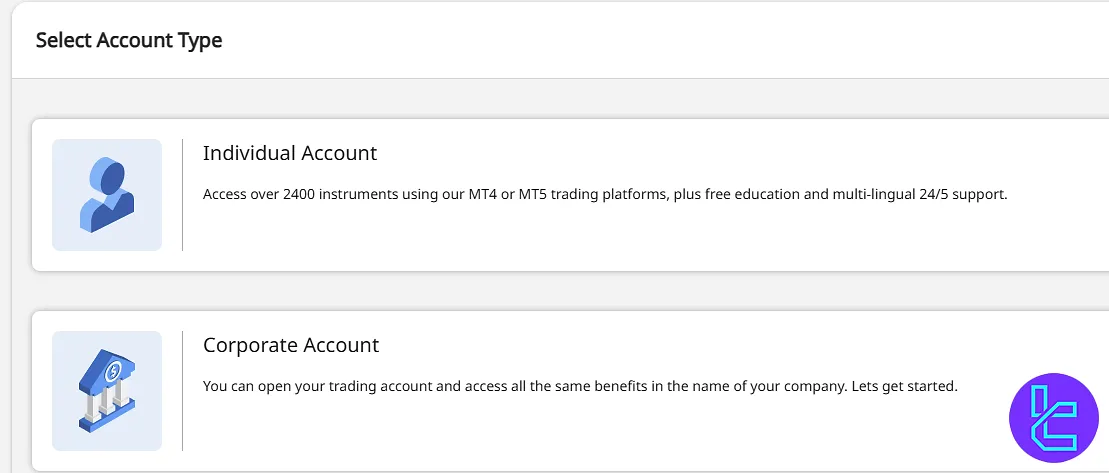
Now, choose your country of residence and click “Next” to proceed.
#2 Choose Your Approval Method
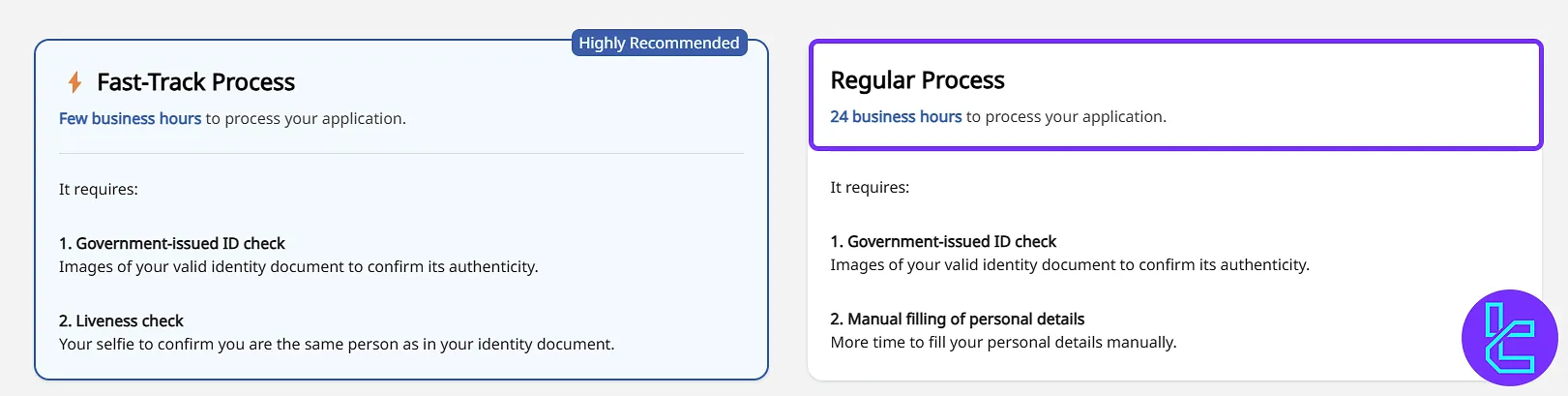
You will be given two options:
- Fast (automated document checks)
- Regular (manual document review, takes up to 24 hours)
For manual authentication, click on the "Regular Process" and select “Start”.
#3 Enter Trading Preference and Employment Details
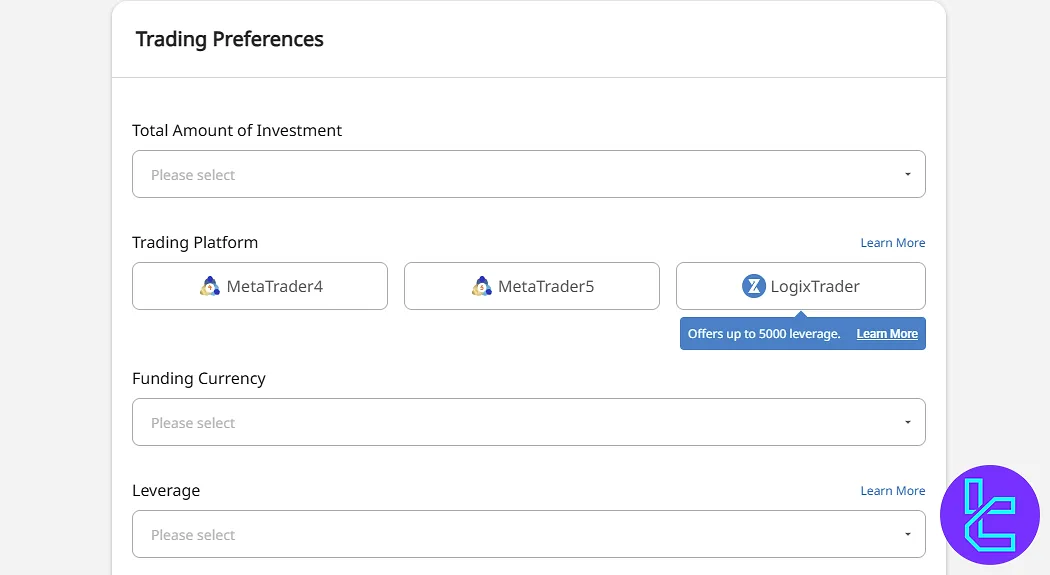
Provide the information below regarding your trading preference:
- Investment amount
- Trading platform (MT4, MT5, LogixTrader)
- Funding currency
- Leverage (up to 1:5000)
Then, enter your employment details such as source of funds, occupation, industry, annual income, etc.
#4 Enter Personal Information
You need to input the following details:
- First and last name
- Mobile phone number
- Date of birth
- Country of residence
- Residential address
- Nationality and gender
- Government-issued ID number
After completing the form, click "Next".
#5 Upload Identity Approval Documents
To submit your documents, follow these steps:
- Take a clear photo of your ID document (ID card, Driver’s license, or passport);
- Click "Upload" and submit your documents.
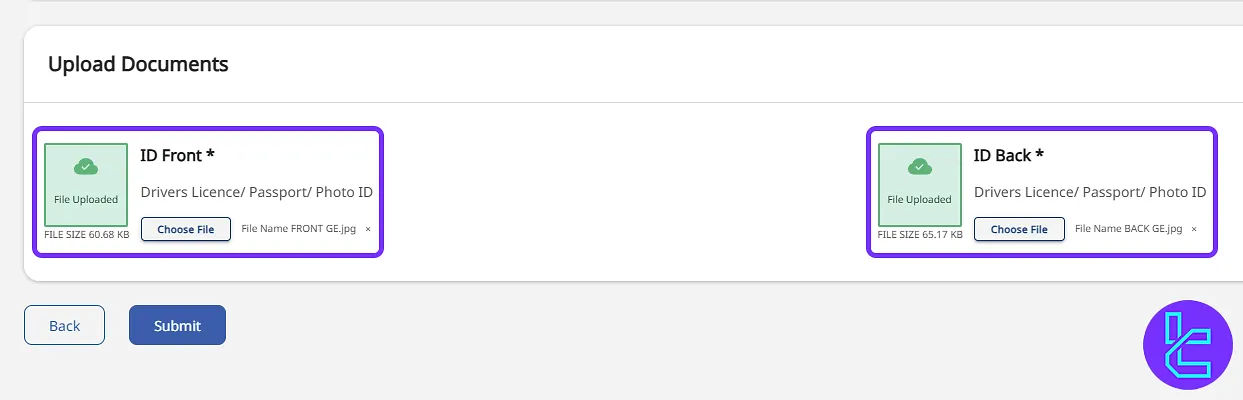
Check the box to agree to the terms and conditions. Then, click on "Next".
#6 Submit and Wait for Approval
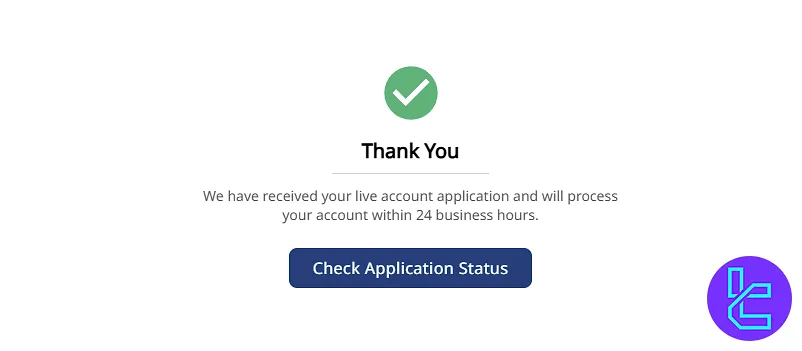
Once all details and documents are uploaded, click "Submit". The document review process will begin and you will receive an update within 24 business hours.
ACY Securities Verification in Comparison to Other Brokers
Here's how the account verification process in ACY Securities differs from other Forex brokers.
Verification Requirement | ACY Securities Broker | |||
Full Name | Yes | Yes | No | No |
Country of Residence | Yes | Yes | No | No |
Date of Birth Entry | Yes | No | No | No |
Phone Number Entry | Yes | No | No | No |
Residential Address Details | Yes | No | Yes | No |
Phone Number Verification | No | No | No | No |
Document Issuing Country | Yes | Yes | Yes | Yes |
ID Card (for POI) | Yes | Yes | Yes | Yes |
Driver’s License (for POI) | Yes | Yes | Yes | Yes |
Passport (for POI) | Yes | Yes | Yes | Yes |
Residence Permit (for POI or POA) | Yes | Yes | Yes | Yes |
Utility Bill (for POA) | No | Yes | Yes | Yes |
Bank Statement (for POA) | No | Yes | Yes | Yes |
2-Factor Authentication | No | No | No | No |
Biometric Face Scan | No | No | No | No |
Financial Status Questionnaire | Yes | No | No | No |
Trading Knowledge Questionnaire | Yes | No | Yes | No |
Restricted Countries | Yes | Yes | Yes | Yes |
TF Expert Suggestion
The ACY Securities verification process is simple and takes only 10 minutes to complete. The broker will then review your information and documents to activate your account in under 24 hours.
To fund your newly verified account, visit the ACY Securities tutorial page and learn about the available ACY Securities deposit and withdrawal methods.






