












Axiory verification is a mandatory 4-step process ensuring a secure trading environment for its users. This process includes confirmation of your identity (POI), address (POA), and filling out three questionnaires.
Traders who verify their Axiory Forex broker accounts can access the withdrawals section and use Visa, bank transfer, SticPay, Skrill, and Neteller to cash out their profits.
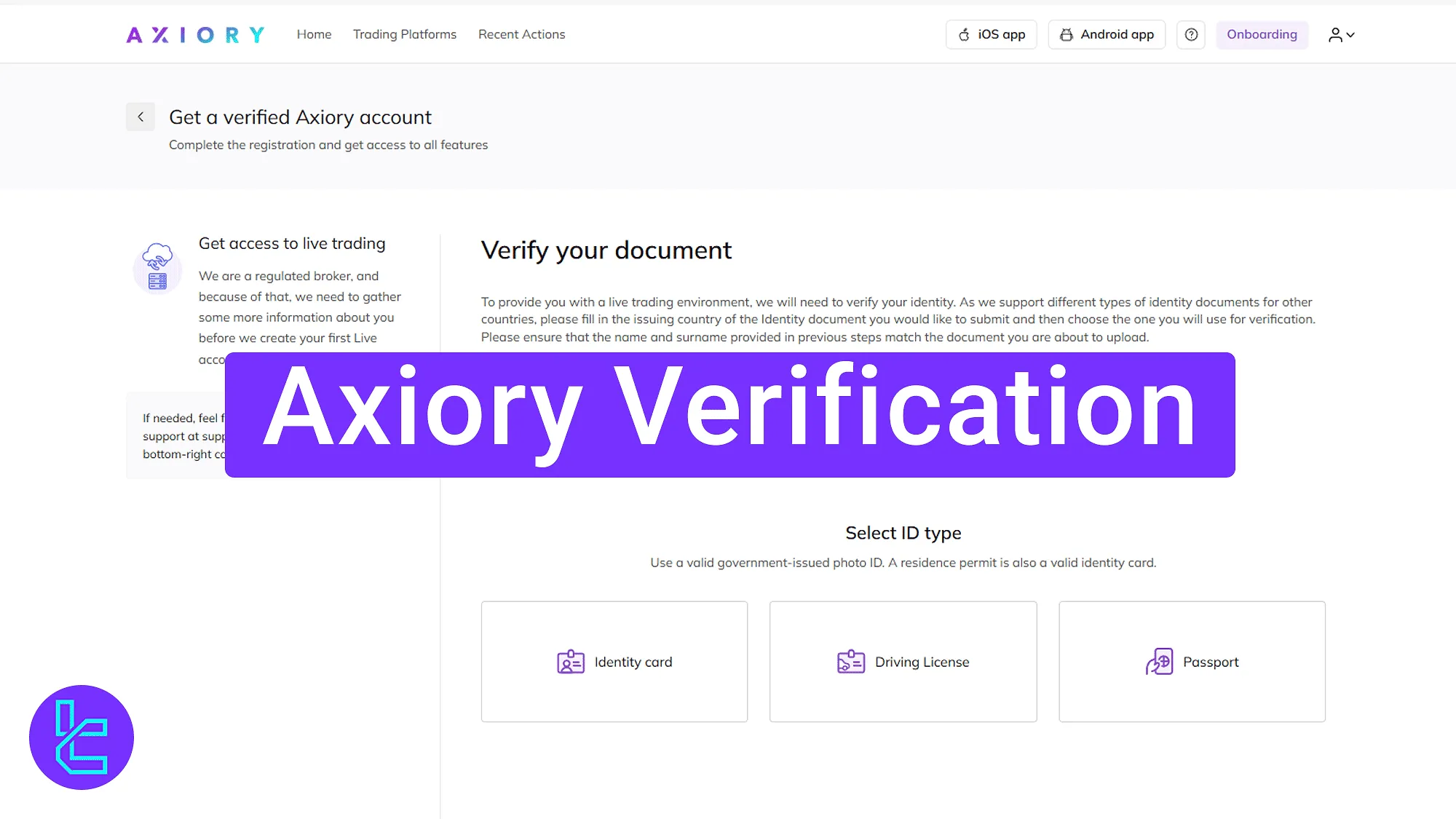
Axiory KYC Overview
After completing the Axiory registration, you should complete the KYC process on the Axiory broker dashboard to gain access to all trading options.
Axiory verification key steps:
- Access the authentication section and provide proof of identity (POI);
- Complete the financial, educational, and trading experience questionnaire;
- Provide proof of address (POA) and upload a selfie;
- Check the authentication status.
The following informration and documents are necessary to verify your Axiory account:
Verification Requirement | Yes/No |
Full Name | No |
Country of Residence | No |
Date of Birth Entry | No |
Phone Number Entry | No |
Residential Address Details | No |
Phone Number Verification | No |
Document Issuing Country | Yes |
ID Card (for POI) | Yes |
Driver’s License (for POI) | Yes |
Passport (for POI) | Yes |
Residence Permit (for POI or POA) | No |
Utility Bill (for POA) | Yes |
Bank Statement (for POA) | Yes |
2-Factor Authentication | No |
Biometric Face Scan | Yes |
Financial Status Questionnaire | Yes |
Trading Knowledge Questionnaire | Yes |
Restricted Countries | Yes |
#1 Provide Proof of Identity (POI)
After accessing the KYC section, you must first select your country and the type of document you will be providing. Available options include:
- Passport
- Identity Card
- Driving License
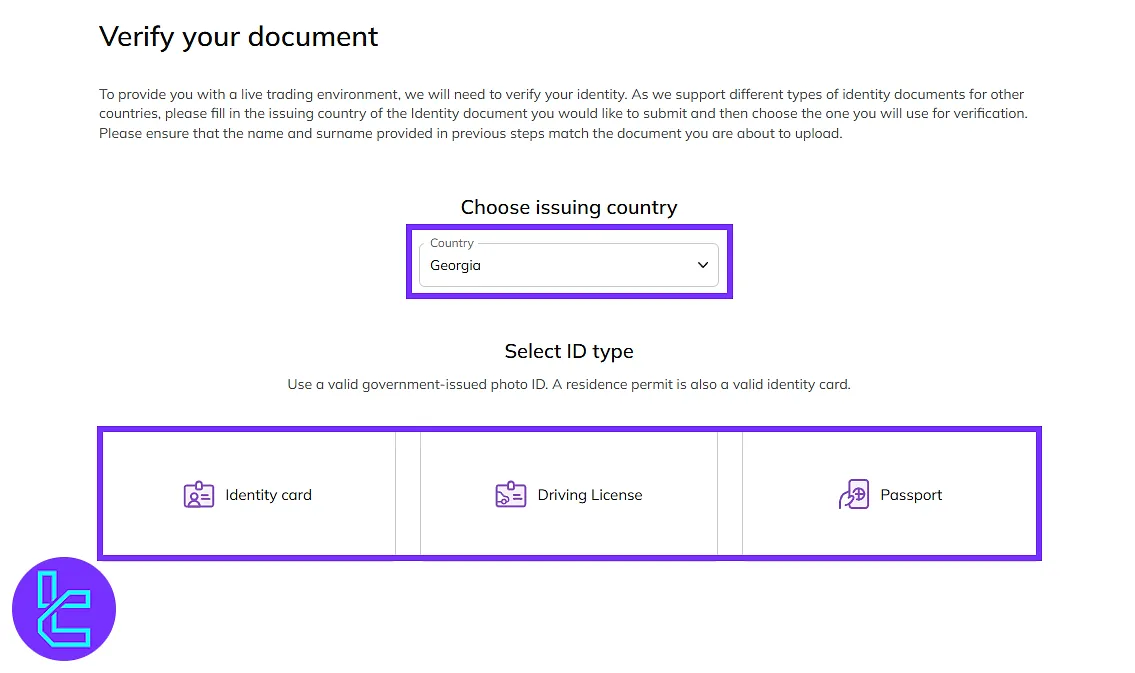
Then you can upload the front and back images of your ID document.
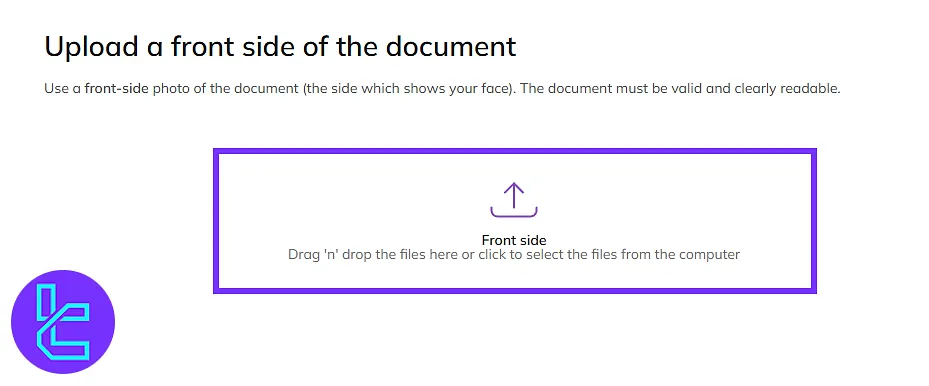
#2 Complete the Questionnaire
Next, access the Axiory dashboard and click on "Onboarding" to fill out the financial, educational, and trading experience questionnaire.
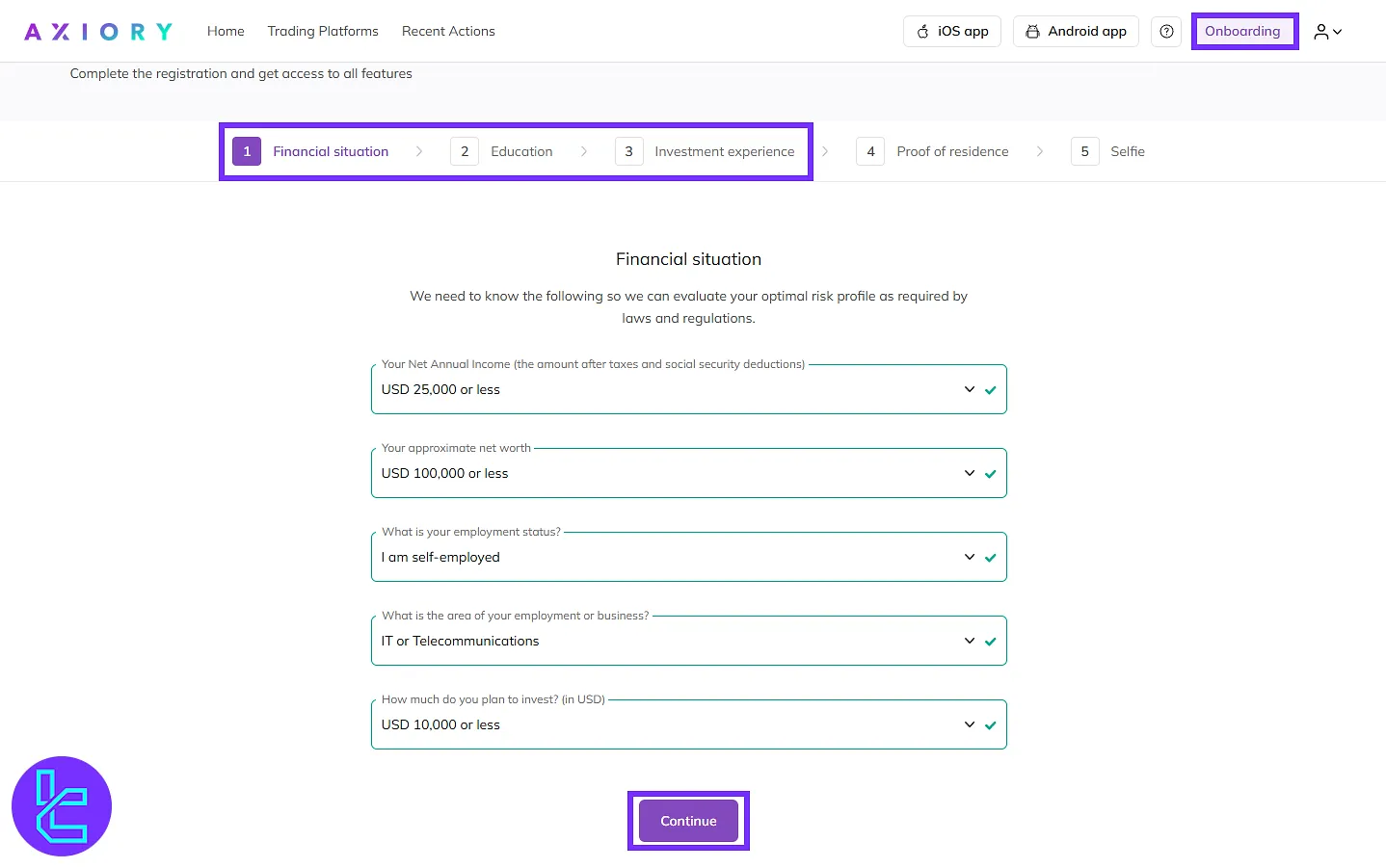
#3 Provide Proof of Address and Upload Selfie
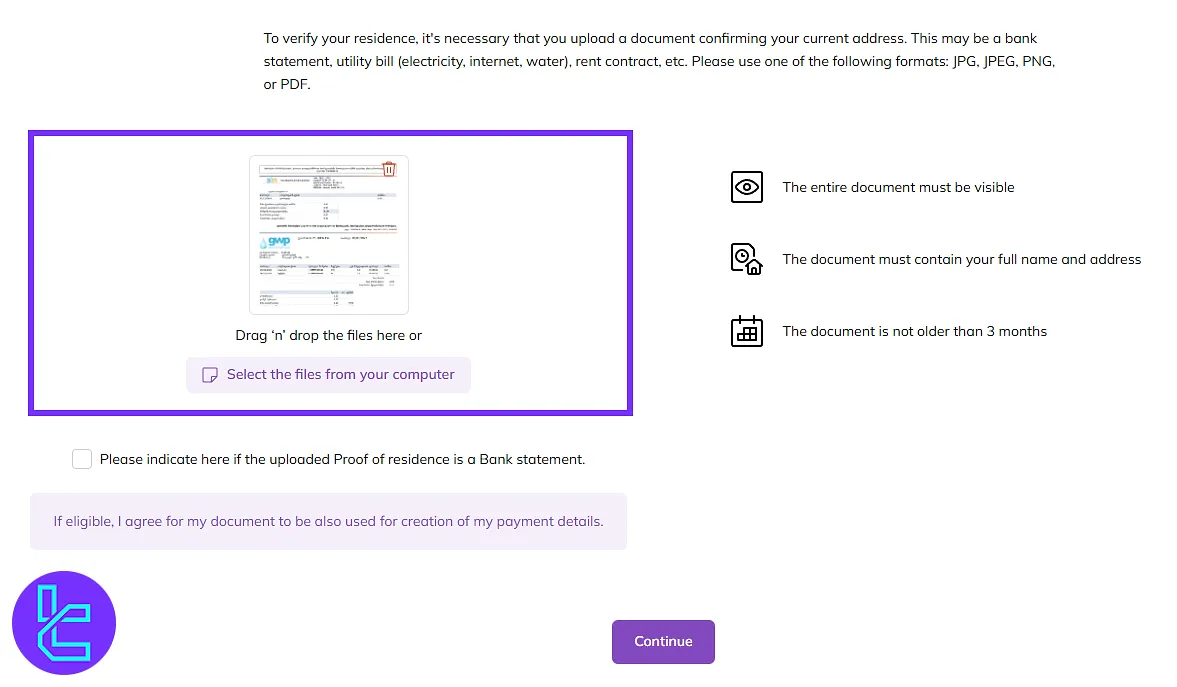
For proof of address (POA), upload a recent utility bill, bank statement, or rental agreement dated within the last 3 months.
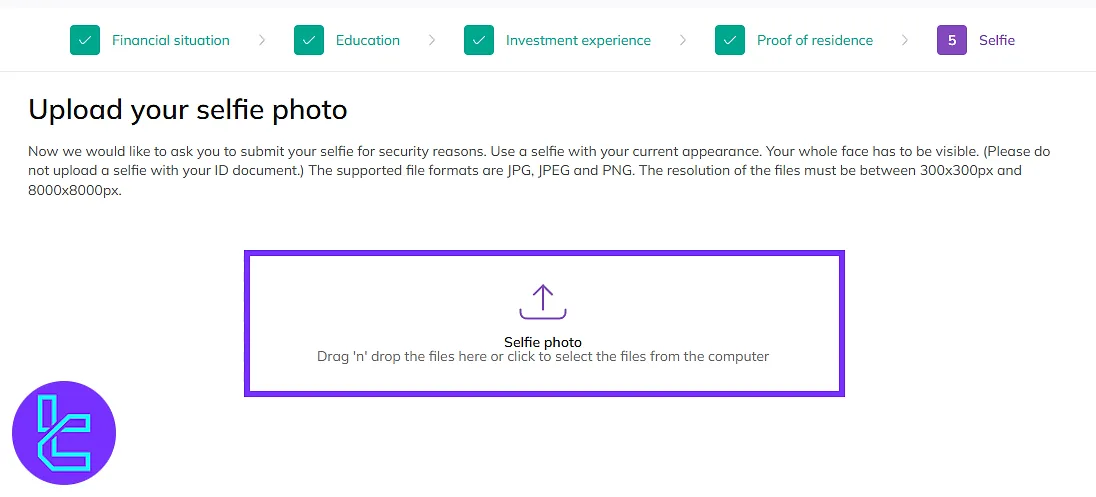
Then, take a selfie or upload one directly from your device.
#4 Check Confirmation Status
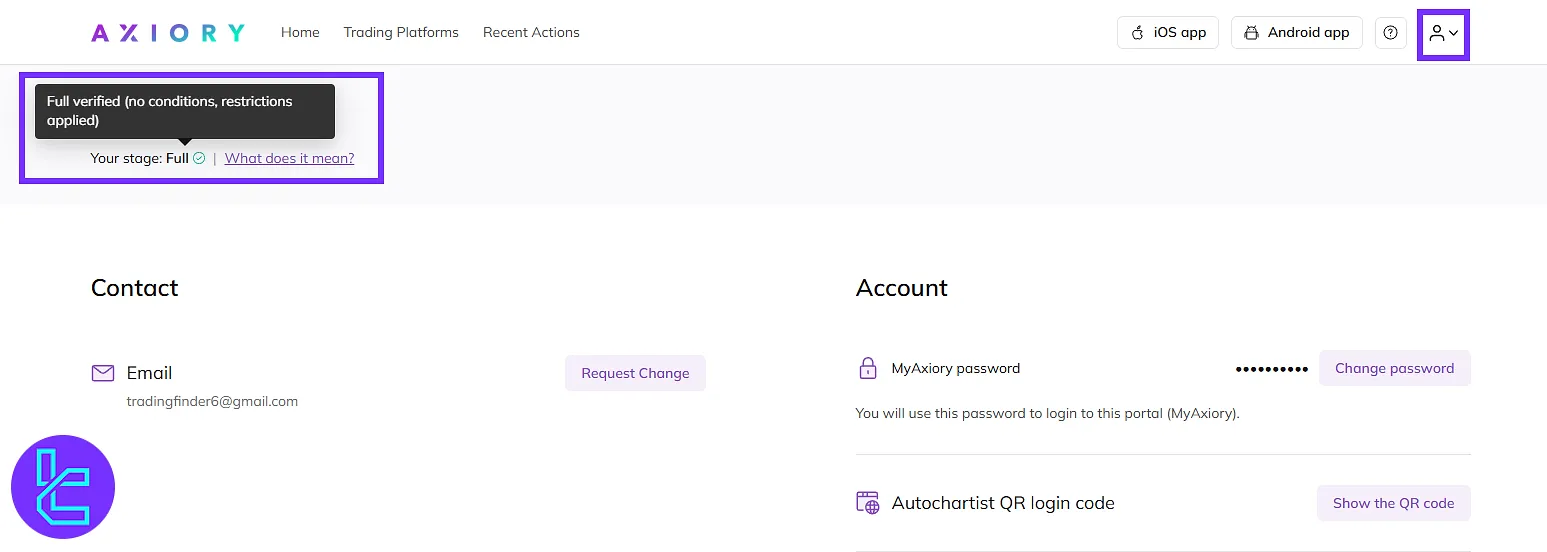
After submitting your documents, they will be under review. You can check the status of your authentication by clicking on the "Avatar" and then the "Profile and Settings" option.
Axiory KYC vs Other Forex Brokers
Use the table below to compare the account verification requirements of Axiory with those of other Forex brokers.
Verification Requirement | Axiory Broker | |||
Full Name | No | No | No | Yes |
Country of Residence | No | No | No | Yes |
Date of Birth Entry | No | No | No | Yes |
Phone Number Entry | No | No | No | No |
Residential Address Details | No | No | Yes | Yes |
Phone Number Verification | No | No | No | No |
Document Issuing Country | Yes | Yes | Yes | Yes |
ID Card (for POI) | Yes | Yes | Yes | Yes |
Driver’s License (for POI) | Yes | Yes | Yes | Yes |
Passport (for POI) | Yes | Yes | Yes | Yes |
Residence Permit (for POI or POA) | No | Yes | Yes | Yes |
Utility Bill (for POA) | Yes | Yes | Yes | Yes |
Bank Statement (for POA) | Yes | Yes | Yes | Yes |
2-Factor Authentication | No | No | No | No |
Biometric Face Scan | Yes | No | No | No |
Financial Status Questionnaire | Yes | No | No | Yes |
Trading Knowledge Questionnaire | Yes | No | No | Yes |
Restricted Countries | Yes | Yes | Yes | Yes |
TF Expert Suggestion
The Axiory verification process takes less than 10 minutes but it could take longer depending on the volume of requests.
Traders can provide their passport, national ID, and driver’s license as proof of identity, and a utility bill, rental agreement, or bank statement as proof of address.
With a verified account, you can manage your funds using the Axiory deposit and withdrawal methods. Detailed instructions are provided on the Axiory tutorial page.






