












BDSwiss verification process is a mandatory 5-step procedure that can be completed in approximately 7 minutes.
This process involves entering personal details, providing trading experience, submitting financial information, and uploading KYC documents to this Forex broker.
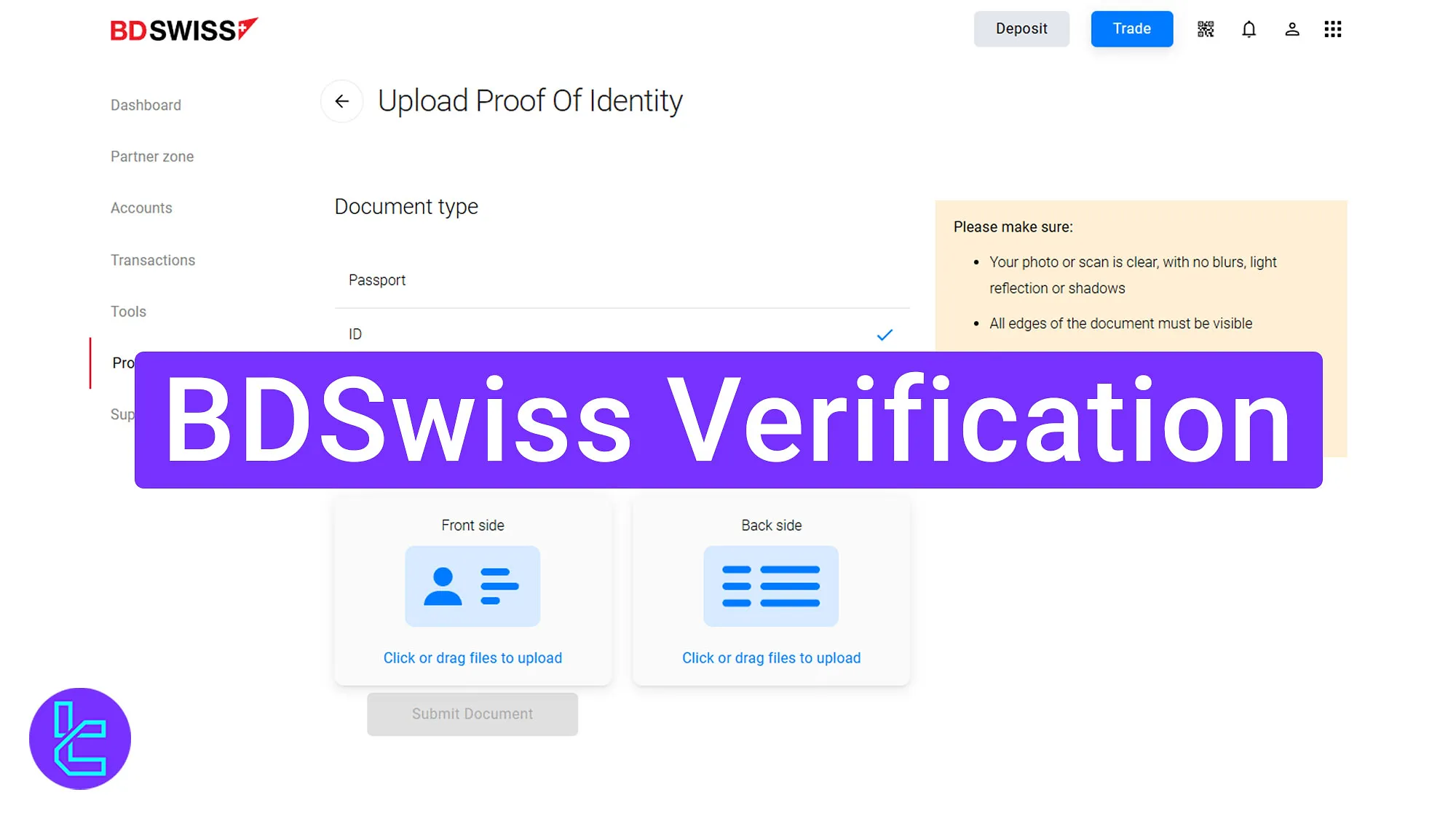
BDSwiss KYC Process Beginner-Friendly Guide
After BDSwiss registration, completing this process will grant access to deposit and withdrawal in the BDSwiss broker.
BDSwiss verification overview:
- Enter personal identity details;
- Provide trading experience and background;
- Submit financial and economic information;
- Upload identity and address verification documents;
- Verify the deposit method by uploading payment proof.
KYC Requirements in BDSwiss broker:
Verification Requirement | Yes/No |
Full Name | Yes |
Country of Residence | Yes |
Date of Birth Entry | Yes |
Phone Number Entry | Yes |
Residential Address Details | Yes |
Phone Number Verification | No |
Document Issuing Country | Yes |
ID Card (for POI) | Yes |
Driver’s License (for POI) | Yes |
Passport (for POI) | Yes |
Residence Permit (for POI or POA) | Yes |
Utility Bill (for POA) | Yes |
Bank Statement (for POA) | Yes |
2-Factor Authentication | No |
Biometric Face Scan | No |
Financial Status Questionnaire | Yes |
Trading Knowledge Questionnaire | Yes |
Restricted Countries | Yes |
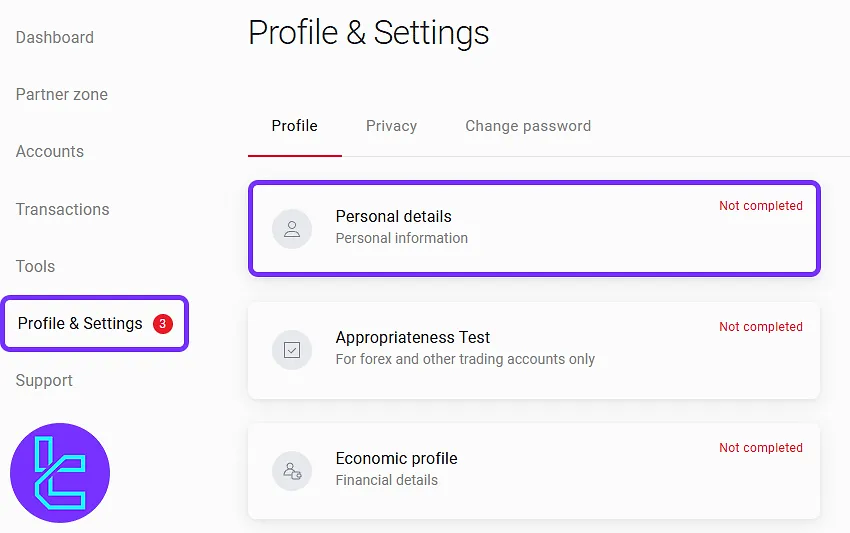
#1 Entering Personal Identity Details
Begin by logging into your BDSwiss account and navigating to the "Profile and Settings" section.
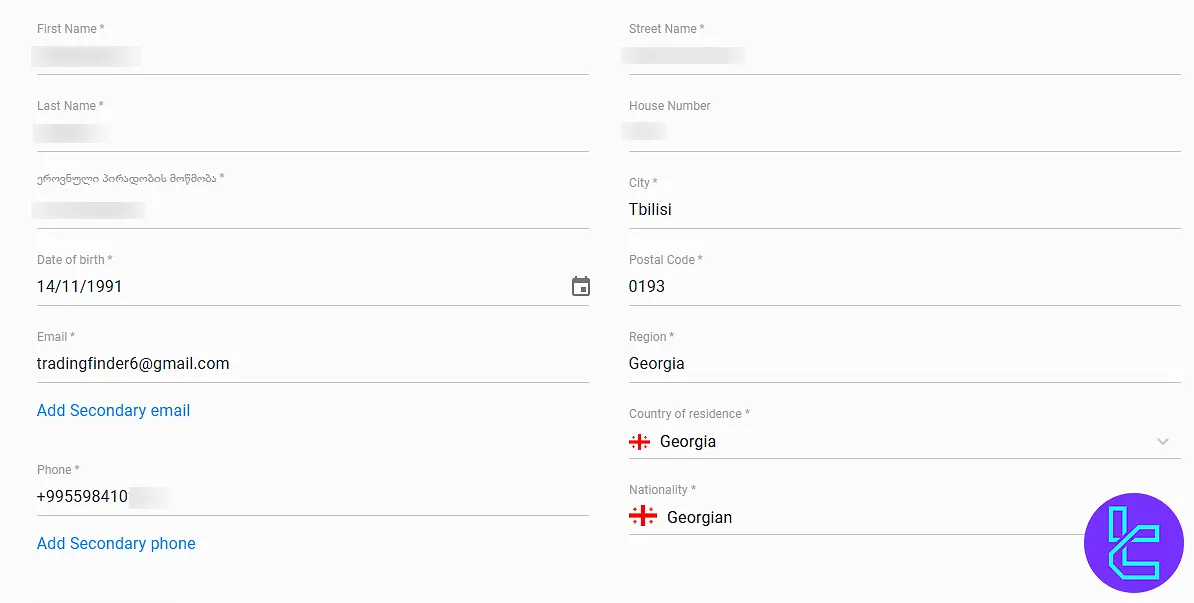
Enter your first name, last name, full address, postal code, date of birth, and email. After entering the required information, click "Save" to proceed.
#2 Providing Trading Experience and Background
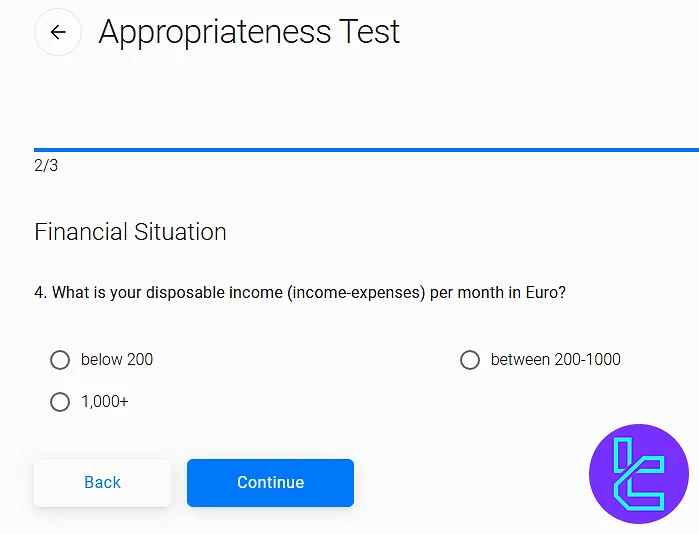
Return to the "Profile and Settings" section and access the "Appropriateness Test" section.
Answer trading-related questions to assess your trading knowledge and experience. Once completed, click "Continue" to proceed.
#3 Submitting Financial and Economic Information
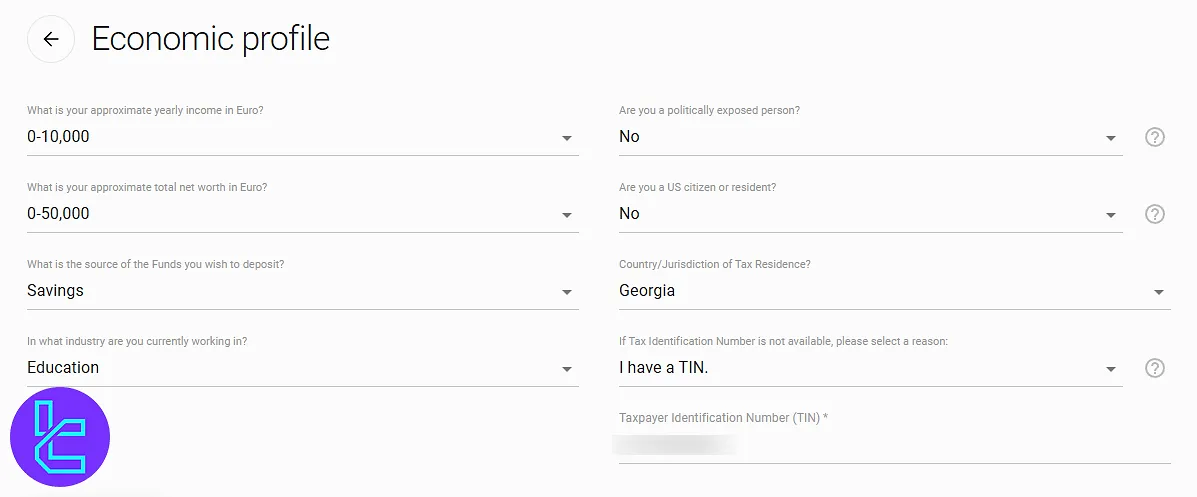
Next, enter details about your financial status, including your annual income, employment status, and tax identification number. Click "Save" to confirm your information.
#4 Uploading Identity and Address Verification Documents
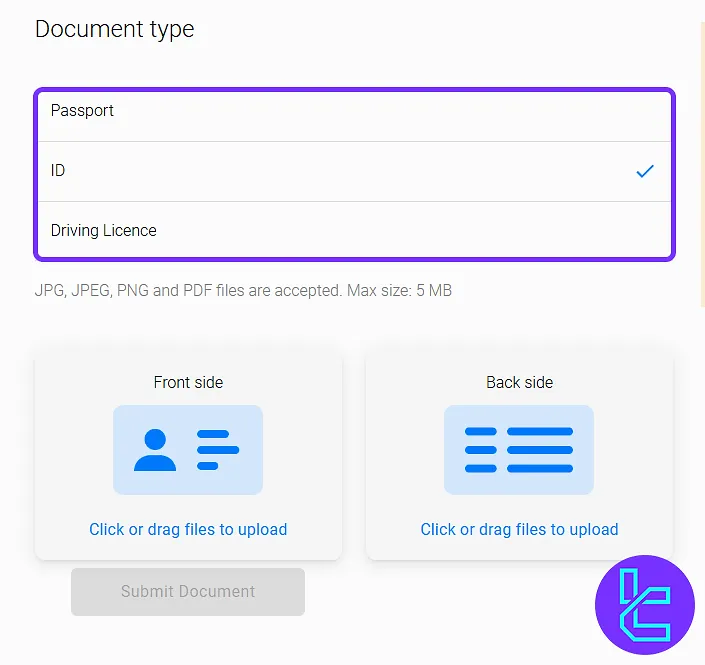
Navigate to the "Verification Documents" section to upload proof of identity and residence.
Choose a proof of ID document (passport, National ID or driving license) and upload a clear photo of the front and back side of your document.
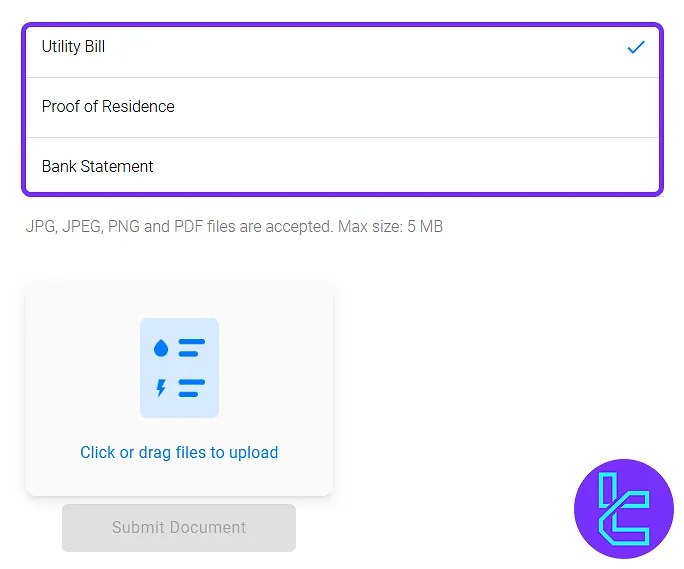
For POA KYC, upload a bank statement, utility bill, or proof of residence issued within the last 3 months. Click "Submit Document" to proceed.
#5 Verifying Deposit Method
In the "Payment Documents" section, upload proof of your deposit method. Select the document type (e.g., bank statement, BTC/ETH POP, credit/debit card copy) and upload the required file.
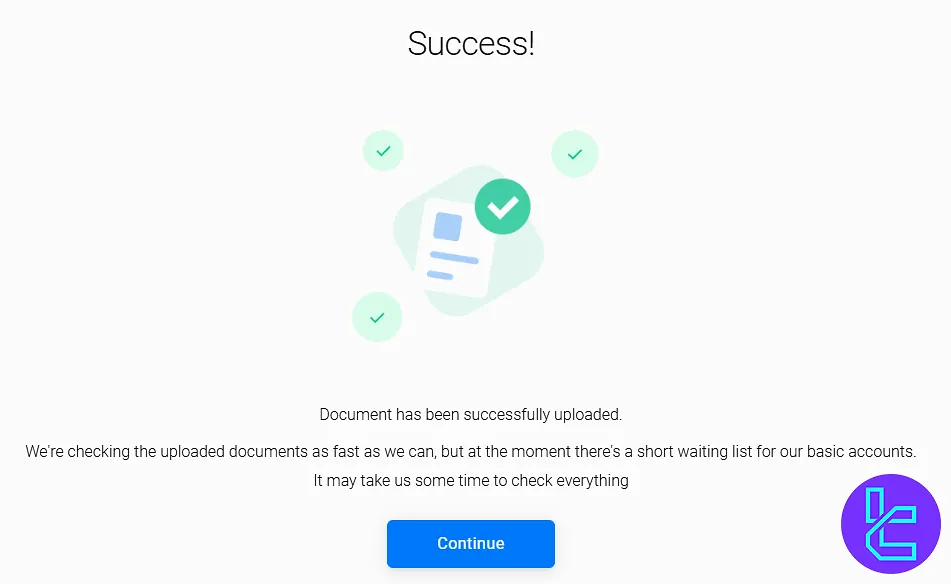
Click "Submit Document" to finalize authentication. The documents will now be under review. Once approved, a confirmation message will be displayed on your dashboard.
Account KYC Process Comparison Table
The table below offers deeper insights into the account verification process differences in BDSwiss and 3 other Brokers.
Verification Requirement | BDSwiss Broker | |||
Full Name | Yes | Yes | No | Yes |
Country of Residence | Yes | No | No | Yes |
Date of Birth Entry | Yes | Yes | No | Yes |
Phone Number Entry | Yes | No | No | No |
Residential Address Details | Yes | Yes | No | Yes |
Phone Number Verification | No | Yes | No | No |
Document Issuing Country | Yes | Yes | Yes | Yes |
ID Card (for POI) | Yes | Yes | Yes | Yes |
Driver’s License (for POI) | Yes | Yes | Yes | Yes |
Passport (for POI) | Yes | Yes | Yes | Yes |
Residence Permit (for POI or POA) | Yes | Yes | Yes | No |
Utility Bill (for POA) | Yes | No | Yes | No |
Bank Statement (for POA) | Yes | No | Yes | No |
2-Factor Authentication | No | No | No | No |
Biometric Face Scan | No | No | No | Yes |
Financial Status Questionnaire | Yes | Yes | No | Yes |
Trading Knowledge Questionnaire | Yes | Yes | No | Yes |
Restricted Countries | Yes | Yes | Yes | Yes |
TF Expert Suggestion
The BDSwiss verification review process takes around 24 to 48 hours, and the support team will check your proof of identity (passport, ID card, driver’s license), proof of address documents.
Now that your account is verified, fund it using the BDSwiss Deposit and Withdrawal methods covered in the BDSwiss tutorialpage.






