












Colmex Pro registration is a 3-step process that allows users to access their trading dashboard within minutes. sign-up requires an email address, code verification, and password creation.
By opening an account with Colmex Pro Forex broker, traders can choose between Margin, Bronze, Silver, Gold, and VIP accounts to trade by depositing a minimum amount of $500.
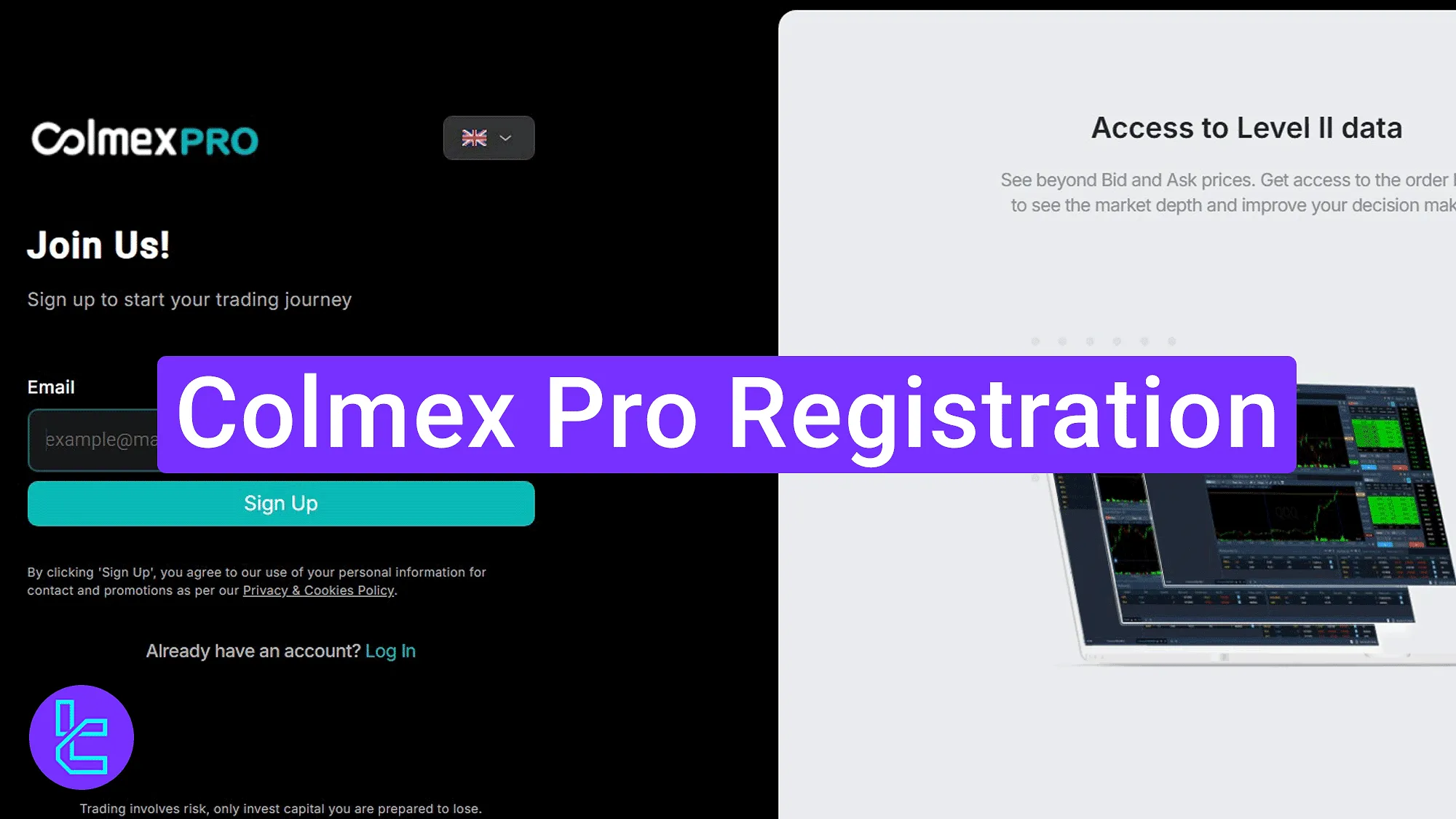
Colmex Pro Account Opening Guide
To begin your account setup with the Colmex Pro broker, follow the simple instructions listed below. Colmex Pro registration overview:
- Accessing the sign-up section on the broker's website;
- Submitting and confirming your email;
- Creating a password and accessing your dashboard.
Here is what you need to prepare before opening an account with Colmex Pro.
Registration Requirements | Yes/No |
Email Sign-up | Yes |
Phone Number Required | No |
Google Account Login | No |
Apple ID Login | No |
Facebook Login | No |
Full Name | No |
Country of Residence | No |
Date of Birth | No |
Address Details | No |
Email Verification | Yes |
Phone Number Verification | No |
Financial Status Questionnaire | No |
Trading Experience Questionnaire | No |
#1 Opening the Account Creation Page
To begin this process, follow these steps:
- Click on the "Open an Account" button at the bottom of this page;
- On the Colmex Pro main page, click on the "Open Account".
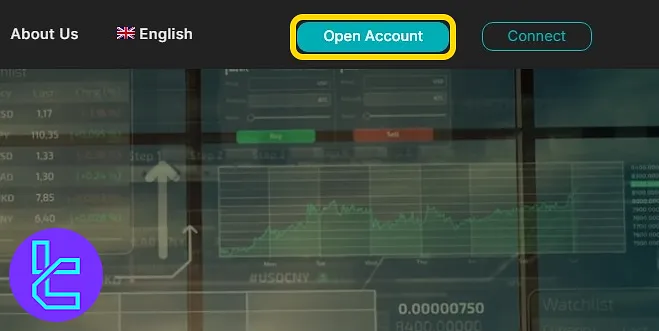
#2 Entering and Verifying Your Email
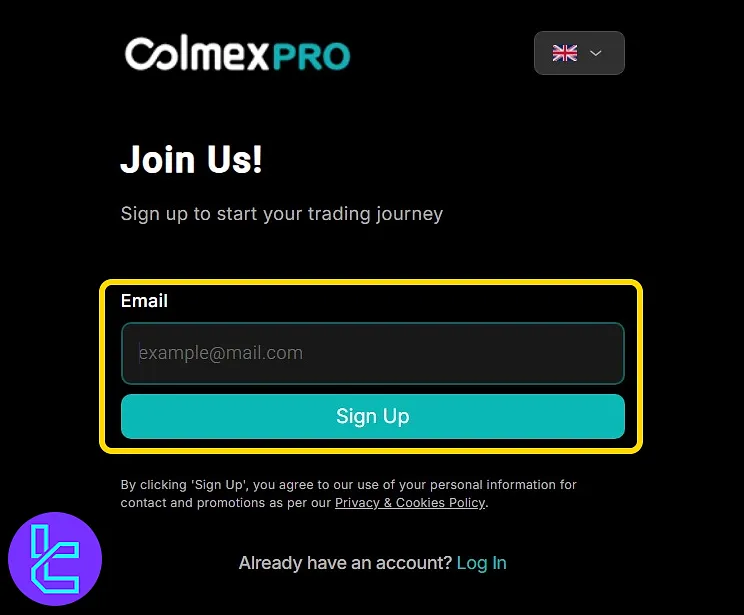
On the account opening form, enter your email address and click on the "Sign Up" button.
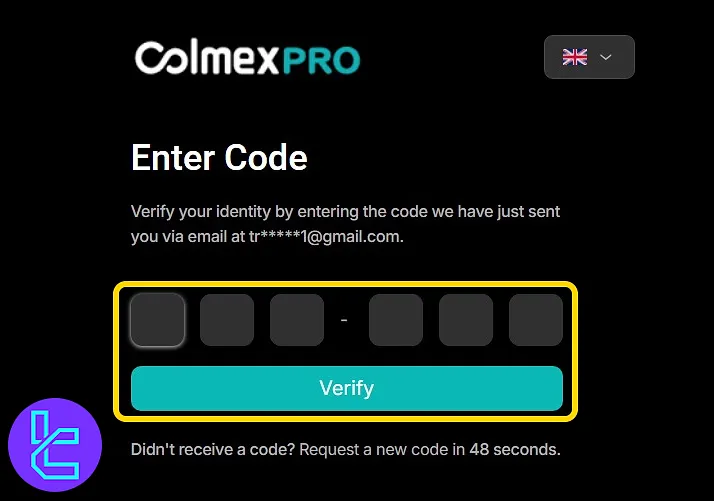
Next, check your inbox for a message from Colmex Pro containing a one-time code. Copy this code to proceed.
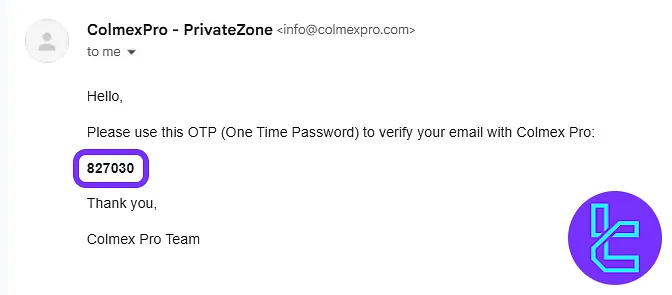
Return to the platform and enter the 6-digit code in the designated fields. Then click on the "Verify" button.
#3 Creating a Password and Accessing the Dashboard
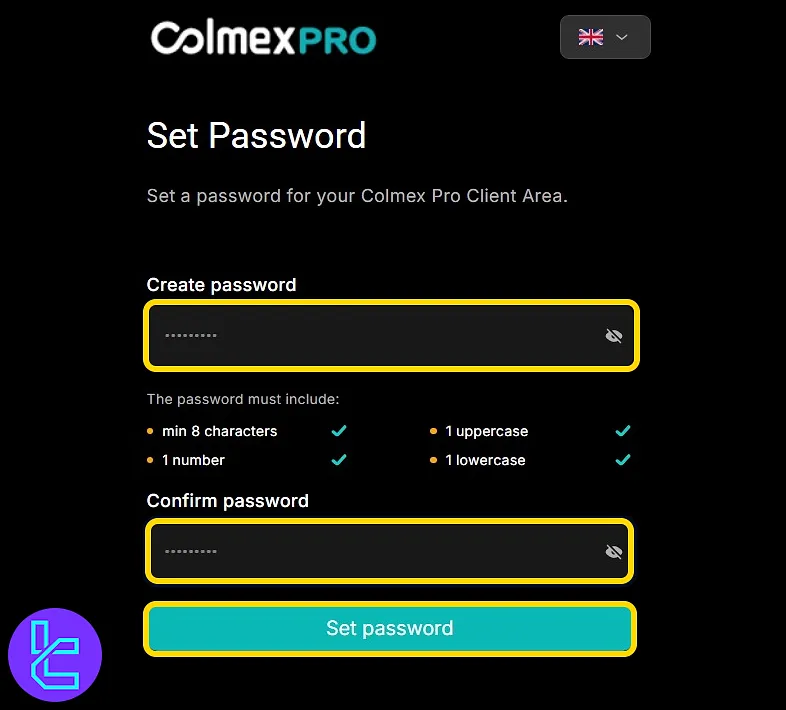
You will now be prompted to create a password. Confirm the password and click on the "Set Password" button. Once completed, you will be redirected to your Colmex Pro dashboard automatically.
Colmex Pro Registration vs 3 Other Brokers
This table helps compare the information required to register an account with Colmex Pro and other Forex brokers.
Registration Requirements | Colmex Pro Broker | |||
Email Sign-up | Yes | Yes | Yes | Yes |
Phone Number Required | No | Yes | Yes | Yes |
Google Account Login | No | No | No | No |
Apple ID Login | No | No | No | No |
Facebook Login | No | No | No | No |
Full Name | No | No | Yes | Yes |
Country of Residence | No | No | Yes | Yes |
Date of Birth | No | No | Yes | No |
Address Details | No | No | No | No |
Email Verification | Yes | No | No | No |
Phone Number Verification | No | No | No | No |
Financial Status Questionnaire | No | No | No | No |
Trading Experience Questionnaire | No | No | No | No |
TF Expert Suggestion
The Colmex Pro registration process takes 5 minutes to complete. Users can access their dashboards immediately after verifying their email using the 6-digit code sent by the broker.
Now that your account setup is complete, you can proceed to the step-by-step tutorial for Colmex Pro verification. Also, a full list of related educational articles is available in the Colmex Pro tutorial section.






