












Didimax registration is a 3-step process that allows traders to access their dashboard instantly. The method includes entering basic personal information, setting account preferences, and confirming terms.
By creating an account with Didimax, traders can begin trading 78+ instruments in Forex, commodities, metals, and futures markets.
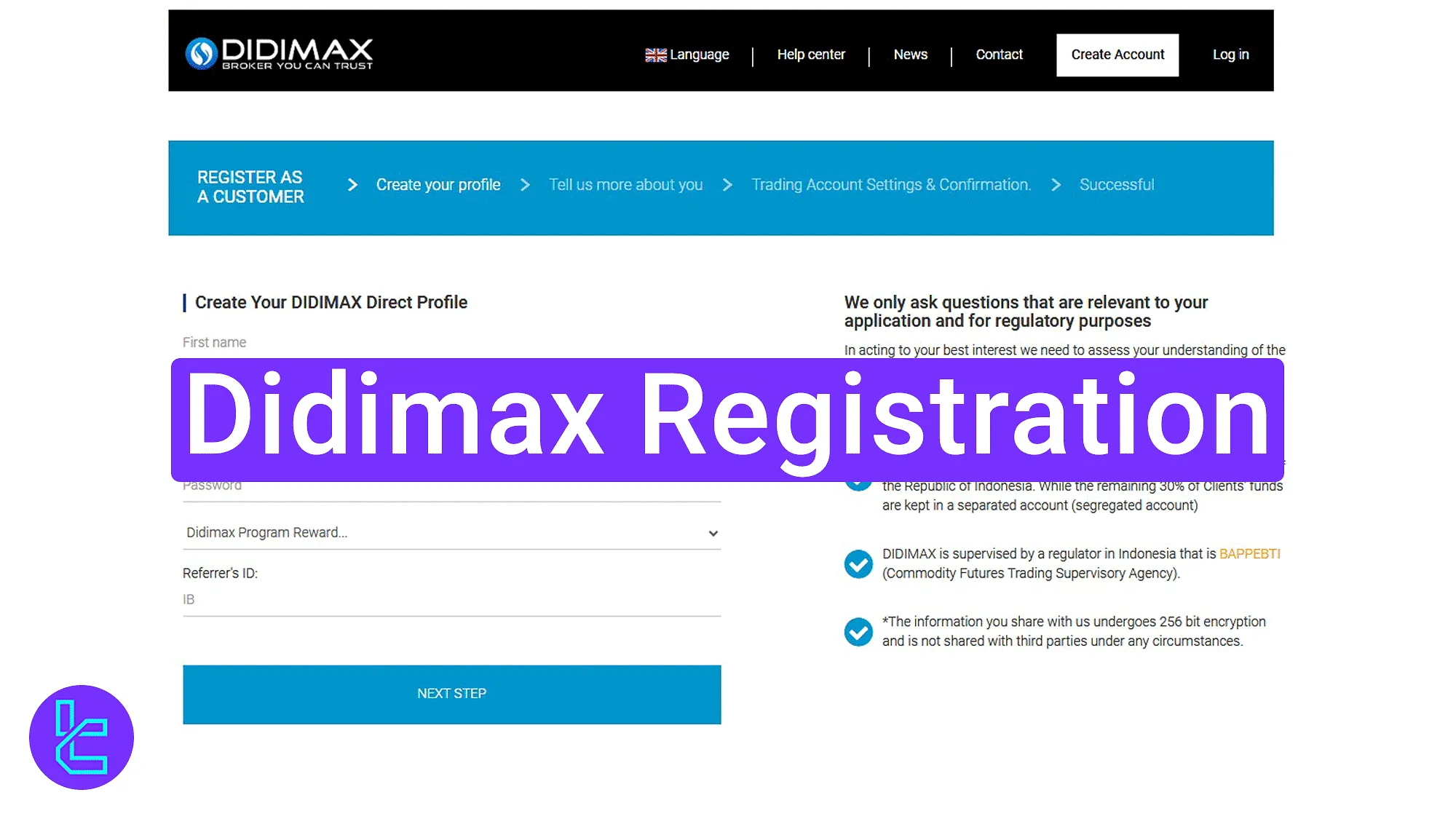
Didimax Registration Process in 3 Steps
To create an account on the Didimax broker, traders must provide their personal details and choose their account preferences Didimax registration main steps:
- Entering the Didimax sign-up section;
- Entering your personal and trading information;
- Logging in to your trading account.
Didimax registration requirements:
Registration Requirements | Yes/No |
Email Sign-up | Yes |
Phone Number Required | Yes |
Google Account Login | No |
Apple ID Login | No |
Facebook Login | No |
Full Name | Yes |
Country of Residence | Yes |
Date of Birth | Yes |
Address Details | Yes |
Email Verification | No |
Phone Number Verification | No |
Financial Status Questionnaire | No |
Trading Experience Questionnaire | No |
#1 Accessing the Account Opening Section
To begin this process, follow these steps:
- Click on the "Open an Account" button at the bottom of this page;
- On the Didimax main page, click on the "Create Account" button in the website header.

#2 Filling Personal and Trading Information
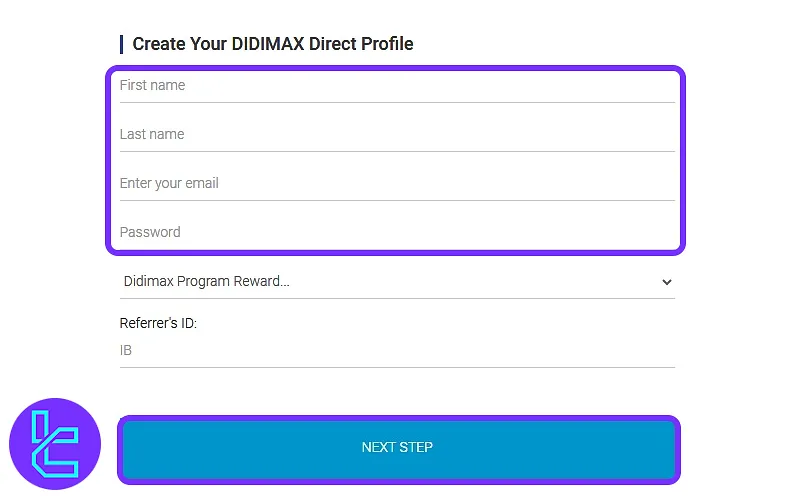
On the first page, fill in the following information:
- First name
- Last name
- Email address
- Password (create a secure one)
- (Optional) Select a Didimax reward program
- (Optional) Enter a referral ID if you have one
Then, click on the "Next Step" button.
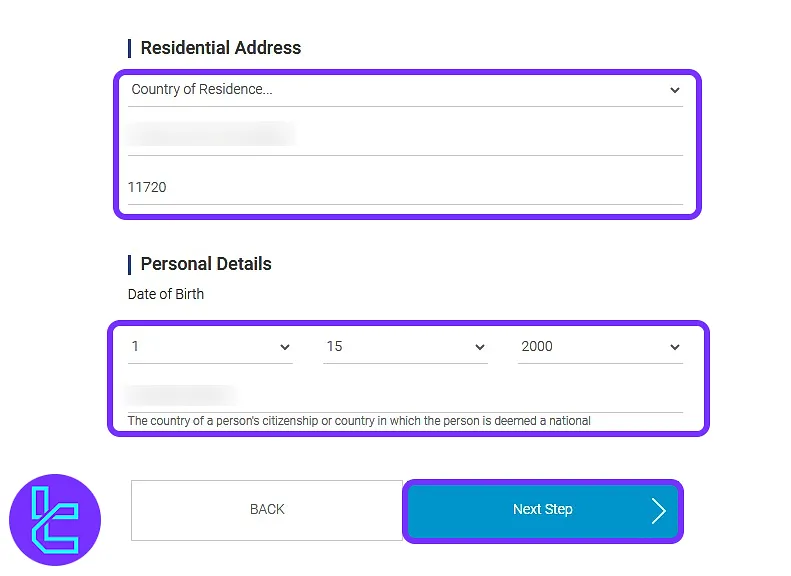
In the next step, provide the following information:
- Country of residence
- Full address
- Postal code
- Date of birth
Then, click on the "Next Step" button again.
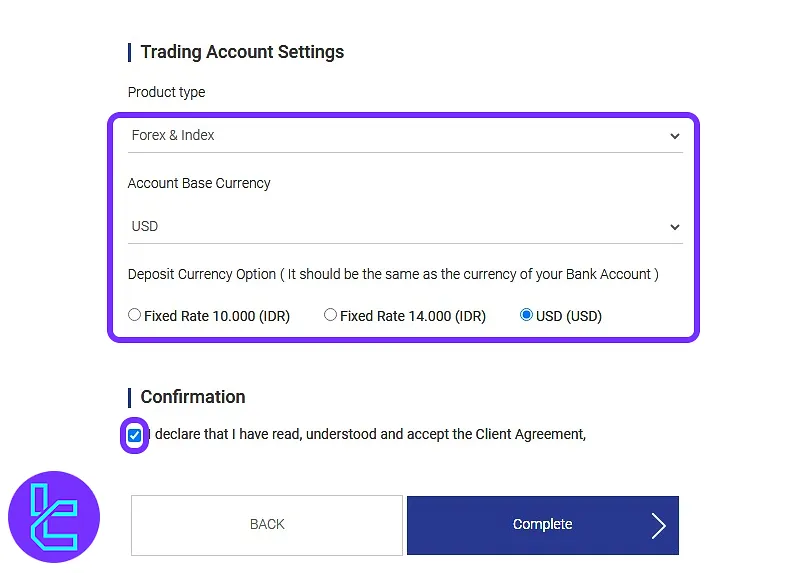
After that, choose your trading preferences, including product type, base currency, and deposit currency. Tick the agreement checkbox and click on the "Complete" button to finish.
#3 Signing in to Access Dashboard
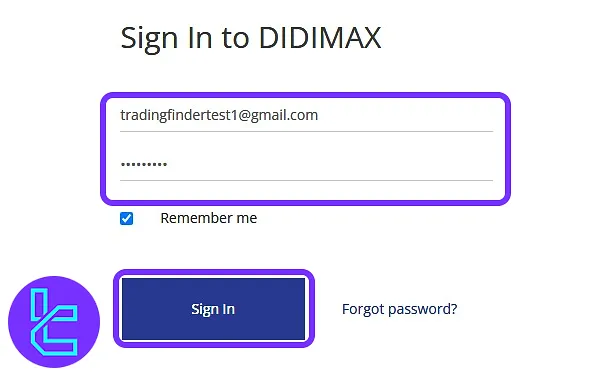
Once the account setup is completed, you will be taken to the login page. Enter your registered email and password, then click on the "Sign In" button to enter your dashboard.
Didimax Signup vs Other Forex Brokers
The table below illustrates the differences in account opening requirements between Didimax and other Forex brokers.
Registration Requirements | Didimax Broker | |||
Email Sign-up | Yes | Yes | Yes | Yes |
Phone Number Required | Yes | No | Yes | Yes |
Google Account Login | No | No | No | Yes |
Apple ID Login | No | No | No | No |
Facebook Login | No | No | No | Yes |
Full Name | Yes | No | Yes | Yes |
Country of Residence | Yes | Yes | Yes | No |
Date of Birth | Yes | No | Yes | No |
Address Details | Yes | No | No | No |
Email Verification | No | Yes | No | No |
Phone Number Verification | No | No | No | No |
Financial Status Questionnaire | No | No | Yes | No |
Trading Experience Questionnaire | No | No | Yes | No |
TF Expert Suggestion
Didimax registration is designed to take no more than 5 minutes and requires basic information like your name, email, address, and date of birth.
The next step in working with this broker is completing the Didimax verification process. A visual guide for this stage, along with many other educational articles, are available in the Didimax tutorial section.






