












Fxview verification takes just 5 minutes, and full approval typically occurs within 24 hours. Start by clicking "Complete Registration", then upload your POI and POA documents to verify your identity and address.
Traders who verify their Fxview accounts can cash out their funds via bank transfers, Skrill, Neteller, and bank cards from this Forex broker.
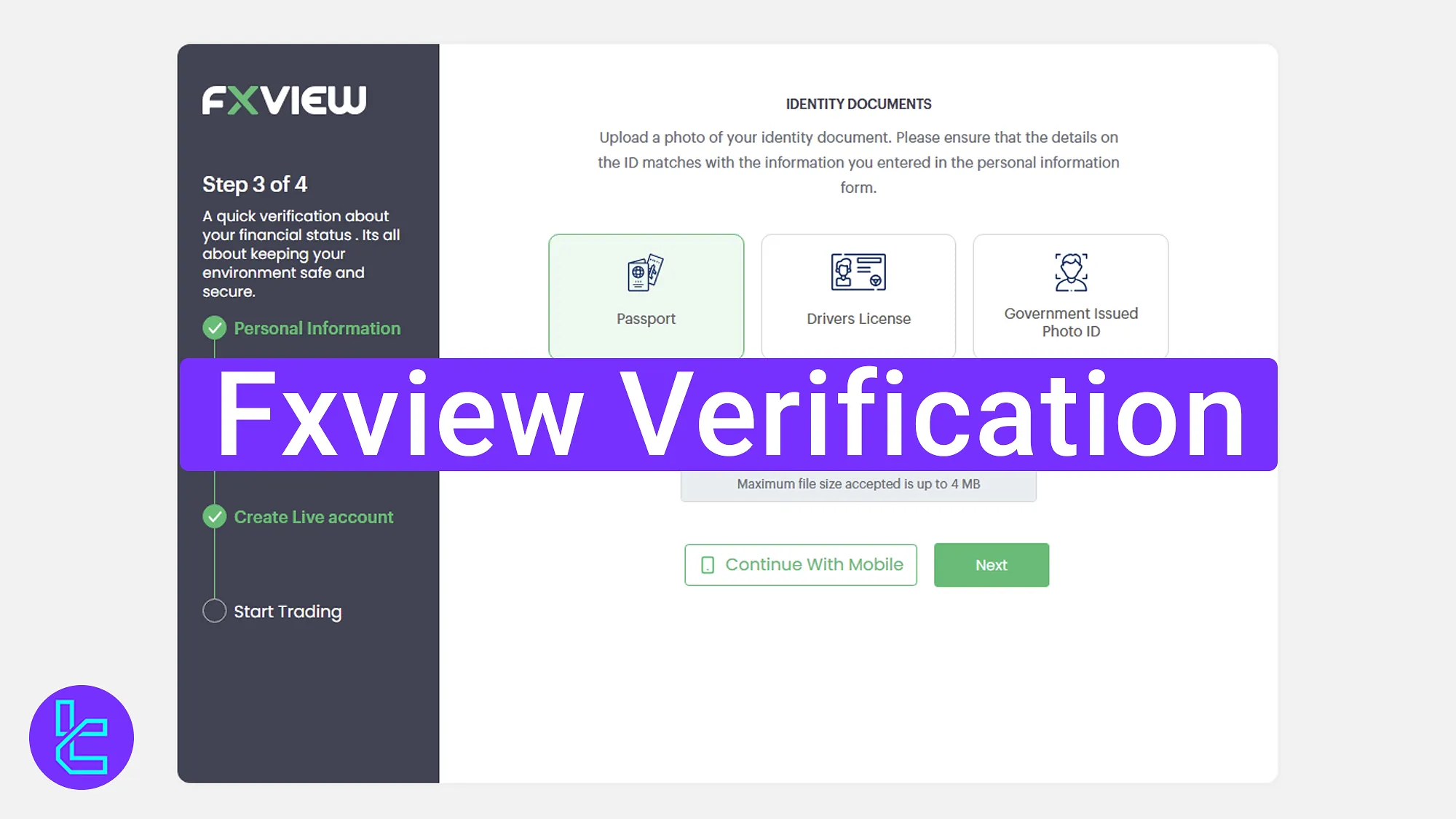
Quick Overview of the Fxview Approval Steps
After completing the FXview registration, traders must verify their account at Fxview broker to access all broker’s features.
- Select "Complete Registration" from the profile dashboard;
- Upload your identity document;
- Submit proof of address;
- Check the KYC status.
Use the table below to see all the necessary details and documents needed for the Fxview account verification.
Verification Requirement | Yes/No |
Full Name | No |
Country of Residence | No |
Date of Birth Entry | No |
Phone Number Entry | No |
Residential Address Details | No |
Phone Number Verification | No |
Document Issuing Country | No |
ID Card (for POI) | Yes |
Driver’s License (for POI) | Yes |
Passport (for POI) | Yes |
Residence Permit (for POI or POA) | No |
Utility Bill (for POA) | Yes |
Bank Statement (for POA) | Yes |
2-Factor Authentication | No |
Biometric Face Scan | No |
Financial Status Questionnaire | No |
Trading Knowledge Questionnaire | No |
Restricted Countries | Yes |
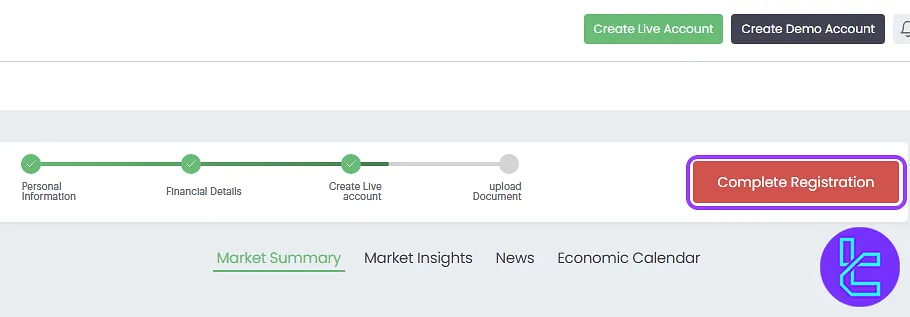
#1 Click on "Complete Registration" from the Dashboard
Start by logging into your Fxview dashboard and selecting "Complete Registration" at the top of your profile.
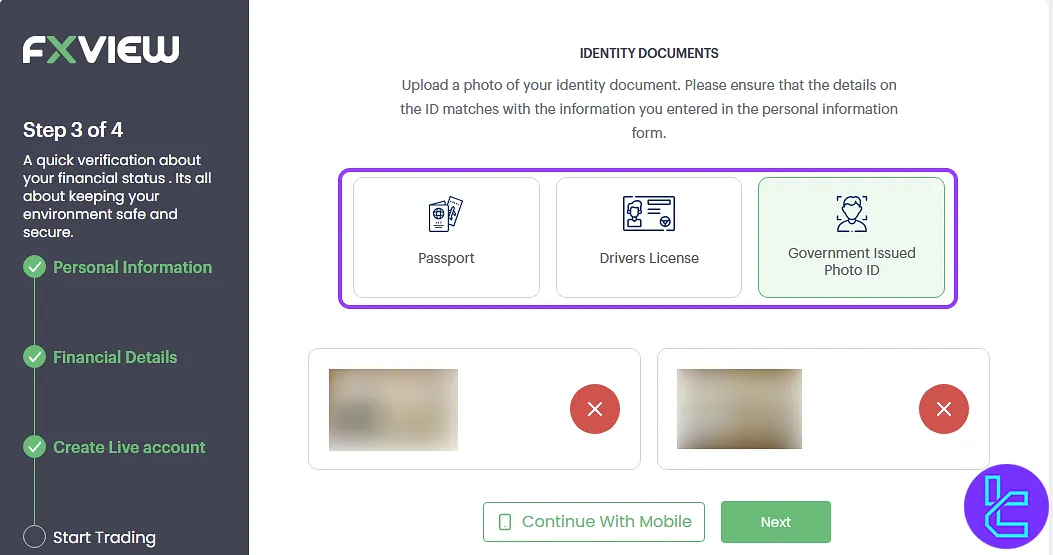
#2 Select and Upload Identity Document
Choose your preferred document type, and upload clear photos of front and back as requested. Supported documents include:
- Passport
- Driver's License
- Government-issued ID Card
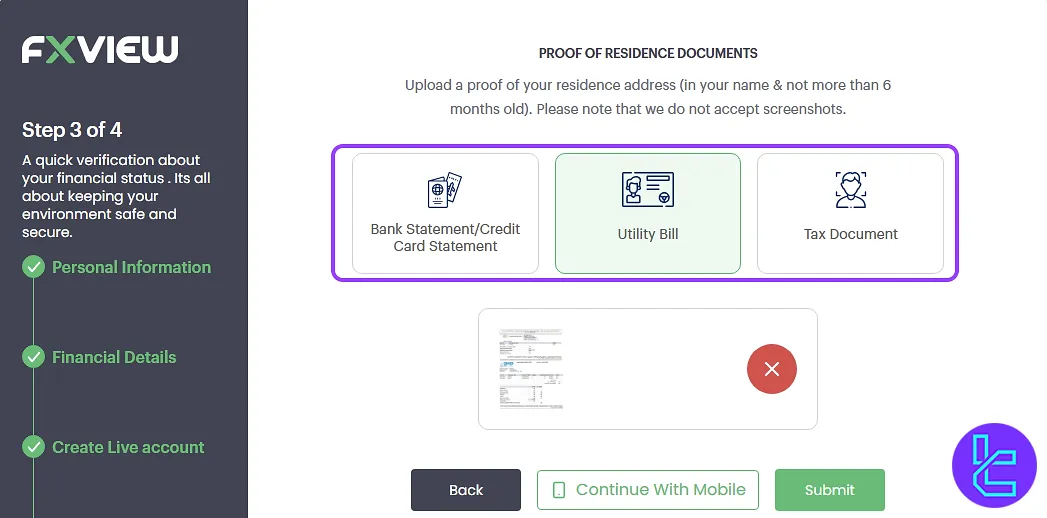
#3 Upload Address Proof Document
Select address proof, such as a utility bill, bank statement, tax document that is not over six months old. Ensure your name and address are visible.
#4 Check validation Status in Your Profile
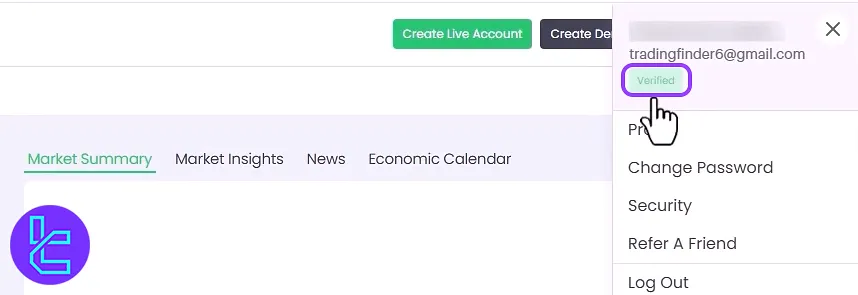
Return to your profile section where you can monitor the status of your KYC. Successful approvals are typically completed within 24 hours.
Fxview KYC in Comparison to Other Forex Brokers
The following table helps you identify the differences in the account verification process of Fxview and 3 other brokers.
Verification Requirement | Fxview Broker | |||
Full Name | No | Yes | No | No |
Country of Residence | No | Yes | No | No |
Date of Birth Entry | No | Yes | No | No |
Phone Number Entry | No | Yes | No | No |
Residential Address Details | No | Yes | No | No |
Phone Number Verification | No | No | No | No |
Document Issuing Country | No | Yes | No | No |
ID Card (for POI) | Yes | Yes | Yes | Yes |
Driver’s License (for POI) | Yes | Yes | Yes | Yes |
Passport (for POI) | Yes | Yes | Yes | Yes |
Residence Permit (for POI or POA) | No | Yes | No | No |
Utility Bill (for POA) | Yes | Yes | Yes | Yes |
Bank Statement (for POA) | Yes | Yes | Yes | Yes |
2-Factor Authentication | No | No | No | No |
Biometric Face Scan | No | No | No | No |
Financial Status Questionnaire | No | No | No | No |
Trading Knowledge Questionnaire | No | No | No | No |
Restricted Countries | Yes | Yes | Yes | Yes |
TF Expert Suggestion
Fxview verification is a simple 4-step process requiring just a few documents to start. For proof of identity (POI), you can use a valid passport, driver's license, or any government-issued photo ID.
For proof of address (POA), accepted documents include a utility bill, bank or credit card statement, or a recent tax document.
Now that your account is verified, visit the Fxview tutorial page to learn about different Fxview deposit and withdrawal methods.






