












The XLibre registration process is fast and has just 2 simple steps. You must fill out a short personal information form that includes your country of residence, email address, password, and IB Code.
After opening an account with XLibre, traders can choose between Cent, Raw, Standard, and ECN accounts and trade with low spreads from 0.0 pips.
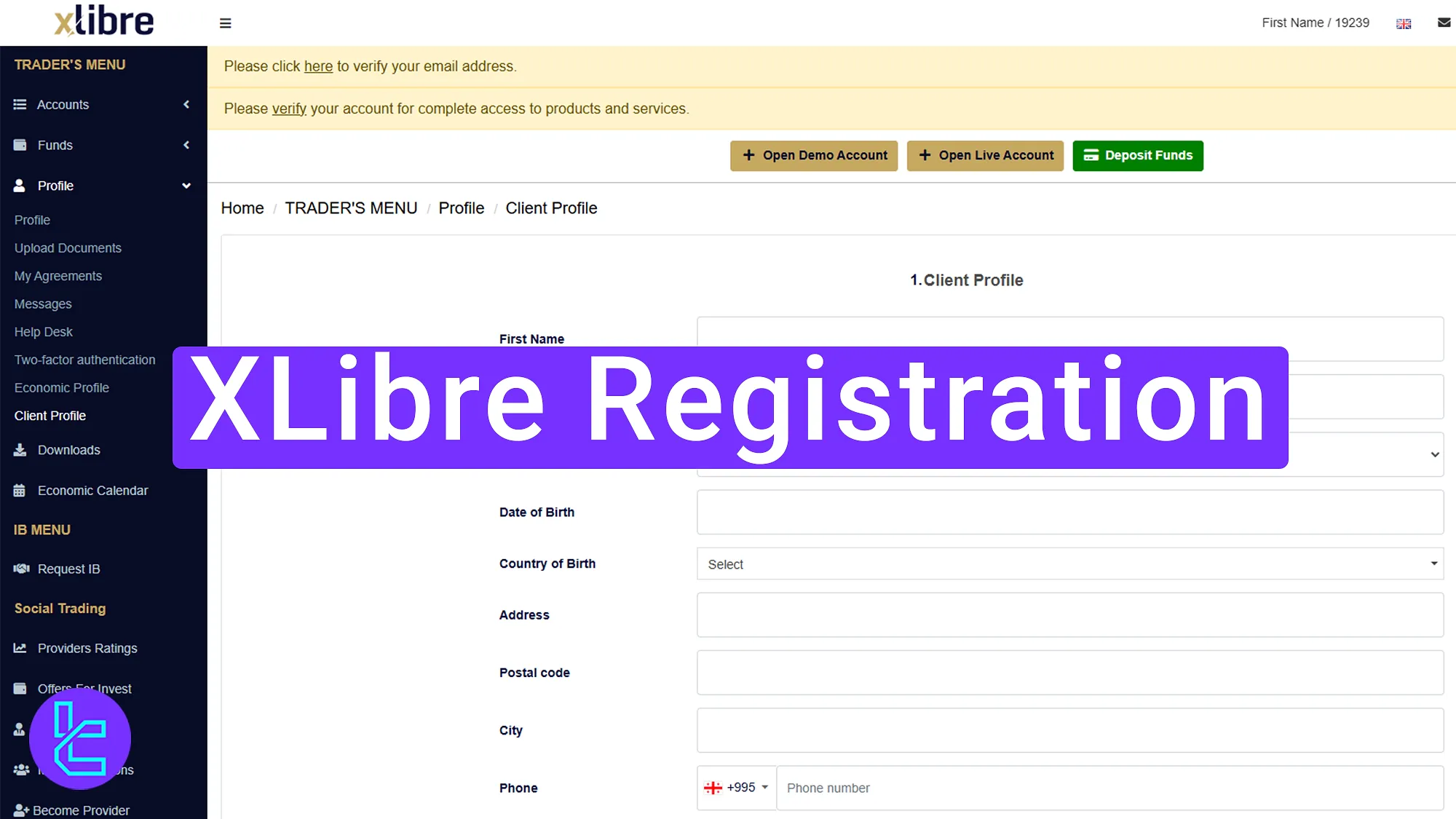
Overview of XLibre Signup Steps
Traders must follow 2 simple steps to create an account with the XLibre broker.
XLibre registration:
- Navigate to the XLibre broker website and complete the account opening form;
- Verify your email by clicking the confirmation link.
The following items are required to create an account with XLibre.
Registration Requirements | Yes/No |
Email Sign-up | Yes |
Phone Number Required | No |
Google Account Login | No |
Apple ID Login | No |
Facebook Login | No |
Full Name | No |
Country of Residence | Yes |
Date of Birth | No |
Address Details | No |
Email Verification | Yes |
Phone Number Verification | No |
Financial Status Questionnaire | No |
Trading Experience Questionnaire | No |
#1 Visit the XLibre Broker Website
To begin the account creation process, follow the steps below:
- Scroll to the bottom of the page and click "Open an Account" to go to the XLibre website;
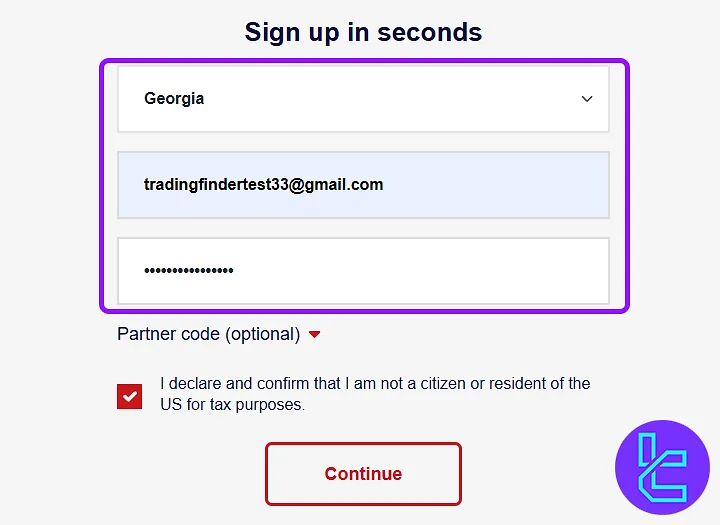
- Then, enter your country of residence and email, and create a secure password for your account.
#2 Verify Your Email Address
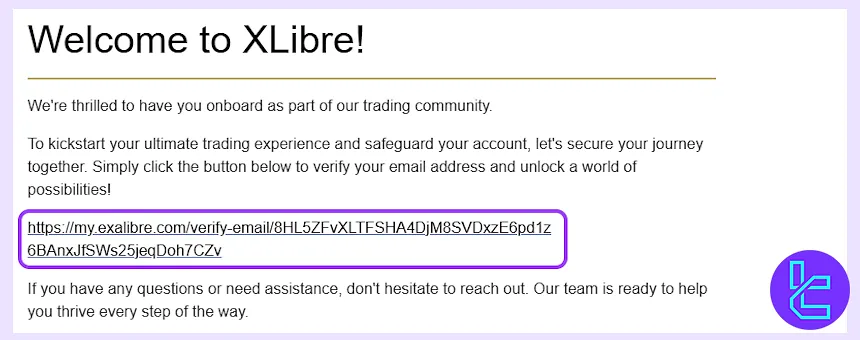
Now, log in to your XLibre dashboard and click "Here" at the top of the page to complete the email verification process. Then, go to your email inbox, find the message from Xlibre, and click on the verification link.
XLibre Account Opening Requirements vs Other Forex Brokers
This table helps compare the information required to register an account with iForex and other Forex brokers.
Registration Requirements | XLibre Broker | |||
Email Sign-up | Yes | Yes | Yes | Yes |
Phone Number Required | No | Yes | No | Yes |
Google Account Login | No | No | No | No |
Apple ID Login | No | No | No | No |
Facebook Login | No | No | No | No |
Full Name | No | No | No | Yes |
Country of Residence | Yes | Yes | Yes | Yes |
Date of Birth | No | No | No | Yes |
Address Details | No | No | No | No |
Email Verification | Yes | Yes | Yes | No |
Phone Number Verification | No | No | No | No |
Financial Status Questionnaire | No | No | No | Yes |
Trading Experience Questionnaire | No | No | No | Yes |
TF Expert Suggestion
Completing your XLibre registration is quick, allowing you to access your personal dashboard in just 5 minutes. To complete finalize this process, you must verify your email using the exclusive verification link sent to your email address
The next step in your journey with this broker is completing the XLibre verification process. Detailed guides of this procedure is available on the XLibre tutorial page.






