












XLibre verification takes 5 minutes. You must provide personal information and upload proof of identification and address documents to get verified and start trading.
After verifying your account, you can begin cashing out your profits via bank transfers, bank cards, and e-wallets at this Forex broker.
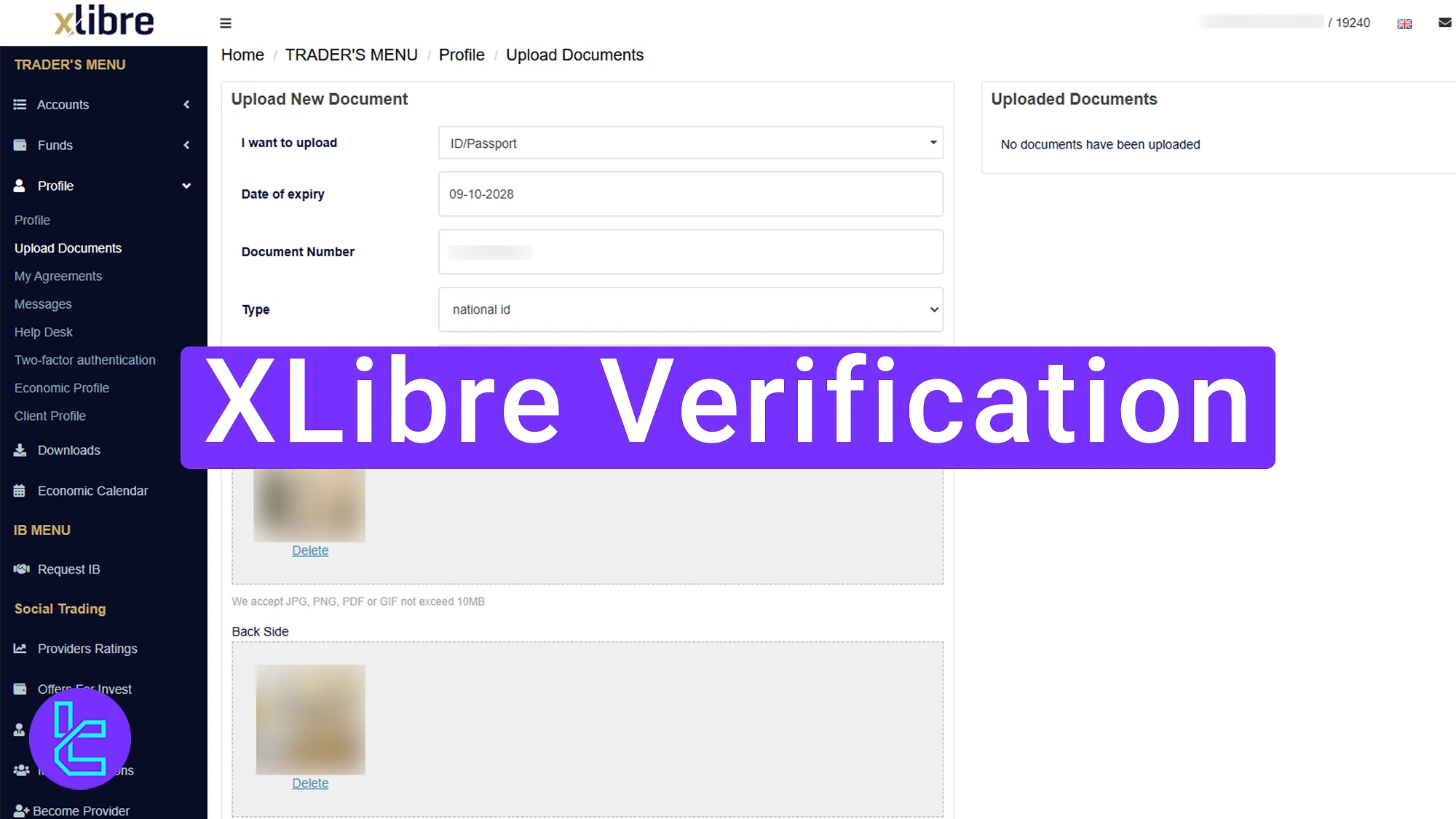
Step-by-Step XLibre KYC Process
Traders need to verify their account in the XLibre broker in just 4 steps to access all the available features on the platform.
XLiber verification:
- Access the “Profile” section and complete the personal information;
- Upload and submit identity documents;
- Verify your address with the correct proof;
- Check the account user approval status.
XLibre Verification requirements:
Verification Requirement | Yes/No |
Full Name | Yes |
Country of Residence | Yes |
Date of Birth Entry | Yes |
Phone Number Entry | No |
Residential Address Details | Yes |
Phone Number Verification | No |
Document Issuing Country | Yes |
ID Card (for POI) | Yes |
Driver’s License (for POI) | Yes |
Passport (for POI) | Yes |
Residence Permit (for POI or POA) | Yes |
Utility Bill (for POA) | Yes |
Bank Statement (for POA) | Yes |
2-Factor Authentication | No |
Biometric Face Scan | No |
Financial Status Questionnaire | No |
Trading Knowledge Questionnaire | No |
Restricted Countries | Yes |
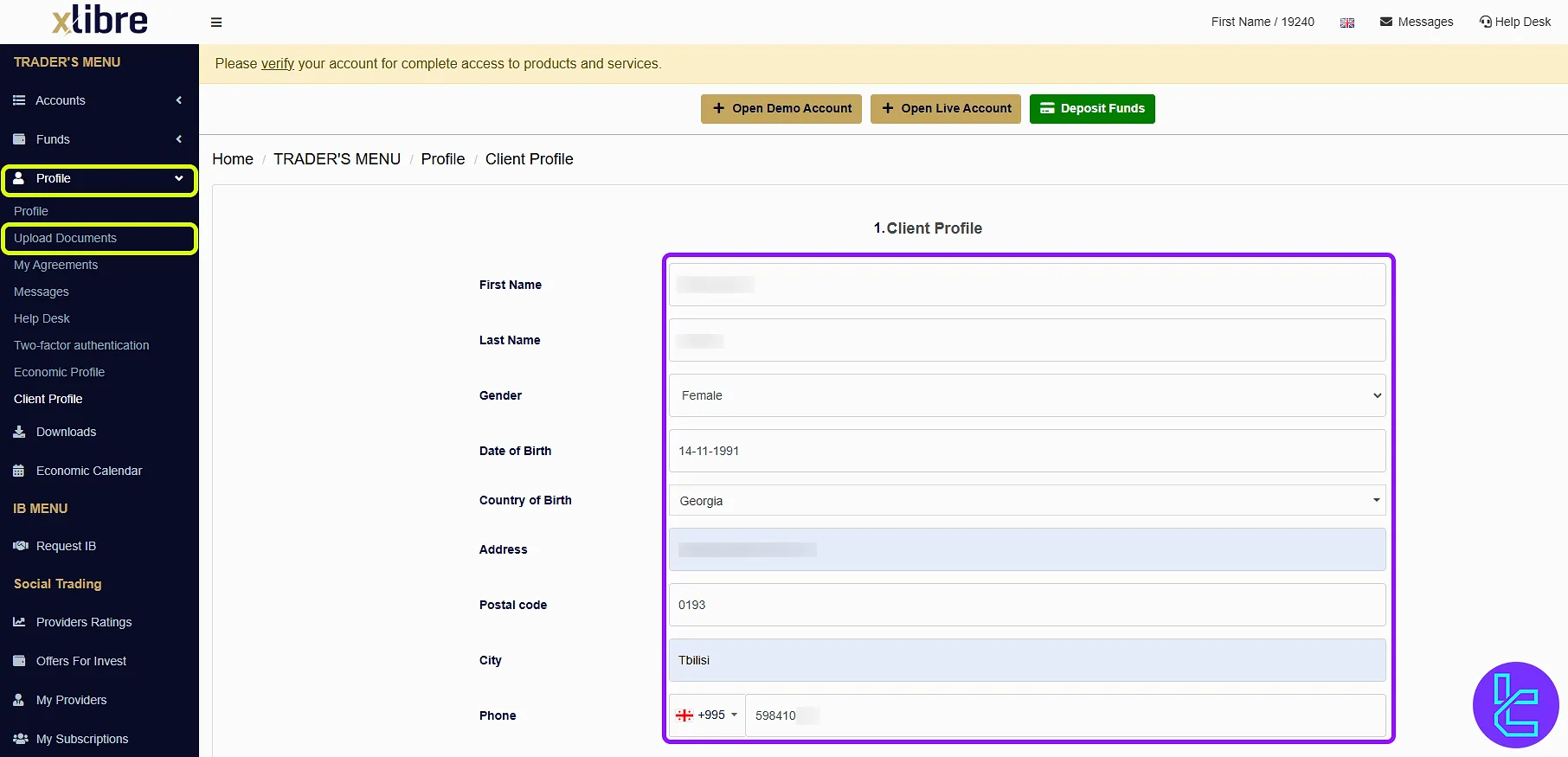
#1 Fill Out Your Personal Information in the “Profile” section
To verify your account, you must first enter the XLiber dashboard, navigate to the “Upload Documents” section under the “Profile” menu. Then provide the following information:
- First Name
- Last Name
- Gender
- Date of Birth
- Country of Birth
- Address
- Postal Code
- City
- Phone
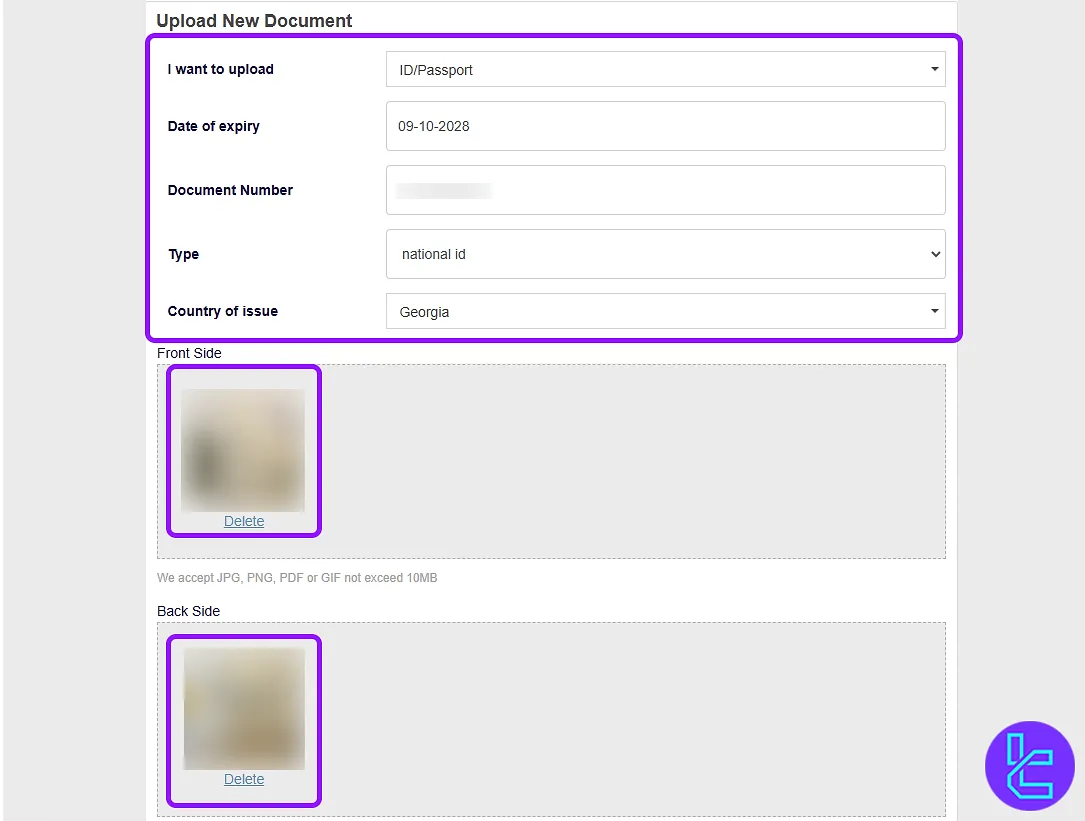
#2 Verify Your Identity
Next, access the KYC section from the top menu and select "Verify".
- Choose the Type of document (passport, ID card, etc.);
- Enter your ID number, issue date, Type, and country of residence;
- Upload a clear photo of the back side of your ID;
- Click "Submit".
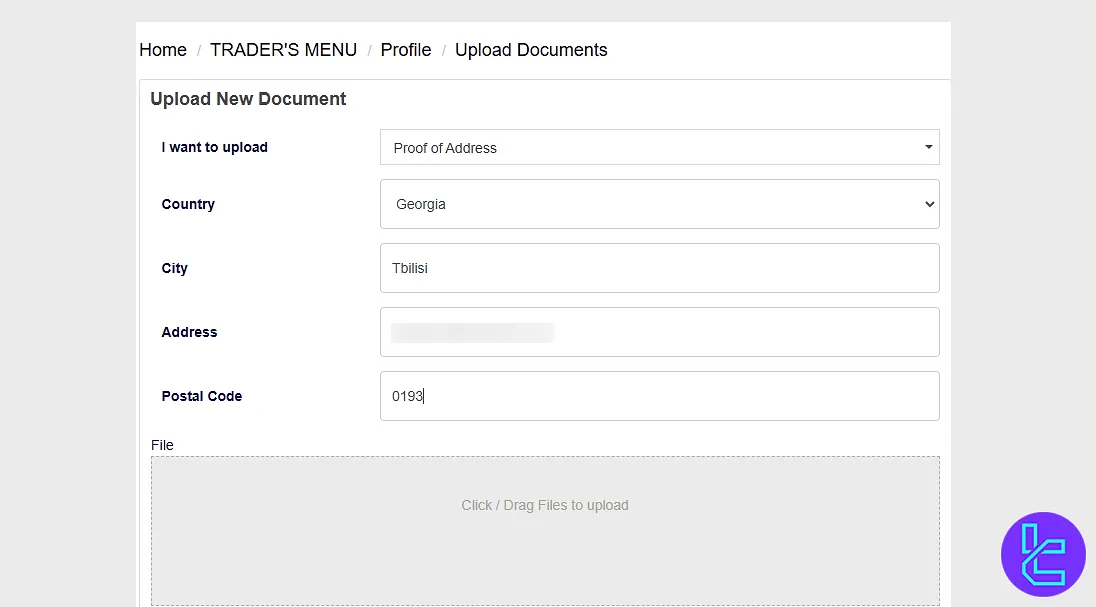
#3 Confirm Your Address
Now, move to the "Proof of Address" section and follow the steps below:
- Select the appropriate proof of address document (utility bill, bank statement, etc.);
- Confirm your country, city, complete address, and postal code;
- Upload the document dated within the last 3 months;
- Click "Submit".
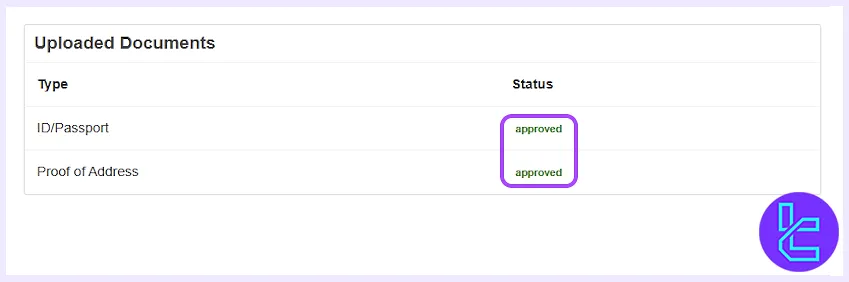
#4 Check The User approval Status
Once submitted, your document enters the review stage. Your account will be verified quickly if all data is valid and legible.
XLibre Account Verification vs Other Forex Brokers
The table below allows you to compare the necessary documents to verify an XLibre account with that of other Forex brokers.
Verification Requirement | XLibre Broker | |||
Full Name | Yes | Yes | No | No |
Country of Residence | Yes | No | No | Yes |
Date of Birth Entry | Yes | Yes | No | No |
Phone Number Entry | No | No | No | No |
Residential Address Details | Yes | Yes | No | Yes |
Phone Number Verification | No | Yes | No | No |
Document Issuing Country | Yes | Yes | No | No |
ID Card (for POI) | Yes | Yes | Yes | Yes |
Driver’s License (for POI) | Yes | Yes | Yes | Yes |
Passport (for POI) | Yes | Yes | Yes | Yes |
Residence Permit (for POI or POA) | Yes | Yes | No | No |
Utility Bill (for POA) | Yes | No | Yes | Yes |
Bank Statement (for POA) | Yes | No | Yes | Yes |
2-Factor Authentication | No | No | No | No |
Biometric Face Scan | No | No | Yes | No |
Financial Status Questionnaire | No | Yes | No | Yes |
Trading Knowledge Questionnaire | No | Yes | No | No |
Restricted Countries | Yes | Yes | Yes | Yes |
TF Expert Suggestion
XLibre verification is a 4-step process that require traders to complete upload thier passport, driving license, or ID card as proof of identity (POI) and a utility bill or bank statement as proof of address (POA).
Now that you have verified your account, you can seamlessly transfer funds using XLibre deposit and withdrawal methods, mentioned in the XLibre tutorial guides and articles.






