












The XS.com verification process takes just 7 minutes to complete. Traders can complete this procedure by uploading a government-issued ID and providing a valid proof of address, such as a utility bill or bank statement.
Ensure your documents are clear, high-quality, and valid. You’ll receive a confirmation once your documents are reviewed and approved by this Forex broker.
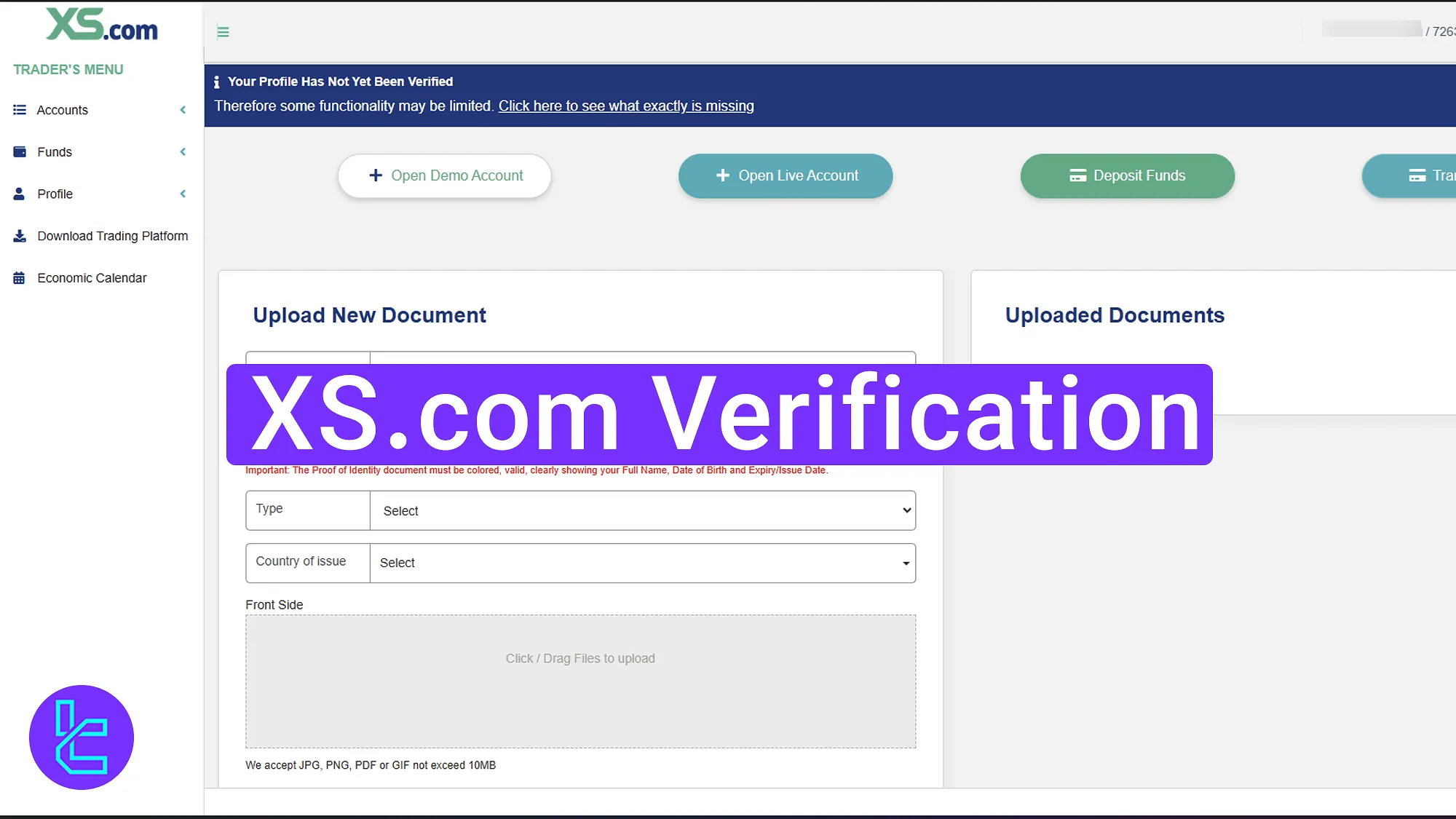
XS.com Validation Overview
After completing the XS.com registration, you'll gain full access to all the platform's trading tools and financial features if you provide the necessary documents to the XS.com broker.
XS.com verification steps:
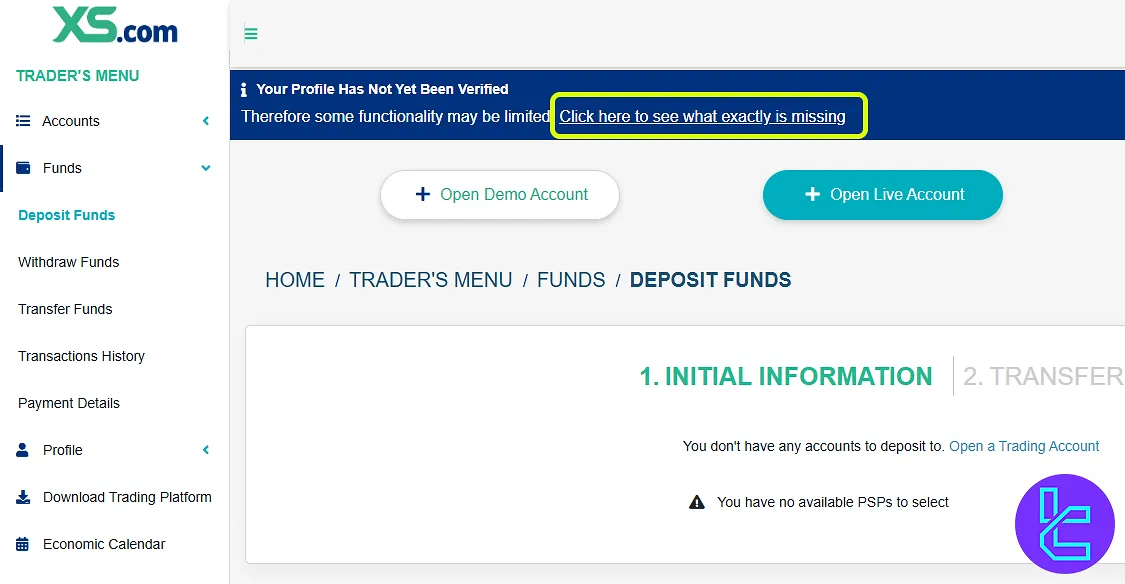
- Click on the “Click here to see what exactly is missing”;
- Upload proof of identity document;
- Provide proof of address;
- Receive approval confirmation.
The list below shows what is required to verify your account with XS.com.
Verification Requirement | Yes/No |
Full Name | No |
Country of Residence | No |
Date of Birth Entry | No |
Phone Number Entry | No |
Residential Address Details | Yes |
Phone Number Verification | No |
Document Issuing Country | No |
ID Card (for POI) | Yes |
Driver’s License (for POI) | Yes |
Passport (for POI) | Yes |
Residence Permit (for POI or POA) | Yes |
Utility Bill (for POA) | Yes |
Bank Statement (for POA) | Yes |
2-Factor Authentication | No |
Biometric Face Scan | No |
Financial Status Questionnaire | No |
Trading Knowledge Questionnaire | No |
Restricted Countries | Yes |
#1 Enter the User Authentication Section
After logging in to your account, navigate to the top section of the page and choose "Click here to see what is missing".
#2 Upload Your ID Document
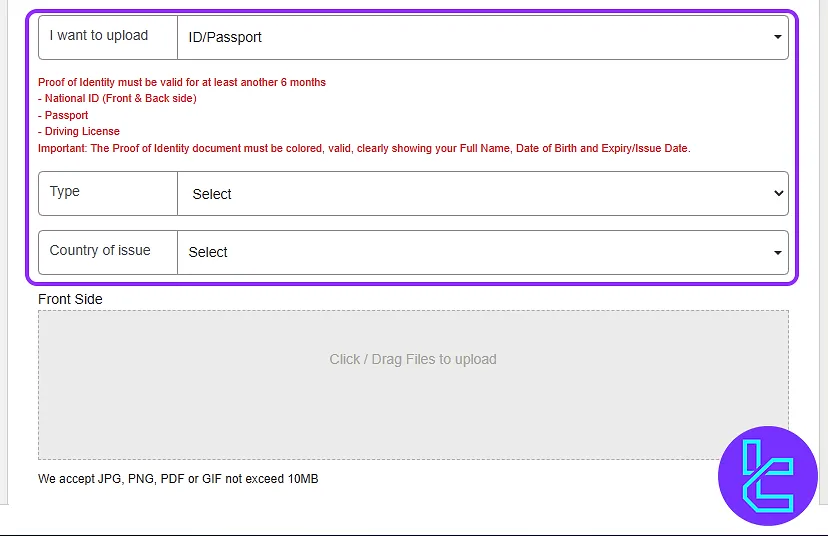
Click "Upload" in front of ID validation to start the process. Select the type of ID document you want to use:
- Passport
- Driver's license
- National ID card
- Residence permit
Chose the country of issue. Then, upload clear images of both the front and back of the document. Blurry images may cause approval delays.
#3 Provide Proof of Address
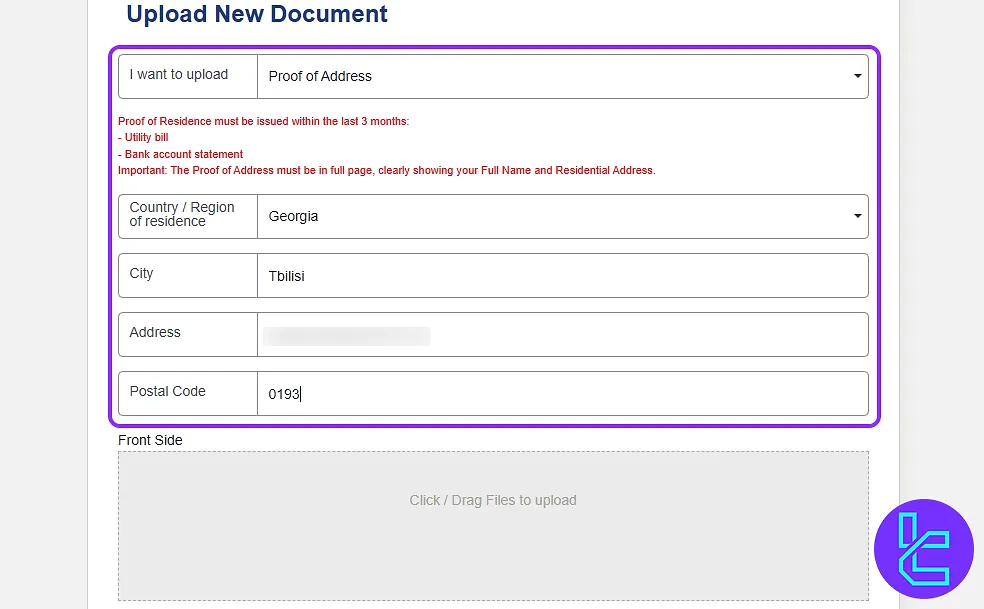
To verify your residential address, select "Proof of Address" and enter your complete address, including your country, city, address, and postal code.
Then, upload one of the following documents:
- Utility bill (electricity, water, gas)
- Bank statement
- Government-issued document
Ensure the document is issued within the past 3 months.
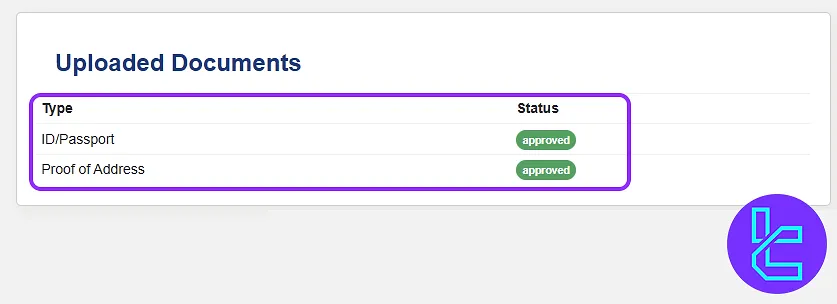
#4 Get XS.com KYC Confirmation
Your account will be verified typically within one hour, provided all documents meet XS.com's compliance requirements.
XS.com Verification in Comparison to Other Forex Brokers
The table below illustrates the differences in account opening requirements between XS.com and other Forex brokers.
Verification Requirement | XS.com Broker | |||
Full Name | No | Yes | No | No |
Country of Residence | No | No | No | Yes |
Date of Birth Entry | No | Yes | No | No |
Phone Number Entry | Yes | No | No | No |
Residential Address Details | No | Yes | No | Yes |
Phone Number Verification | Yes | Yes | No | No |
Document Issuing Country | No | Yes | No | No |
ID Card (for POI) | Yes | Yes | Yes | Yes |
Driver’s License (for POI) | Yes | Yes | Yes | Yes |
Passport (for POI) | Yes | Yes | Yes | Yes |
Residence Permit (for POI or POA) | No | Yes | No | No |
Utility Bill (for POA) | No | No | Yes | Yes |
Bank Statement (for POA) | No | No | Yes | Yes |
2-Factor Authentication | No | No | No | No |
Biometric Face Scan | No | No | Yes | No |
Financial Status Questionnaire | No | Yes | No | Yes |
Trading Knowledge Questionnaire | No | Yes | No | No |
Restricted Countries | Yes | Yes | Yes | Yes |
TF Expert Suggestion
The XS.com verification process is completed in just 4 steps. You can use your ID card, passport, or driver’s license for identity approval and a utility bill, bank statement, or government-issued document for proof of residence.
With your XS.com account now verified, you’re ready to easily explore the available XS.com deposit and withdrawal methods and manage your funds. For detailed guidance, check out the XS.com tutorial page.






