












AUS GLOBAL verification process allows you to verify your account in just 4 minutes through providing identity approval documents, choosing trading account details, and sending your signature for confirmation.
After finalizing the account verification process at the AUS Global broker, traders can safely trade on STP, ECN, CLA, and VIP accounts with low spreads from 0.0 pips.
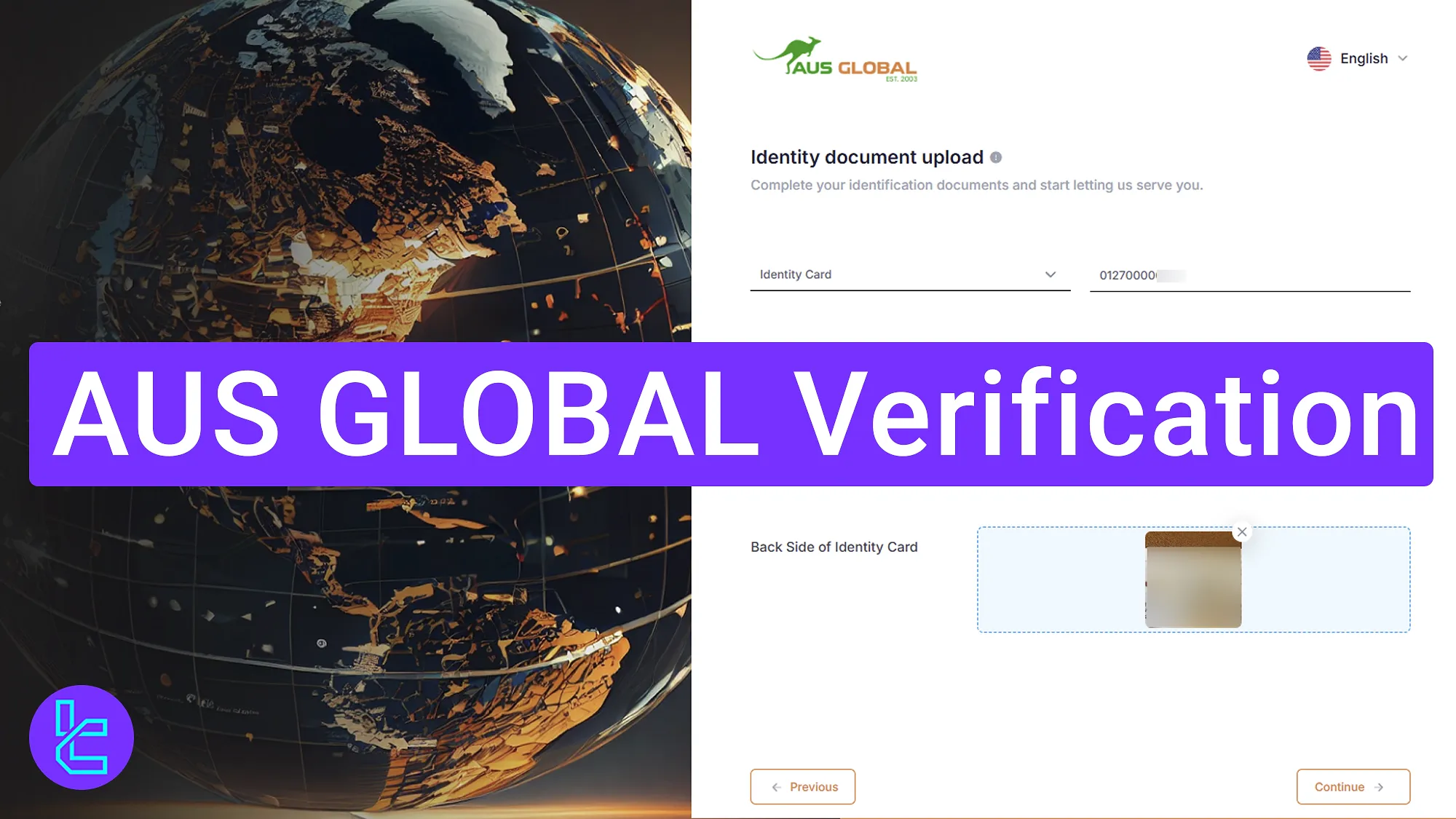
Step-by-Step Guide to AUS GLOBAL Validation
Use these four steps to complete your AUS GLOBAL broker KYC process.
AUS Global verification:
- Upload identity documents;
- Submit trading information;
- Receive a confirmation email;
- Provide your digital signature.
Ensure you have the following documents before starting the account verification process in the AUS GLOBAL broker.
Verification Requirement | Yes/No |
Full Name | No |
Country of Residence | No |
Date of Birth Entry | No |
Phone Number Entry | No |
Residential Address Details | No |
Phone Number Verification | No |
Document Issuing Country | No |
ID Card (for POI) | Yes |
Driver’s License (for POI) | Yes |
Passport (for POI) | Yes |
Residence Permit (for POI or POA) | No |
Utility Bill (for POA) | No |
Bank Statement (for POA) | No |
2-Factor Authentication | No |
Biometric Face Scan | No |
Financial Status Questionnaire | No |
Trading Knowledge Questionnaire | No |
Restricted Countries | Yes |
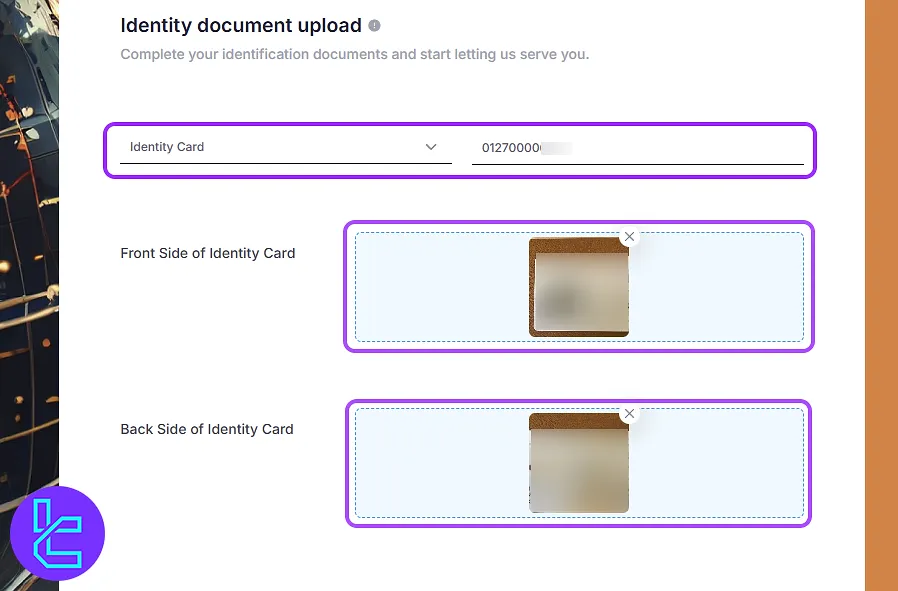
#1 Upload the Identity Document and Choose the Validation Method
Once you finalize the AUS GLOBAL registration process, you must immediately start the authentication procedure. Click on "Identity document upload" to begin. Then, select one of the following documents:
- ID card
- Passport
- Driver's license
- Government-issued document
Enter your ID number in the required section and upload explicit images of both the front and back of your document.
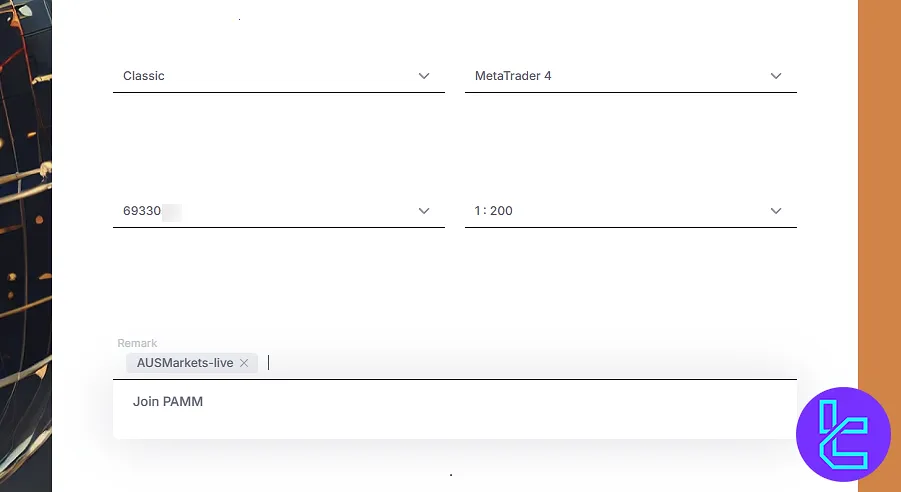
#2 Submit Trading Information
Next, specify your trading account details, including your:
- Account type (Standard or ECN)
- Account number
- Leverage
- Trading platform (cTrader)
- Remark
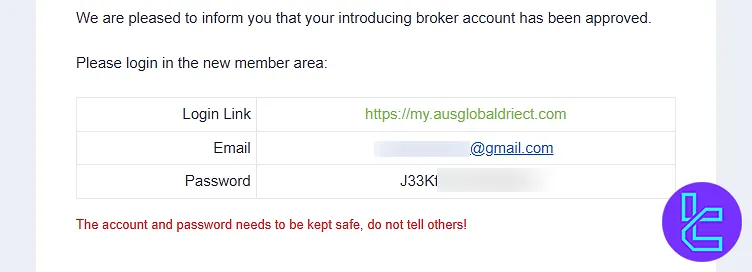
#3 Receive an Approval Email and Log into Your Account
Once your documents are submitted, they will be reviewed. After approval, you will receive an email with your account details. Copy this information and proceed to log in.
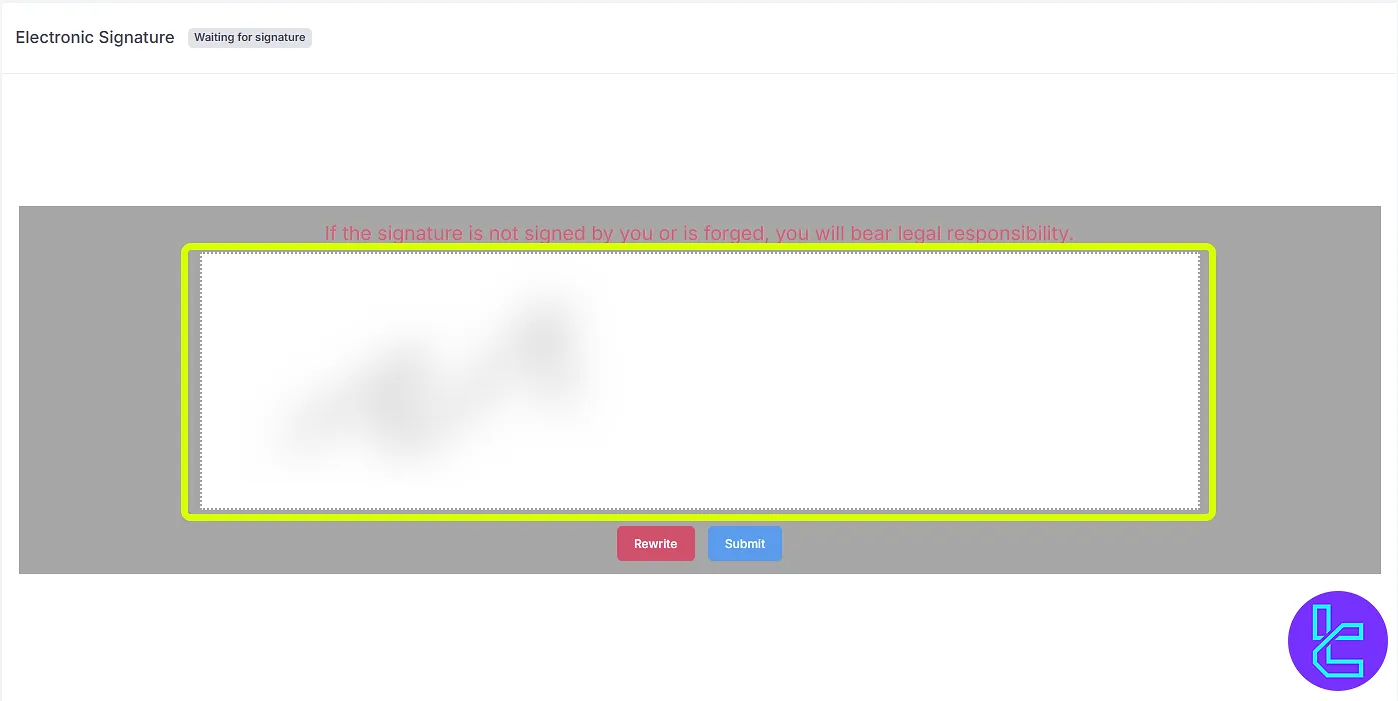
#4 Provide Your Digital Signature
For final confirmation:
- Navigate to the “Electronicsignature” section;
- Use your mouse to sign and click "Submit".
AUS GLOBAL User KYC vs Other Forex Brokers
The following table outlines the account verification requirements for AUS GLOBAL and three other brokers.
Verification Requirement | AUS Global Broker | |||
Full Name | No | No | No | No |
Country of Residence | No | No | No | No |
Date of Birth Entry | No | No | No | No |
Phone Number Entry | No | No | No | No |
Residential Address Details | No | No | No | Yes |
Phone Number Verification | No | No | No | No |
Document Issuing Country | No | Yes | No | No |
ID Card (for POI) | Yes | Yes | Yes | Yes |
Driver’s License (for POI) | Yes | Yes | Yes | Yes |
Passport (for POI) | Yes | Yes | Yes | Yes |
Residence Permit (for POI or POA) | No | Yes | Yes | No |
Utility Bill (for POA) | No | Yes | Yes | Yes |
Bank Statement (for POA) | No | Yes | Yes | Yes |
2-Factor Authentication | No | No | No | No |
Biometric Face Scan | No | No | No | Yes |
Financial Status Questionnaire | No | No | No | Yes |
Trading Knowledge Questionnaire | No | No | No | Yes |
Restricted Countries | Yes | Yes | Yes | Yes |
TF Expert Suggestion
Completing AUS GLOBAL verification is a fast and secure 4-step process. Upload your ID card, passport, driver's license, or government-issued ID to verify your identity with this broker.
Check out the AUS GLOBAL tutorial page to fund your newly verified account using the AUS GLOBAL deposit and withdrawal methods.






