












BelleoFX verification can be completed in 2 easy steps by uploading documents for the proof of identity and address.
To complete this process at this Forex broker, traders must enter the “Upload documents” section on the dashboard and choose their preferred document type for authentication.
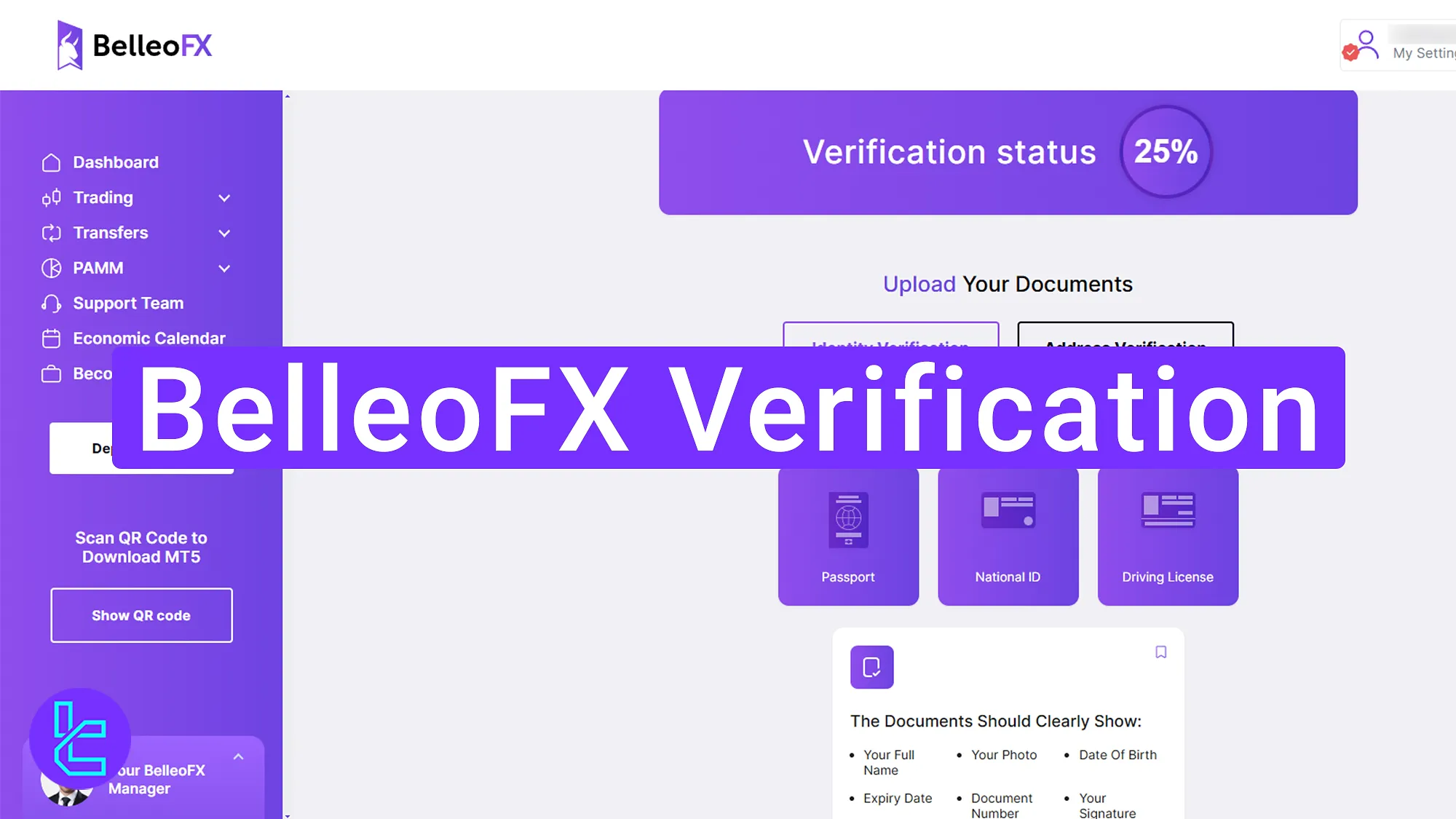
How to Complete BelleoFX KYC
Follow these simple two steps to open an account with the BelleoFX broker.
BelleoFX verification:
- Navigate to the KYC section of the BelleoFX broker;
- Upload your proof of ID (passport, national ID, or driving license);
- Provide proof of address via a bank statement or utility bill.
The table below helps you confirm that you have all the necessary documents to verify your BelleoFX account.
Verification Requirement | Yes/No |
Full Name | No |
Country of Residence | No |
Date of Birth Entry | No |
Phone Number Entry | No |
Residential Address Details | No |
Phone Number Verification | No |
Document Issuing Country | No |
ID Card (for POI) | Yes |
Driver’s License (for POI) | Yes |
Passport (for POI) | Yes |
Residence Permit (for POI or POA) | No |
Utility Bill (for POA) | Yes |
Bank Statement (for POA) | Yes |
2-Factor Authentication | No |
Biometric Face Scan | No |
Financial Status Questionnaire | No |
Trading Knowledge Questionnaire | No |
Restricted Countries | Yes |
#1 Navigate to the KYC Section of the BelleoFX Broker
To begin this process, click on the "Upload Documents" option at the bottom of your BelleoFX dashboard.
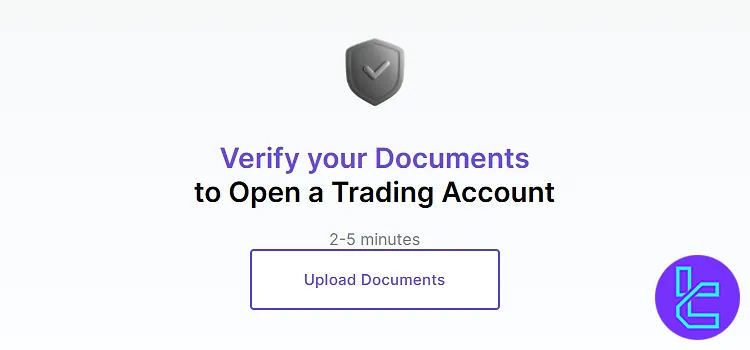
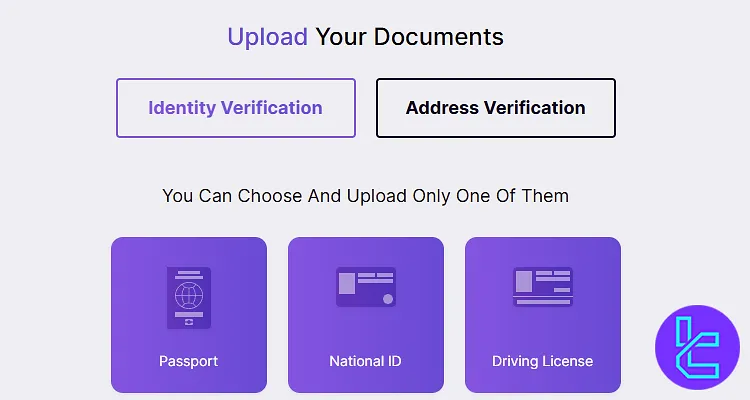
#2 Upload ID for BelleoFX Verification
Here, you need to upload a government-issued ID. The accepted documents include:
- Passport
- National ID
- Driving license
Click "National ID" or one of the other items, then upload a clear photo of the front side of your ID card. Finally, click "Submit" to proceed.
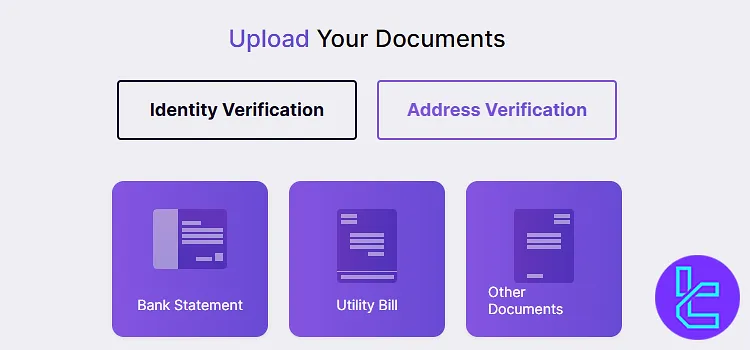
#3 Provide Proof of Address
To complete this procedure, you must submit proof of address. Acceptable documents include:
- Bank statement
- Utility bill
- Other official documents
Click "Upload", select your document, and ensure it clearly shows your name and address. Once uploaded, click "Submit".
BelleoFX KYC vs Three Other Brokers
This table helps compare the verification documents needed to open an account with Decode Global and three other brokers.
Verification Requirement | BelleoFX Broker | |||
Full Name | No | No | No | No |
Country of Residence | No | Yes | No | No |
Date of Birth Entry | No | Yes | No | No |
Phone Number Entry | No | No | No | No |
Residential Address Details | No | Yes | No | No |
Phone Number Verification | No | No | No | No |
Document Issuing Country | No | Yes | No | No |
ID Card (for POI) | Yes | Yes | Yes | Yes |
Driver’s License (for POI) | Yes | Yes | Yes | Yes |
Passport (for POI) | Yes | Yes | Yes | Yes |
Residence Permit (for POI or POA) | No | Yes | No | Yes |
Utility Bill (for POA) | Yes | Yes | Yes | Yes |
Bank Statement (for POA) | Yes | Yes | Yes | Yes |
2-Factor Authentication | No | No | No | No |
Biometric Face Scan | No | Yes | No | No |
Financial Status Questionnaire | No | Yes | No | No |
Trading Knowledge Questionnaire | No | No | No | No |
Restricted Countries | Yes | Yes | Yes | Yes |
TF Expert Suggestion
TheBelleoFX verification process can be completed in just 5 minutes by uploading an ID card, passport, or driving license for proof of identity and a utility bill, bank statement, or other documents for proof of address.
Now that you have a verified account, you can manage your account funds using the BelleoFX deposit and withdrawal methods using the guides on the BelleoFX tutorial page.






