












EagleFX verification is a 2-step process that enhances account security and compliance. This process doesn’t require uploading identity or address documents.
After finalizing the EagleFX KYC process, traders can use Bitcoin, Bank-wired transfers, Visa, or MasterCard and begin trading by just depositing $10.
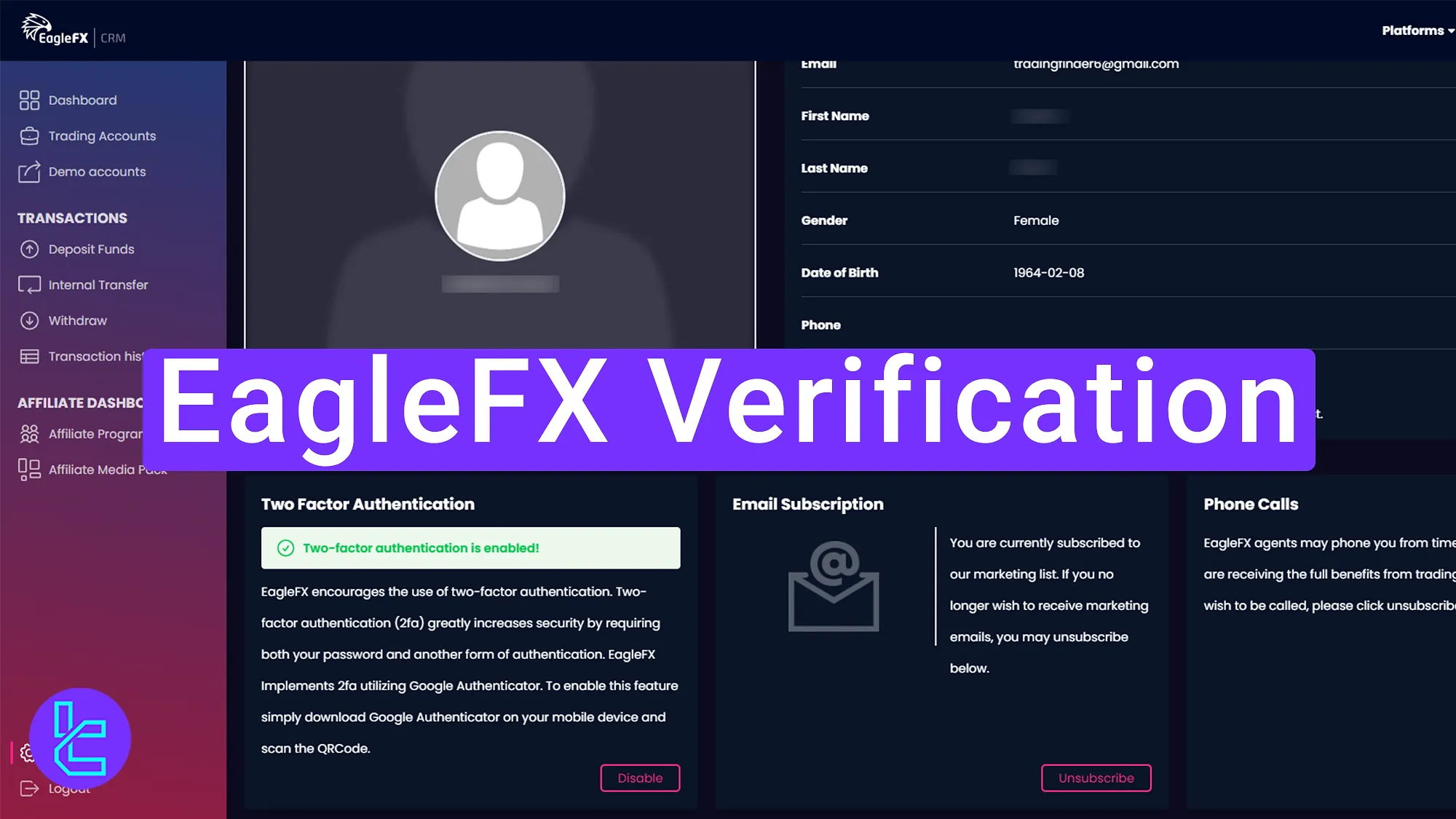
How to Verify Your EagleFX Account
After EagleFX registration, completing the following steps will enable the withdrawal feature on your EagleFX broker account.
EagleFX verification overview:
- Update personal information in the "Settings" section
- Activate Two-Factor Authentication (2FA)
Here's what you need to verify your account with EagleFX broker.
Verification Requirement | Yes/No |
Full Name | Yes |
Country of Residence | Yes |
Date of Birth Entry | Yes |
Phone Number Entry | Yes |
Residential Address Details | No |
Phone Number Verification | No |
Document Issuing Country | No |
ID Card (for POI) | No |
Driver’s License (for POI) | No |
Passport (for POI) | No |
Residence Permit (for POI or POA) | No |
Utility Bill (for POA) | No |
Bank Statement (for POA) | No |
2-Factor Authentication | Yes |
Biometric Face Scan | No |
Financial Status Questionnaire | No |
Trading Knowledge Questionnaire | No |
Restricted Countries | No |
#1 Updating Personal Information in "Settings"
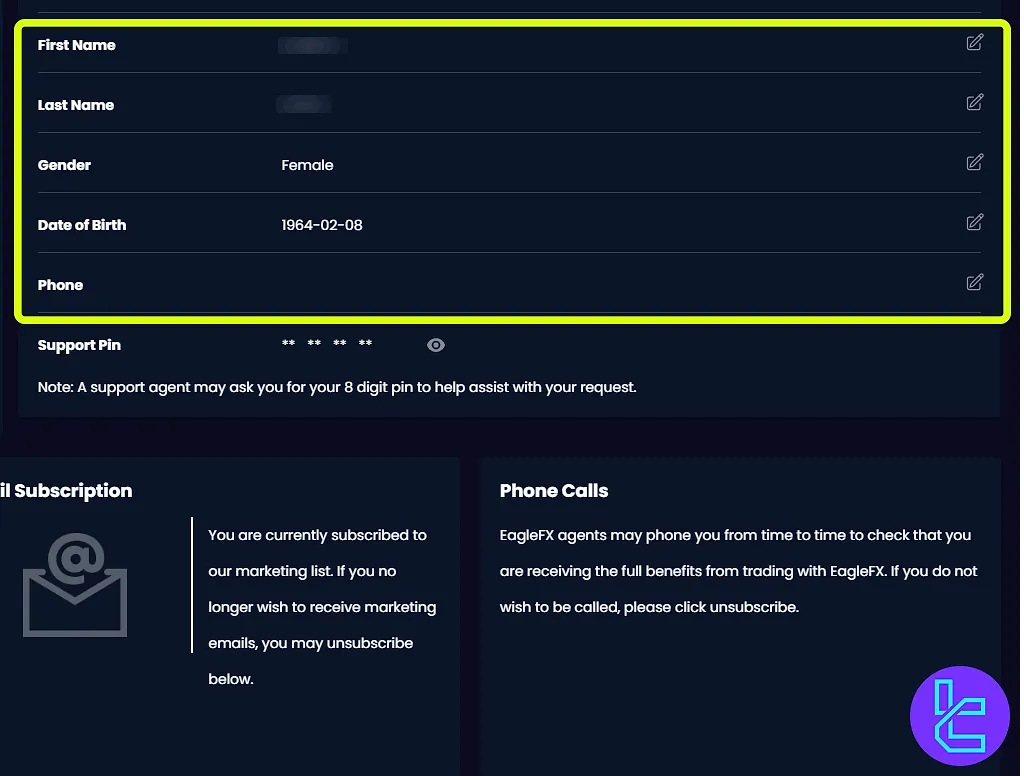
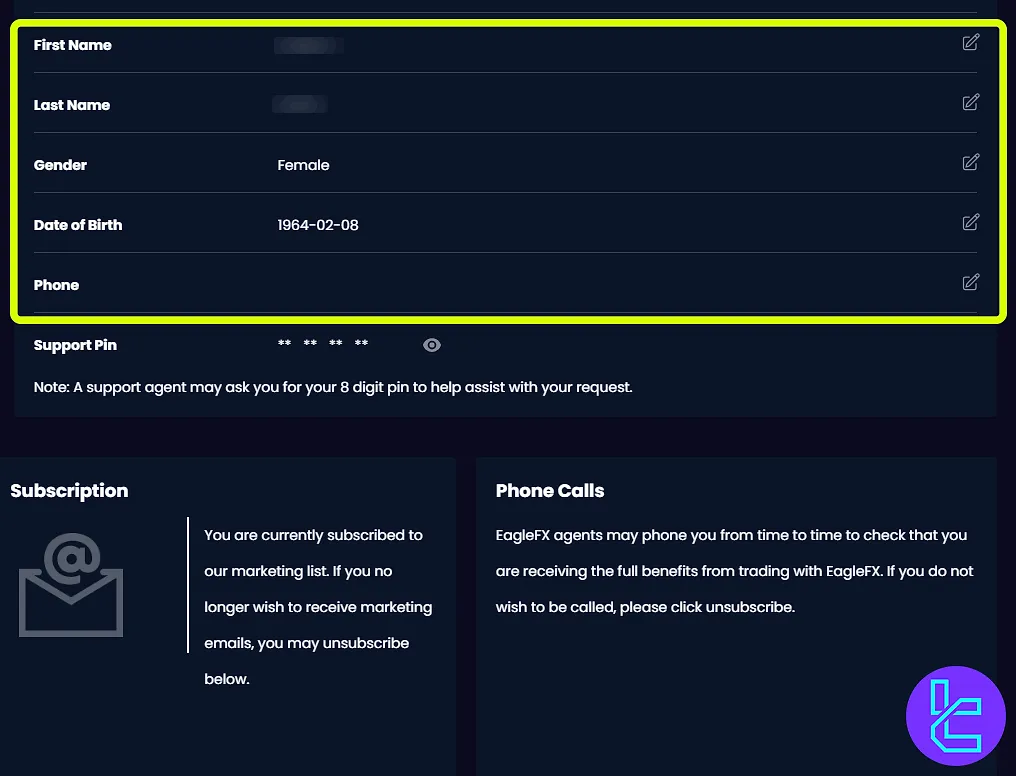
Begin by logging into the EagleFX dashboard and navigating to the "Settings" section. Here, review and update personal information.
Ensure all details, including name, email, date of birth, gender, and contact number, are correct before proceeding.
#2 Activating Two-Factor Authentication (2FA)
Next, activate Two-Factor Authentication (2FA) to add an extra layer of security to the account.
Navigate to “Setting” and then click on the "Enable" option to start the setup process.
Scan the QR code displayed on the screen using an authenticator app (e.g., Google Authenticator) and enter the authentication code generated by the app and click "Enable" to finalize activation.
At this stage, you can see the following message indicating the successful activation of Two-Factor Authentication.
EagleFX KYC vs Other Brokers
Unlike many other brokers, EagleFX has an easier KYC process and requires few information since it is an unregulated broker. Here's a comparison with other brokers:
Verification Requirement | EagleFX Broker | |||
Full Name | Yes | Yes | No | No |
Country of Residence | Yes | Yes | Yes | No |
Date of Birth Entry | Yes | Yes | No | No |
Phone Number Entry | Yes | No | No | No |
Residential Address Details | No | Yes | Yes | No |
Phone Number Verification | No | No | No | No |
Document Issuing Country | No | Yes | Yes | Yes |
ID Card (for POI) | No | Yes | Yes | Yes |
Driver’s License (for POI) | No | Yes | Yes | Yes |
Passport (for POI) | No | Yes | Yes | Yes |
Residence Permit (for POI or POA) | No | No | Yes | Yes |
Utility Bill (for POA) | No | No | Yes | Yes |
Bank Statement (for POA) | No | No | Yes | Yes |
2-Factor Authentication | Yes | No | No | No |
Biometric Face Scan | No | Yes | Yes | No |
Financial Status Questionnaire | No | Yes | No | No |
Trading Knowledge Questionnaire | No | Yes | No | No |
Restricted Countries | No | Yes | Yes | Yes |
TF Expert Suggestion
EagleFX verification process takes about 5 minutes and is mandatory for withdrawals, but deposits can be made without completing it.
The steps involved include updating personal information and activating Two-Factor Authentication (2FA).
Now that your account is verified, you can submit a payout request using EagleFX deposit and withdrawal methods. Additional details for this process are available on the EagleFX tutorial page.






