












KCM Trade registration is a 3-step process that allows traders to create an account quickly. The process involves entering your basic personal info, selecting the platform (MT4 or MT5), and verifying your email via a PIN code.
By opening an account with KCM Trade, traders gain access to a wide variety of markets, including Forex, commodities, crypto, equities, stocks, metals, and energies.
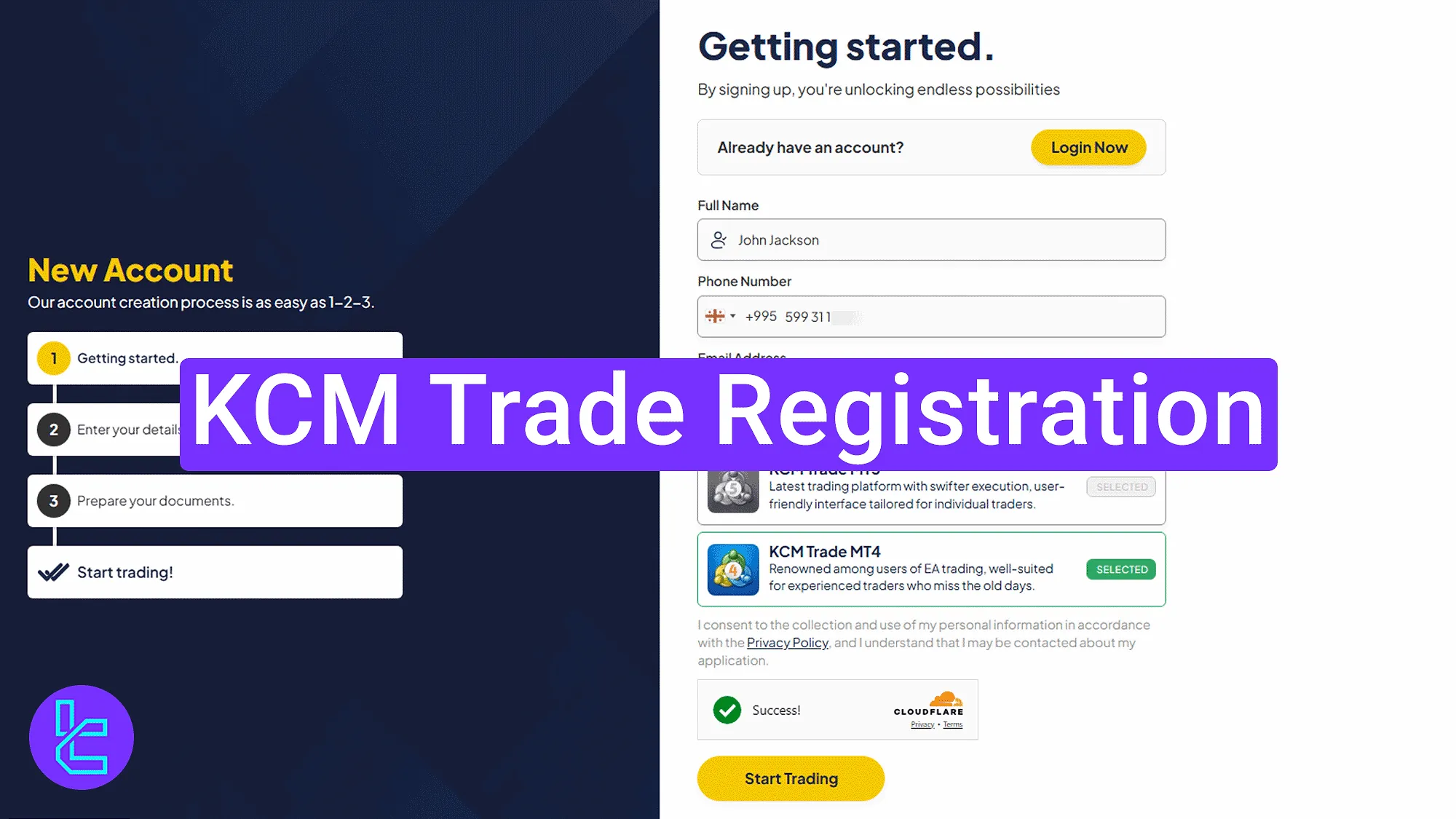
Step-by-Step KCM Trade Sign-Up
To open your KCM Trade broker account, traders must follow an easy and beginner-friendly procedure.
KCM Trade registration overview:
- Access the sign-up section on the official website;
- Submit your personal and contact information;
- Verify your email and enter the dashboard.
The following items are required to create an account with KCM Trade.
Registration Requirements | Yes/No |
Email Sign-up | Yes |
Phone Number Required | Yes |
Google Account Login | No |
Apple ID Login | No |
Facebook Login | No |
Full Name | Yes |
Country of Residence | Yes |
Date of Birth | Yes |
Address Details | No |
Email Verification | Yes |
Phone Number Verification | No |
Financial Status Questionnaire | No |
Trading Experience Questionnaire | No |
#1 Opening the KCM Trade Account Creation Section
To begin the account creation process, follow these instructions:
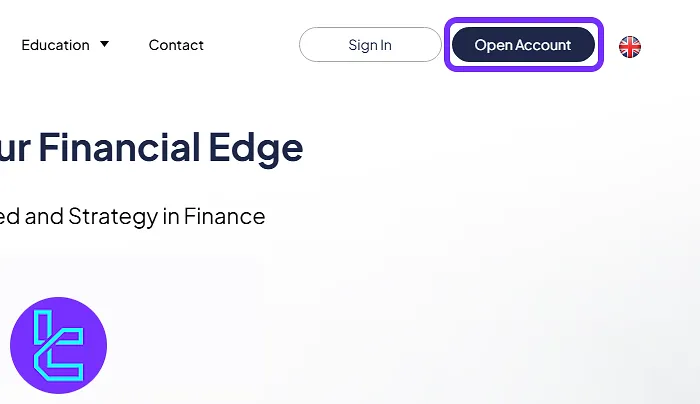
- Click on the "Open an Account" button at the bottom of this page;
- At the top of the KCM Trade homepage, click on the "Open Account".
#2 Submitting Your Basic Details
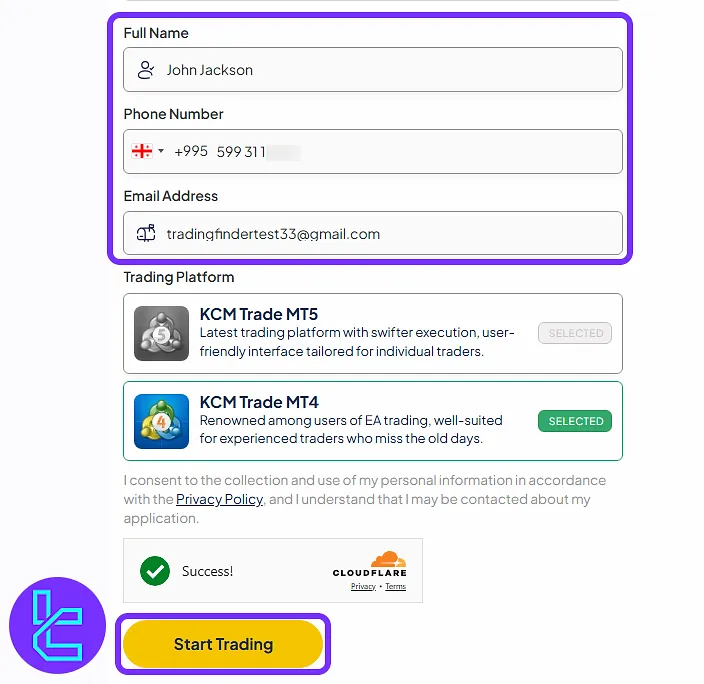
Enter the following information:
- Full name
- Mobile number
- Email address
Then, Choose between "KCM Trade MT4" or "KCM Trade MT5". Now, click on the "Start Trading" button.
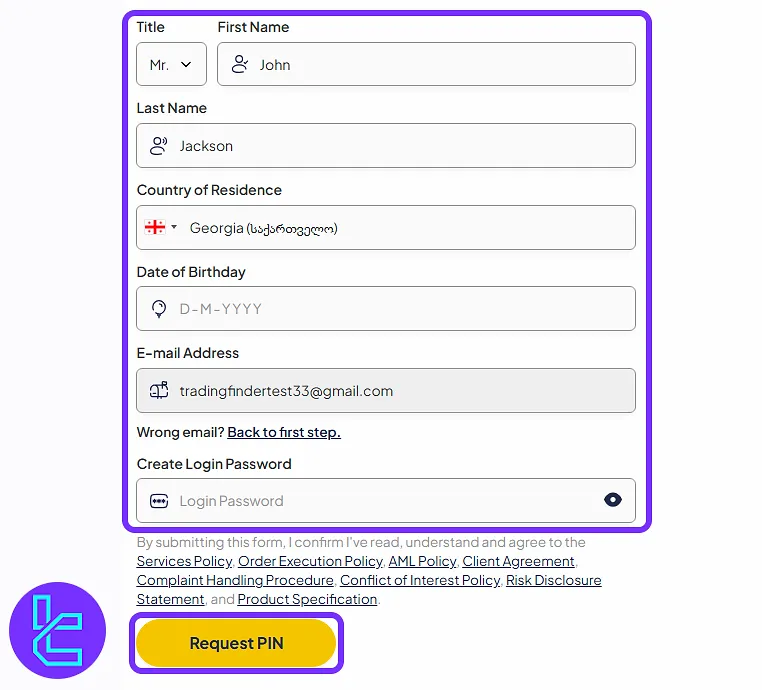
In the next step, complete these details:
- Title and full name
- Country of residence
- Date of birth
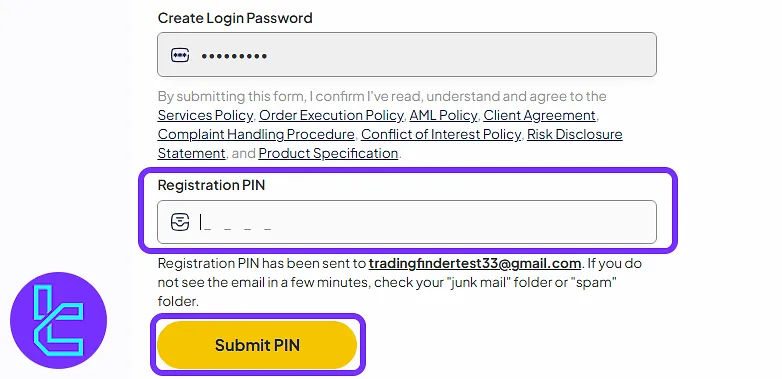
Create your login password and click on "Request PIN" to continue.
#3 Verifying Your Email and Accessing the Dashboard
Go to your email and find the PIN message from the KCM Trade.
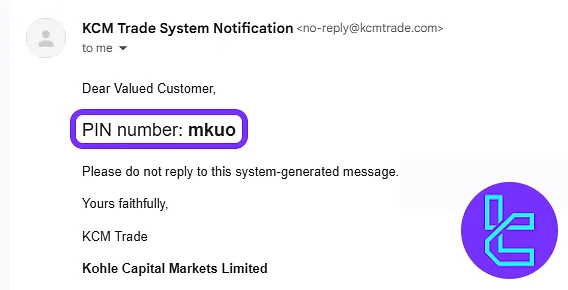
Next, enter the PIN in the form and click on "Submit PIN". You will now be redirected to your KCM Trade dashboard automatically.
KCM Trade Registration vs Other Forex Brokers
This table helps compare the information required to register an account with iForex and other Forex brokers.
Registration Requirements | KCM Trade Broker | |||
Email Sign-up | Yes | Yes | Yes | Yes |
Phone Number Required | Yes | Yes | Yes | No |
Google Account Login | No | No | No | Yes |
Apple ID Login | No | No | No | No |
Facebook Login | No | No | No | No |
Full Name | Yes | Yes | Yes | Yes |
Country of Residence | Yes | Yes | Yes | No |
Date of Birth | Yes | Yes | Yes | Yes |
Address Details | No | Yes | Yes | No |
Email Verification | Yes | Yes | No | Yes |
Phone Number Verification | No | Yes | No | No |
Financial Status Questionnaire | No | Yes | Yes | No |
Trading Experience Questionnaire | No | Yes | Yes | No |
TF Expert Suggestion
The KCM Trade registration process takes around 5 minutes, and traders gain immediate access to their dashboard. During this process, you can choose between the "KCM Trade MT4" or "KCM Trade MT5" platforms.
Moving forward with this broker involves completing the KCM Trade verification process. A detailed education is accessible in the KCM Trade tutorial section.






