












Trade Nation registration is a simple 3-step process that allows traders to create an account and get access to the dashboard. Users can register manually or by using Google, Apple, or LinkedIn accounts.
The required information includes an email address, phone number, and basic personal details to sign up with this Forex broker.
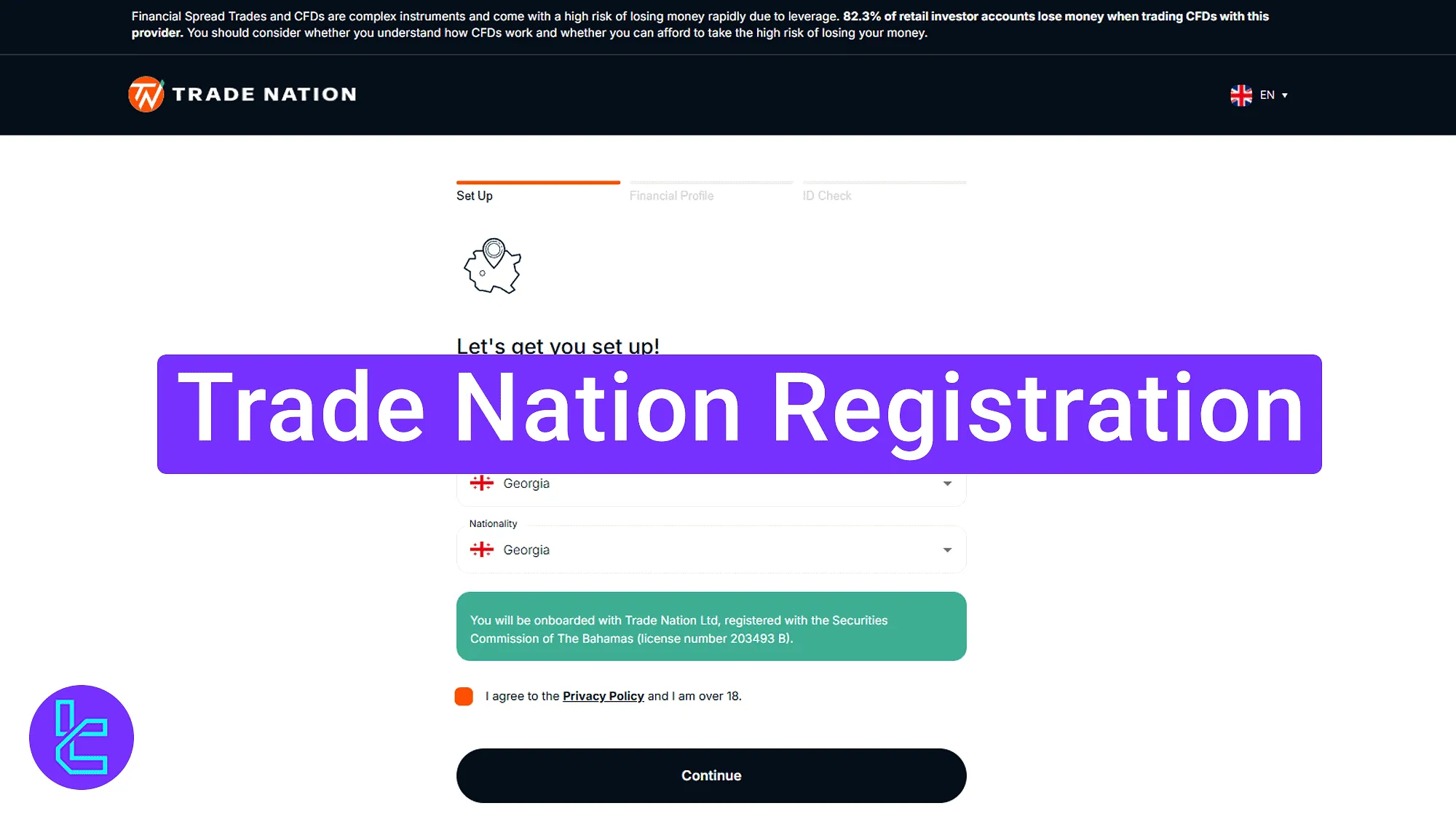
Trade Nation Registration Process Overview
Registration process with the Trade Nation broker is user-friendly and grants access to the personal dashboard.
Trade Nation registration key steps:
- Access the Trade Nation account opening page;
- Complete the sign-up forms with personal and contact details;
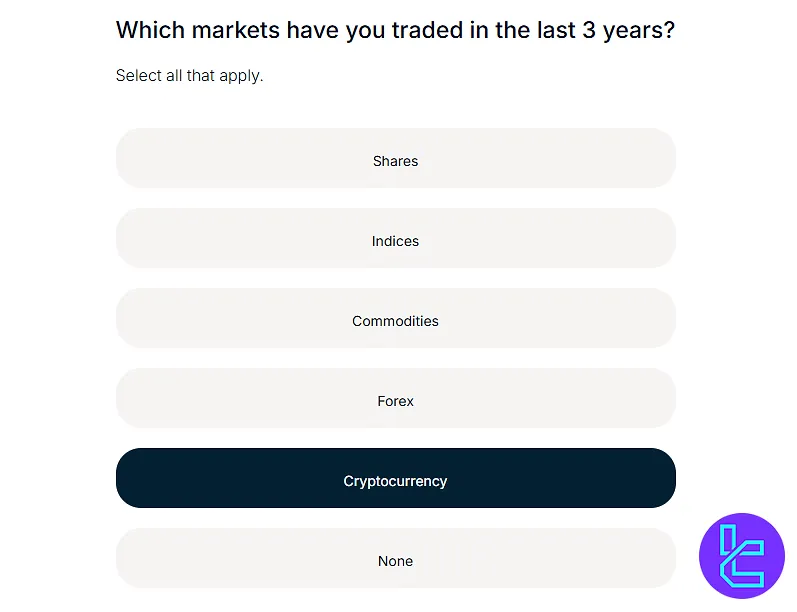
- Set trading preferences and finalize the financial profile.
The following table allows you to see the required information to open an account with the Trade Nation broker.
Registration Requirements | Yes/No |
Email Sign-up | Yes |
Phone Number Required | Yes |
Google Account Login | Yes |
Apple ID Login | Yes |
Facebook Login | No |
Full Name | No |
Country of Residence | No |
Date of Birth | No |
Address Details | No |
Email Verification | No |
Phone Number Verification | No |
Financial Status Questionnaire | Yes |
Trading Experience Questionnaire | Yes |
#1 Access the Trade Nation Registration Page
To begin this process, follow these steps:
- Click on the "Open an Account" button at the bottom of this page;
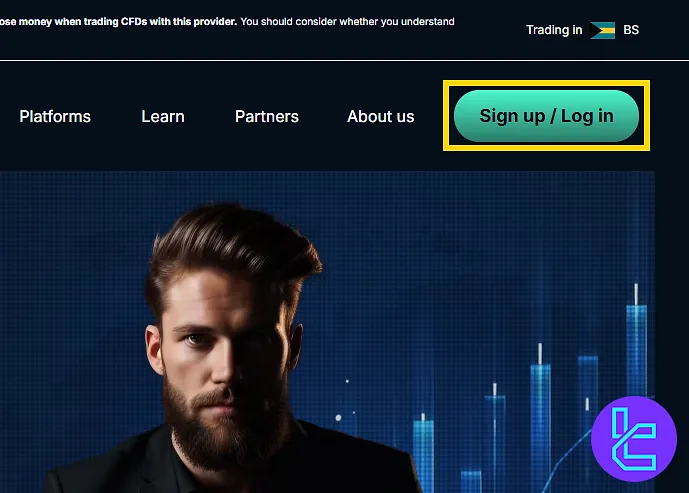
- On the broker’s main page, click on the "Sign Up / Log In".
#2 Completing the Trade Nation Sign-Up Forms
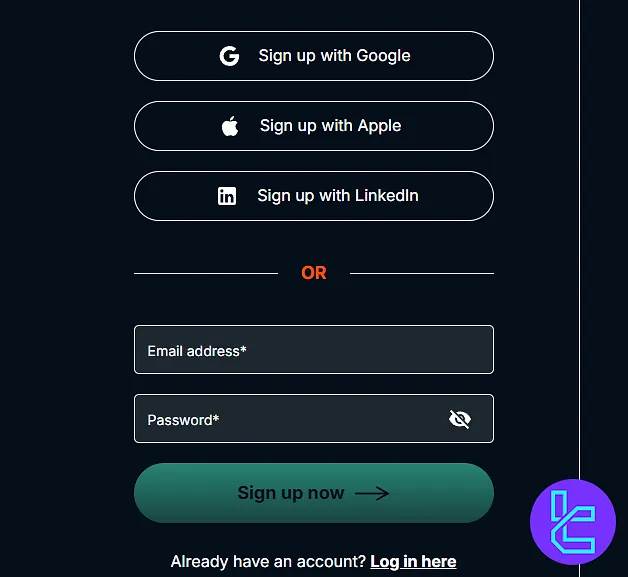
On the sign-up page, choose whether you want to create an account using Google, Apple, or LinkedIn or manually with your email address. Enter the following details:
- Email address
- Password
Click on the "Sign Up Now" button to proceed.
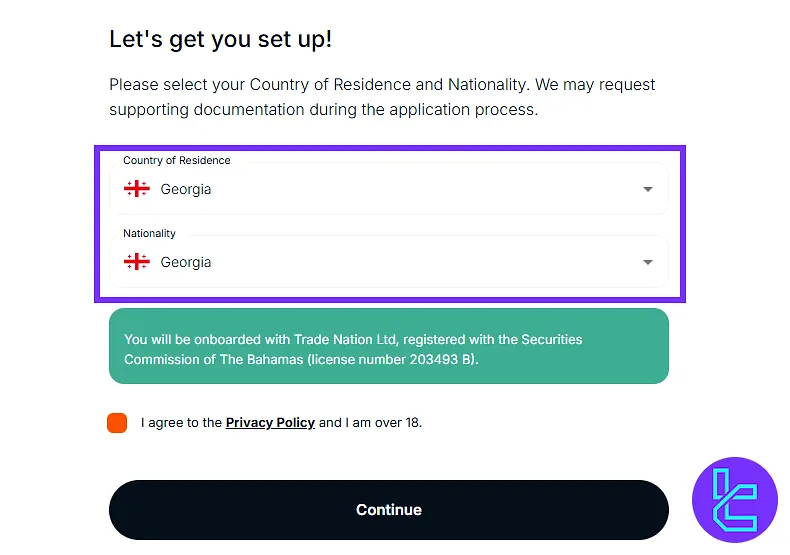
Next, select your country of residence and nationality. Agree to the terms and conditions by checking the box, and then click "Continue".
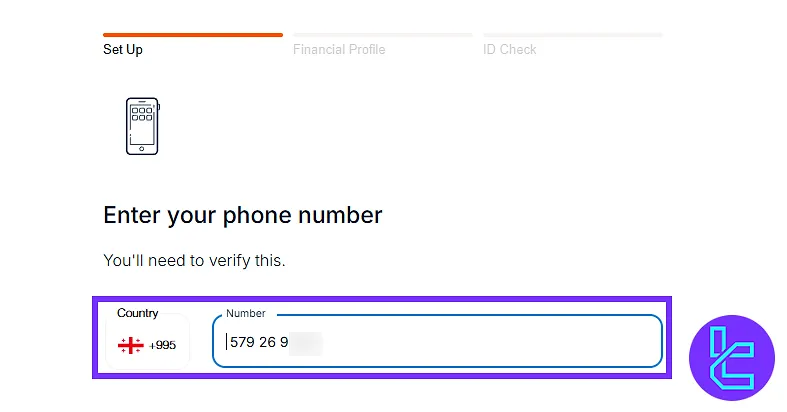
Enter your phone number and click "Continue" to move forward.
#3 Selecting Platform, Account Preferences, and Completing Financial Profile
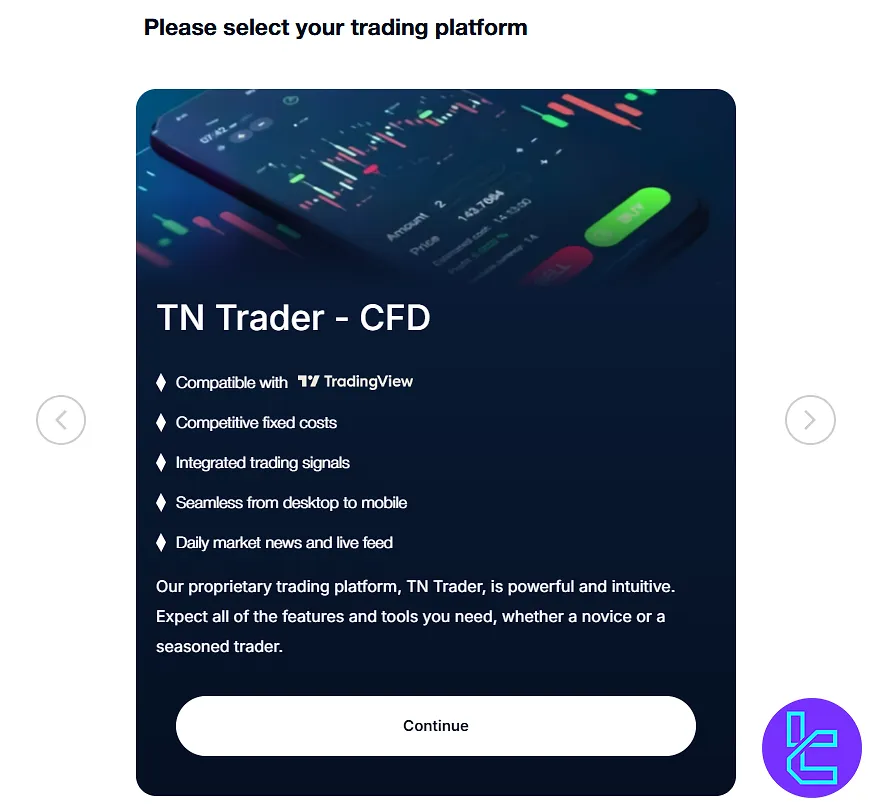
Choose your trading platform from the available options (TN Trader, MT4, TradingView) and click "Continue".
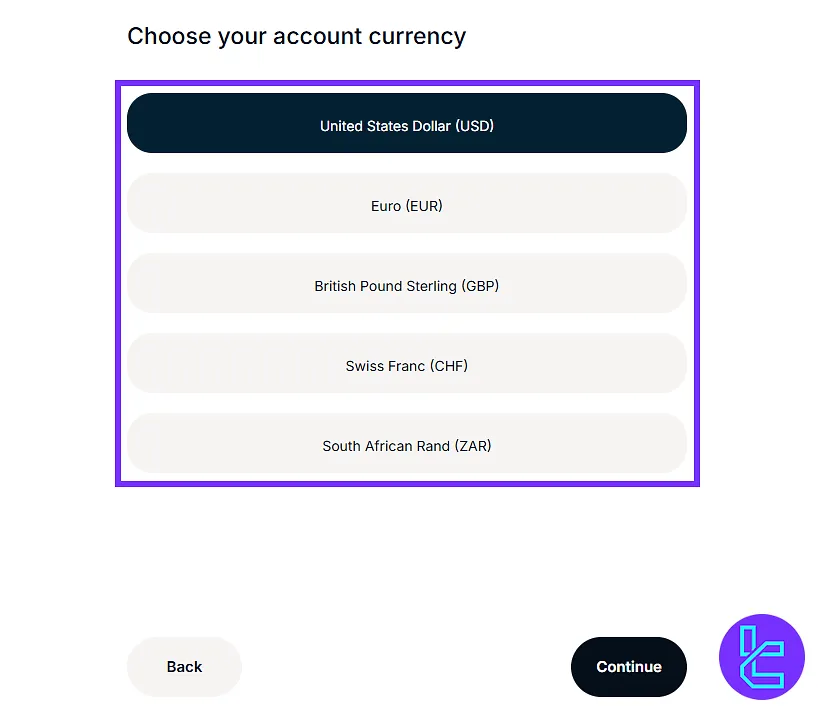
Choose your account base currency and click "Continue".
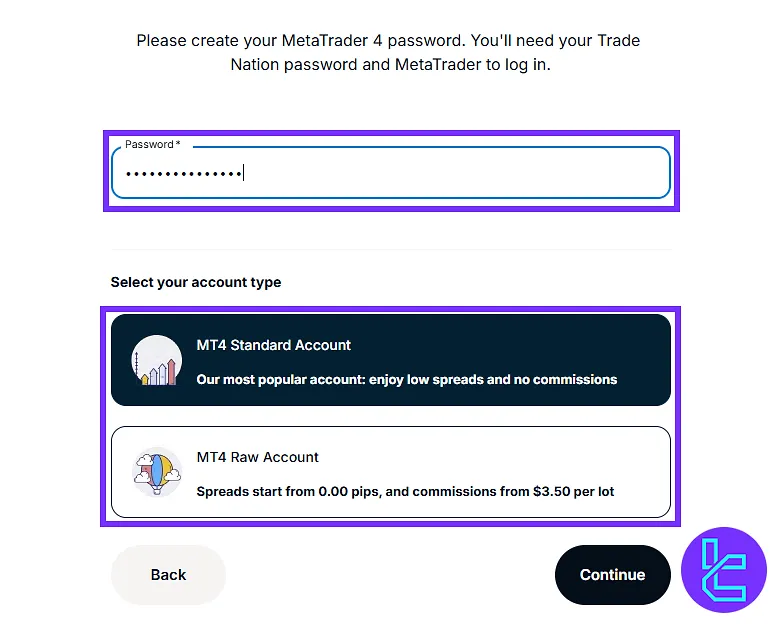
Next, select your account type (MT4 Standard or MT4 RAW) and click "Continue".
Provide financial profile details, including:
- Employment status
- Source of income
- Annual income
- Trading experience
Click "Continue" after completing each section.
Trade Nation Account Opening Requirements vs Other Brokers
The table below provides a comparison of the required information to open an account with Trade Nation and 3 other well-known Forex brokers.
Registration Requirements | Trade Nation Broker | |||
Email Sign-up | Yes | Yes | Yes | Yes |
Phone Number Required | Yes | Yes | Yes | Yes |
Google Account Login | Yes | Yes | No | No |
Apple ID Login | Yes | No | No | No |
Facebook Login | No | No | No | No |
Full Name | No | Yes | Yes | Yes |
Country of Residence | No | No | Yes | Yes |
Date of Birth | No | Yes | Yes | No |
Address Details | No | Yes | Yes | No |
Email Verification | No | Yes | No | Yes |
Phone Number Verification | No | No | No | No |
Financial Status Questionnaire | Yes | Yes | No | No |
Trading Experience Questionnaire | Yes | No | No | No |
TF Expert Suggestion
The Trade Nation registration process is fast and typically takes between 5 to 10 minutes. This procedure requires your personal, financial, and trading information.
Once the account is set up, users can proceed to the Trade Nation verification. More details are available on the Trade Nation tutorial page.






