












Tradeview Markets verification is an easy process that can be completed in 10 minutes. You will need to submit proof of identity and provide proof of address.
Additionally, you must take a selfie and review your personal information, financial knowledge, and employment details to verify your account with this Forex broker.
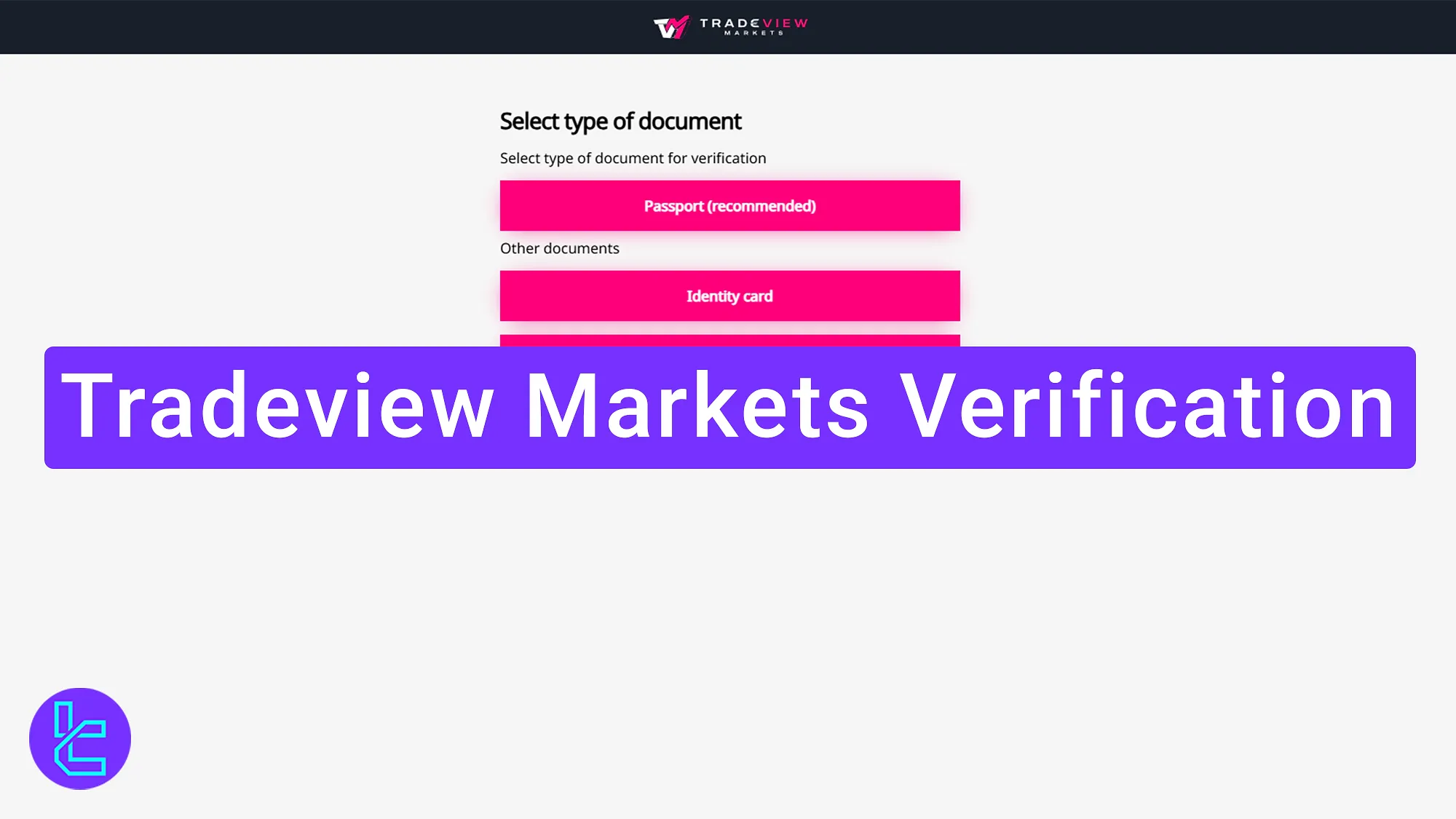
Overview of Tradeview Markets Validation
Complete the approval process with the Tradeview Markets broker in 6 steps to gain full access to your account.Tradeview Markets verification:
- Choose your KYC method;
- Upload proof of ID;
- Take a selfie for identity confirmation;
- Submit proof of residence;
- Choose Your Trading Platform and Account Currency;
- Enter financial and employment details.
The table below outlines the required documents for BelleoFX account verification so you can check if anything is missing.
Verification Requirement | Yes/No |
Full Name | No |
Country of Residence | No |
Date of Birth Entry | No |
Phone Number Entry | No |
Residential Address Details | Yes |
Phone Number Verification | No |
Document Issuing Country | No |
ID Card (for POI) | Yes |
Driver’s License (for POI) | Yes |
Passport (for POI) | Yes |
Residence Permit (for POI or POA) | No |
Utility Bill (for POA) | Yes |
Bank Statement (for POA) | Yes |
2-Factor Authentication | No |
Biometric Face Scan | Yes |
Financial Status Questionnaire | Yes |
Trading Knowledge Questionnaire | Yes |
Restricted Countries | Yes |
#1 Choose Your Approval Method
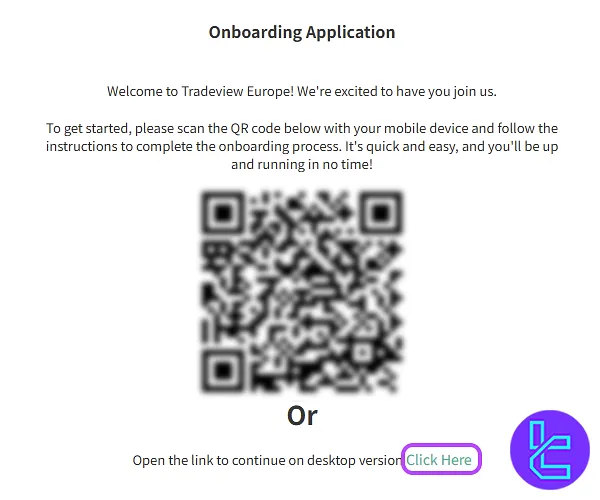
You can complete Tradeview Markets KYC using your mobile phone or desktop. If using a mobile device, scan the provided barcode to continue. Otherwise, select the desktop option to proceed.
#2 Upload Proof of ID
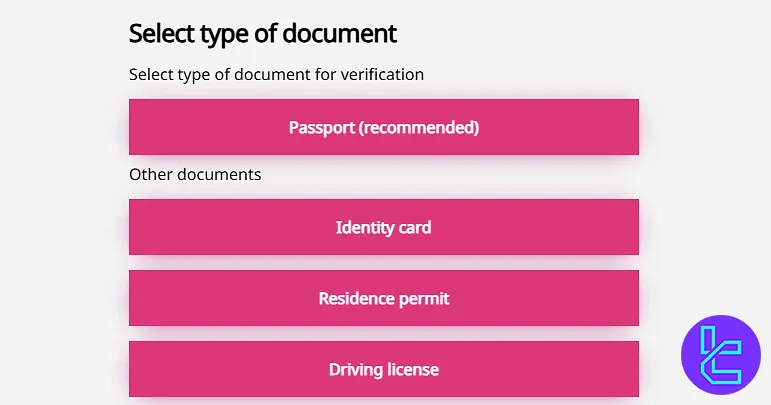
Upload one of the documents listed below:
- Passport
- ID card
- Driver's license
Ensure the image is well-lit and all details are visible before clicking "Next".
#3 Take a Selfie for Identity Confirmation
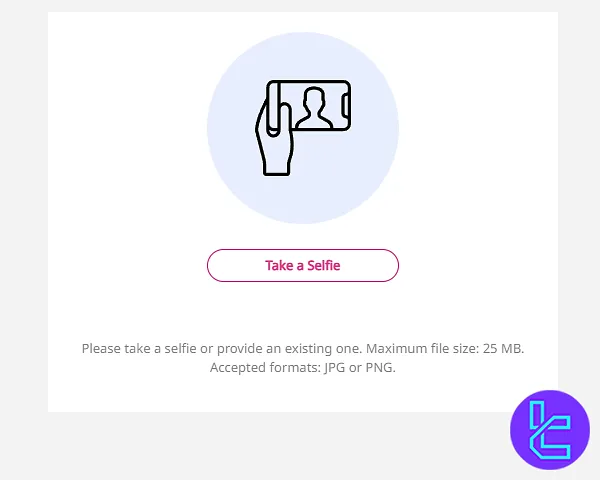
To further verify your identity, take a real-time selfie according to the provided guidelines. Click on the “Take aselfie” button, follow the instructions, and click "Continue".
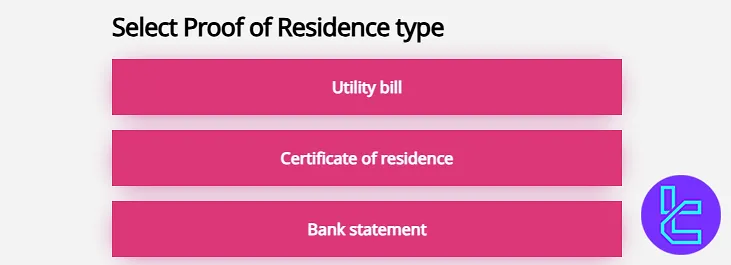
#4 Submit Proof of Residence
Upload one of the following documents to prove your address:
- Utility bill
- Bank statement
- Certificate of residence
Ensure the document includes your name and registered address and was issued within the last 90 days.
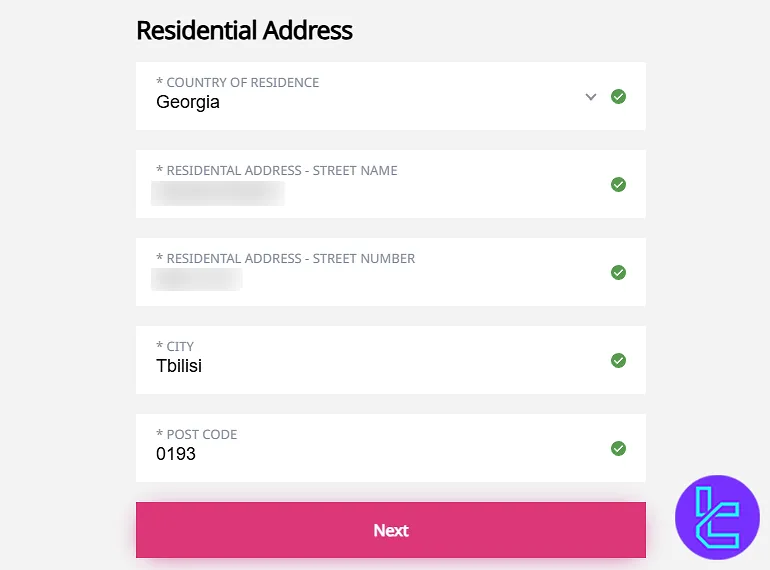
Then, enter your residential address in the form, including country of residence, complete address, city, and postal code.
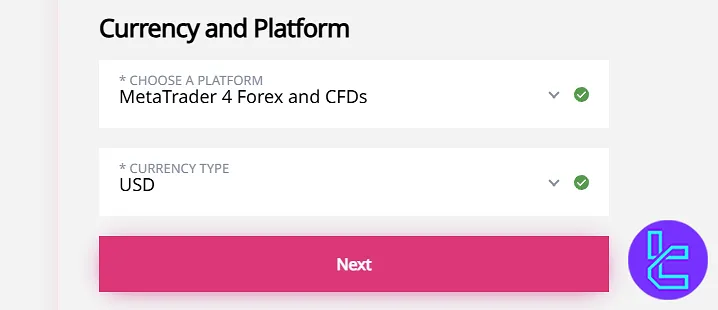
#5 Choose Your Trading Platform and Account Currency
Review your personal information to ensure accuracy. Edit if needed to match your documents.
After reviewing your personal information, you will need to declare whether you are a US citizen or related to political activities. Once that is complete, proceed to choose your preferred trading platform (MT4 or MT5).
Additionally, you must choose your account-based currency, which will be used for all your transactions.
#6 Enter Financial and Employment Details
Provide details about your employment status, type of job, annual income, total assets, and financial background, and answer the questions below:
- What is the origin of the assets?
- What is the source of your deposit?
- What is the purpose of the account?
- Are you connected to bankruptcies?
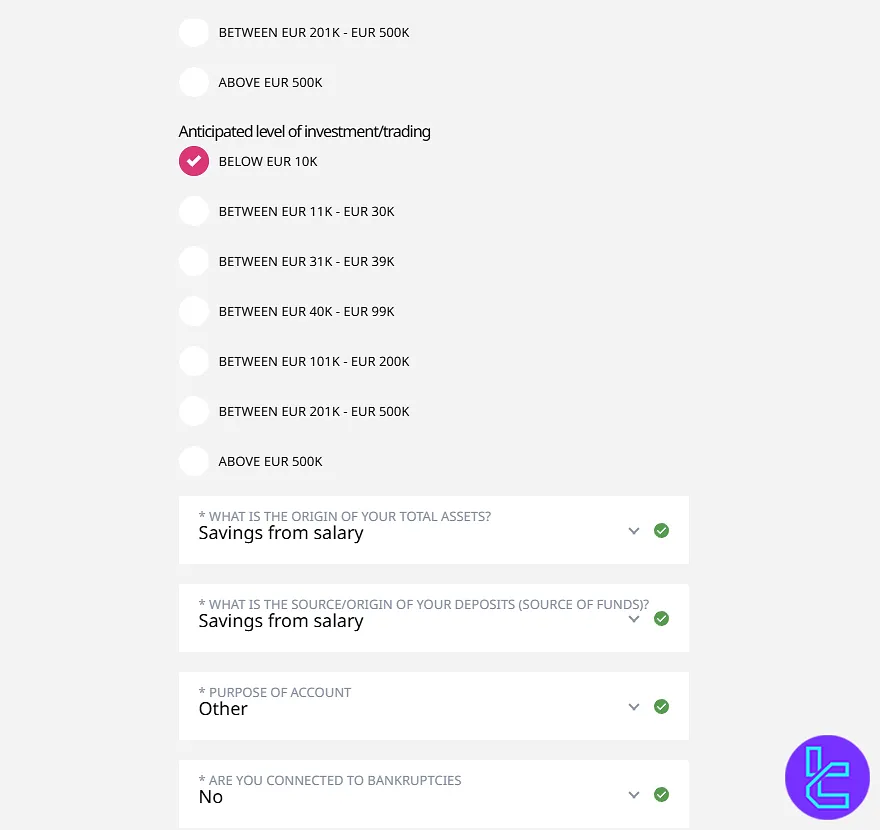
Then, answer the questions about your financial knowledge, education, and trading experience.
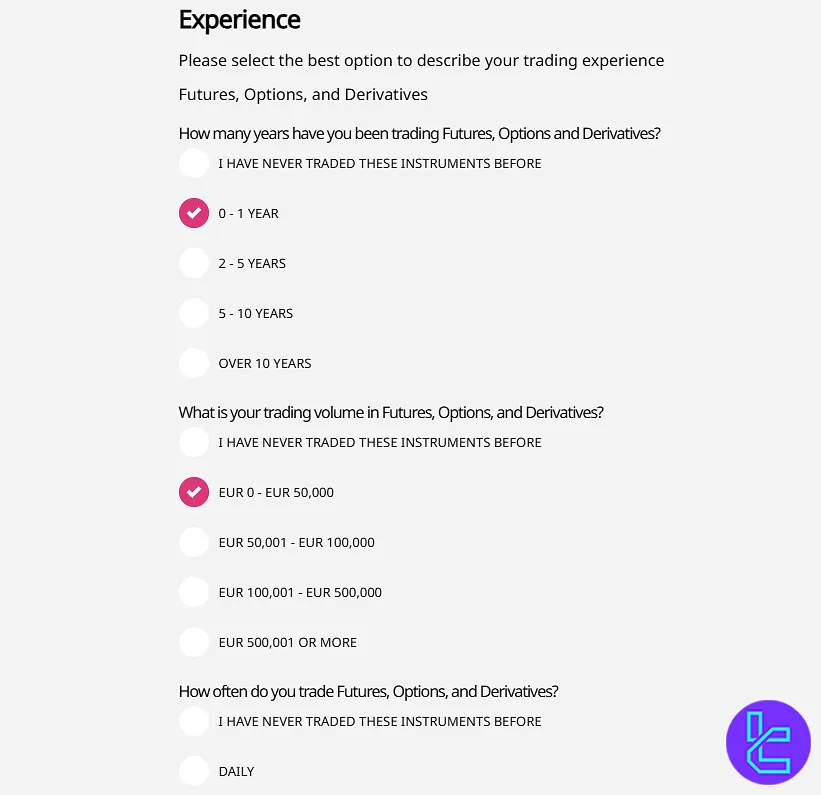
Read and accept the terms and risk policies by ticking the required boxes. Enter your digital signature, click "Next", and submit your documents for review.
You will receive an email once your Tradeview Markets account is fully verified.
Tradeview Markets KYC vs Other Forex Brokers
The following table highlights the differences in account verification documents between Tradeview Markets and three other brokers.
Verification Requirement | Tradeview Markets Broker | |||
Full Name | No | No | No | No |
Country of Residence | No | Yes | No | No |
Date of Birth Entry | No | No | No | No |
Phone Number Entry | No | No | No | No |
Residential Address Details | Yes | Yes | No | No |
Phone Number Verification | No | No | No | No |
Document Issuing Country | No | No | Yes | No |
ID Card (for POI) | Yes | Yes | Yes | Yes |
Driver’s License (for POI) | Yes | Yes | Yes | Yes |
Passport (for POI) | Yes | Yes | Yes | Yes |
Residence Permit (for POI or POA) | No | Yes | Yes | Yes |
Utility Bill (for POA) | Yes | Yes | Yes | Yes |
Bank Statement (for POA) | Yes | Yes | Yes | Yes |
2-Factor Authentication | No | No | No | No |
Biometric Face Scan | Yes | No | No | No |
Financial Status Questionnaire | Yes | No | No | No |
Trading Knowledge Questionnaire | Yes | No | No | No |
Restricted Countries | Yes | Yes | Yes | Yes |
TF Expert Suggestion
Traders can complete the Tradeview Markets verification process in 6 steps to verifying their identity and residential address. During this process, users must also specify their trading platform, and account base currency.
Now, you can learn about the fastest Tradeview Markets deposit and withdrawal method, to fund your verified account by visiting the Tradeview Markets tutorial page.






