












Fxview Registration takes about 5 minutes to open a live or demo account. You’ll need to provide key information such as your name, country, contact details, and password.
After opening an account with Fxview, traders can benefit from low spreads (from 0.0 pips) on Raw ECN and Prime ECN accounts.
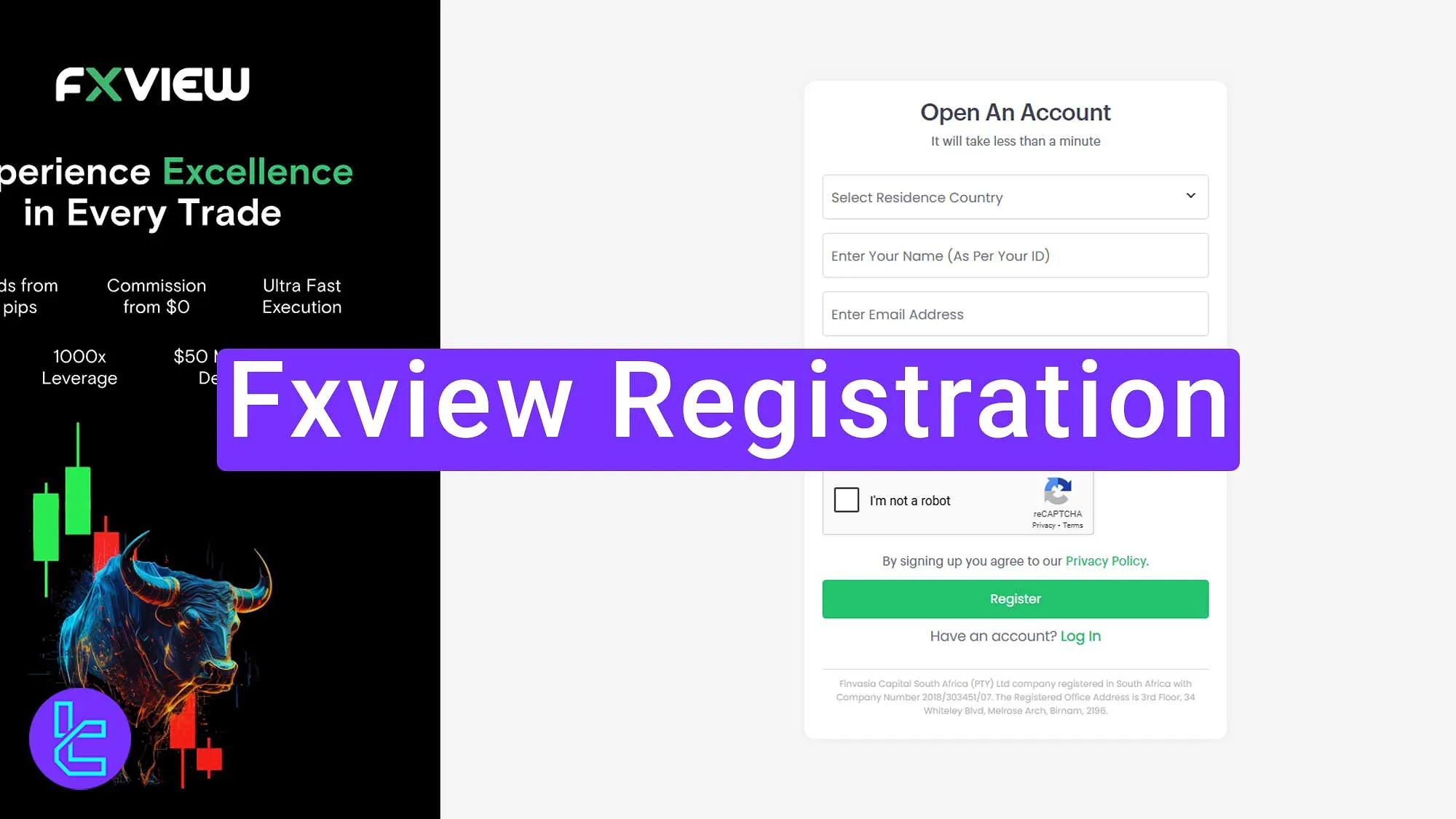
Steps for Fxview Registration
Creating an account in Fxview Broker takes 7 steps; Fxview Signup Process:
- Access the Fxview signup page;
- Enter your name and contact details;
- Choose an account type;
- Provide date of birth and residential details;
- Enter the financial information;
- Set your trading preferences;
- Verify your email.
Fxview Broker signup requirements:
Registration Requirements | Yes/No |
Email Sign-up | Yes |
Phone Number Required | Yes |
Google Account Login | No |
Apple ID Login | No |
Facebook Login | No |
Full Name | Yes |
Country of Residence | Yes |
Date of Birth | Yes |
Address Details | Yes |
Email Verification | Yes |
Phone Number Verification | No |
Financial Status Questionnaire | Yes |
Trading Experience Questionnaire | Yes |
#1 Access the Fxview Signup Page
To go to the signup page, follow these 2 steps:
- Scroll down and click "Open an Account;"
- On the home page, click “Get Started.”

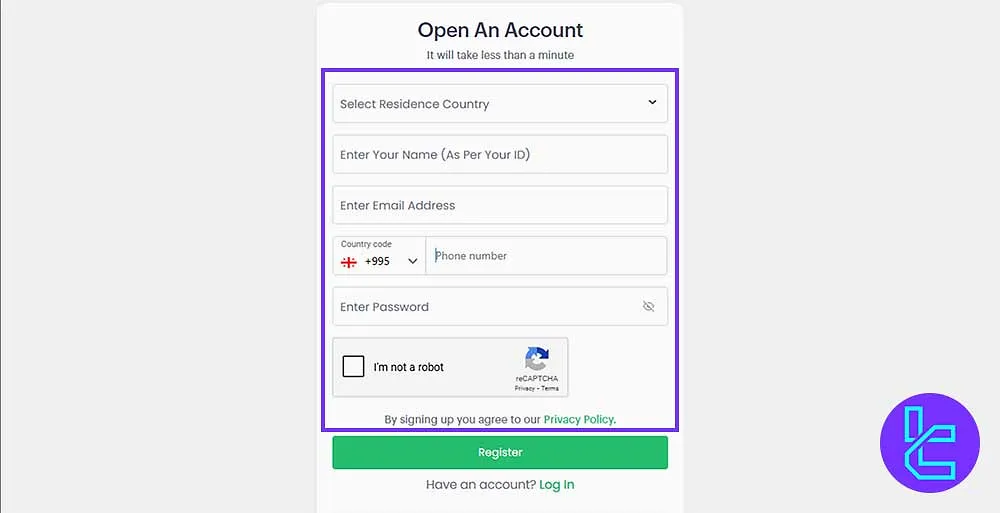
#2 Fill in Basic Registration Info on Fxview
Enter your details with these 6 items; Basic Information for Fxview Signup:
- Country of residence
- First name
- Last name
- Email address
- Mobile phone number
- Password
Tick the I am not a robot box, and click “Register.”
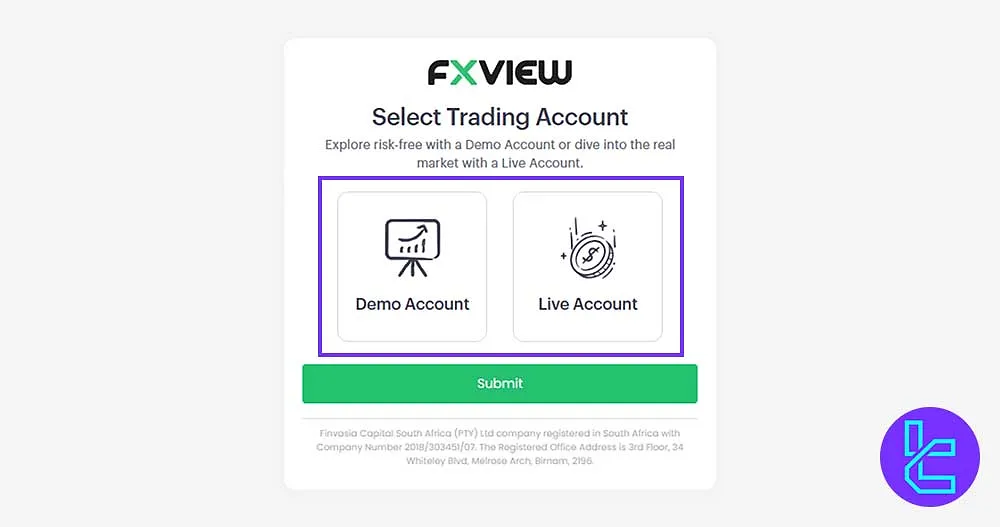
#3 Choose Your Fxview Account Type
Select between Demo Account or Live Account, then click Submit.
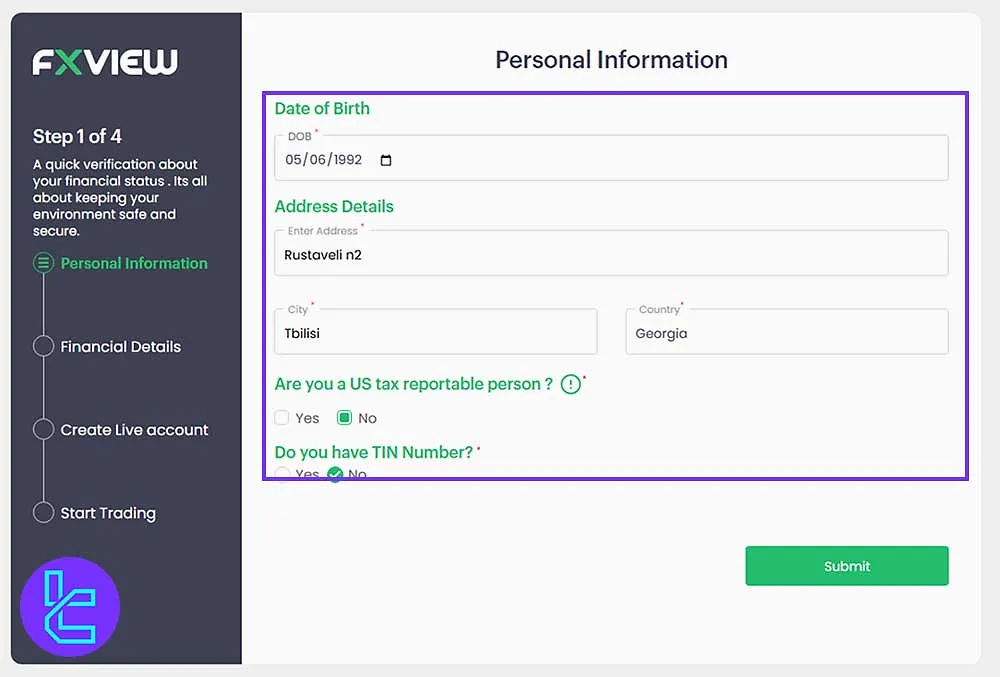
#4 Provide Date of birth and Residential Information for Fxview
Input the following to complete the personal information form:
- Date of birth
- Address details
- City and Country
If applicable, indicate whether you pay taxes in the U.S. or have a tax number, then click Submit.
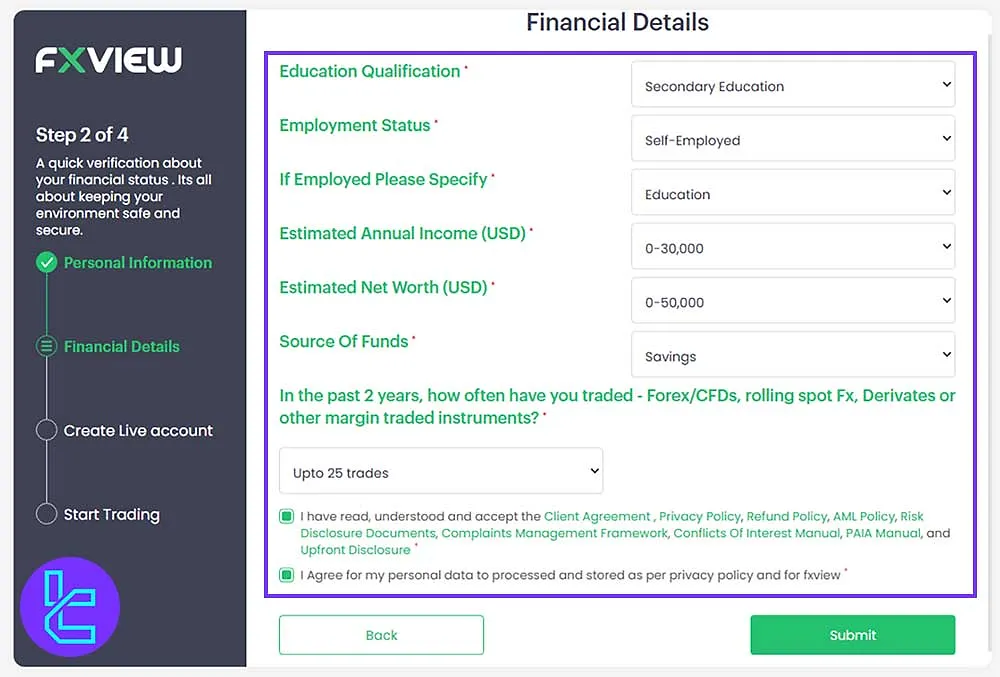
#5 Fill out Financial Information and Experience on Fxview
Fill the required sections based on your financial status and trading experience. Confirm terms and conditions by ticking the box, and click Submit.
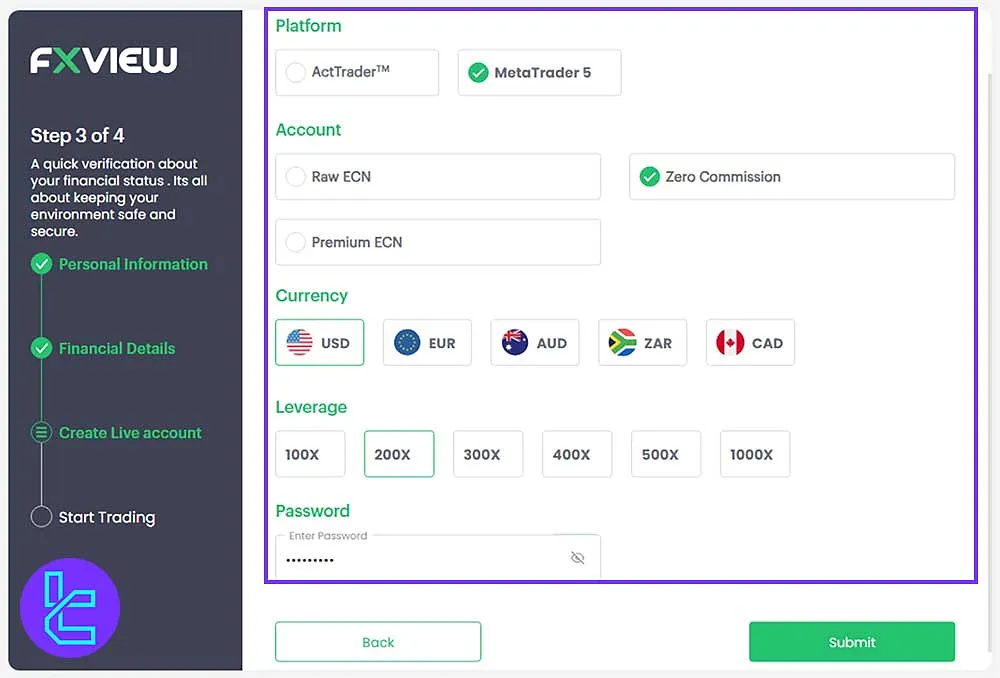
#6 Choose Fxview Trading Platform Preferences
Select the following for setting your trading preferences; Fxview Trading Settings:
- Platform (ActTrader or MT5)
- Account type (Zero Commission, Raw, or Premium ECN)
- Currency (USD/EUR/AUD/ZAR/CAD)
- Leverage (1:100 to 1:1000)
- Password for the account
After all, click Submit.
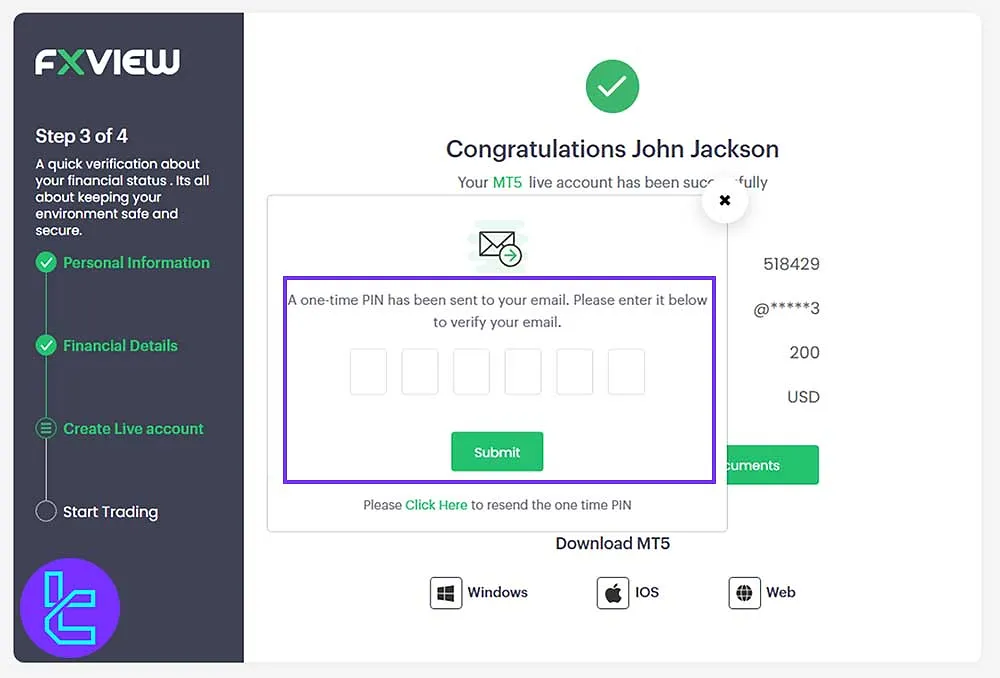
#7 Email Verification on Fxview
Go to your email, copy the verification code sent by Fxview, paste it in the final field, and click Submit.
Fxview Signup Requirements vs Other Forex Brokers
The table below offers a comparison of the required documents to register with Fxview in comparison to 3 other brokers.
Registration Requirements | Fxview Broker | |||
Email Sign-up | Yes | Yes | Yes | Yes |
Phone Number Required | Yes | Yes | Yes | No |
Google Account Login | No | No | No | Yes |
Apple ID Login | No | No | No | No |
Facebook Login | No | No | No | No |
Full Name | Yes | Yes | Yes | Yes |
Country of Residence | Yes | Yes | Yes | No |
Date of Birth | Yes | Yes | Yes | Yes |
Address Details | Yes | Yes | Yes | No |
Email Verification | Yes | Yes | No | Yes |
Phone Number Verification | No | Yes | No | No |
Financial Status Questionnaire | Yes | Yes | Yes | No |
Trading Experience Questionnaire | Yes | Yes | Yes | No |
Conclusion and Final Words
Fxview Registration is now completed in 7 steps. Enter your email, phone number, date of birth, tax information (for US Clients), and trading experience.
For the next step, read Fxview Verification from the articles listed on the Fxview Tutorials page.






