












GTCFX verification is an essential process that can be done in just 5 simple steps. Fill in your personal and employment details, provide your investment and asset information, and upload your identification documents to complete the KYC process quickly.
After verifying your account, you can use all the features of the Standard and ECN accounts and trade with low spreads from 0.0 pips.
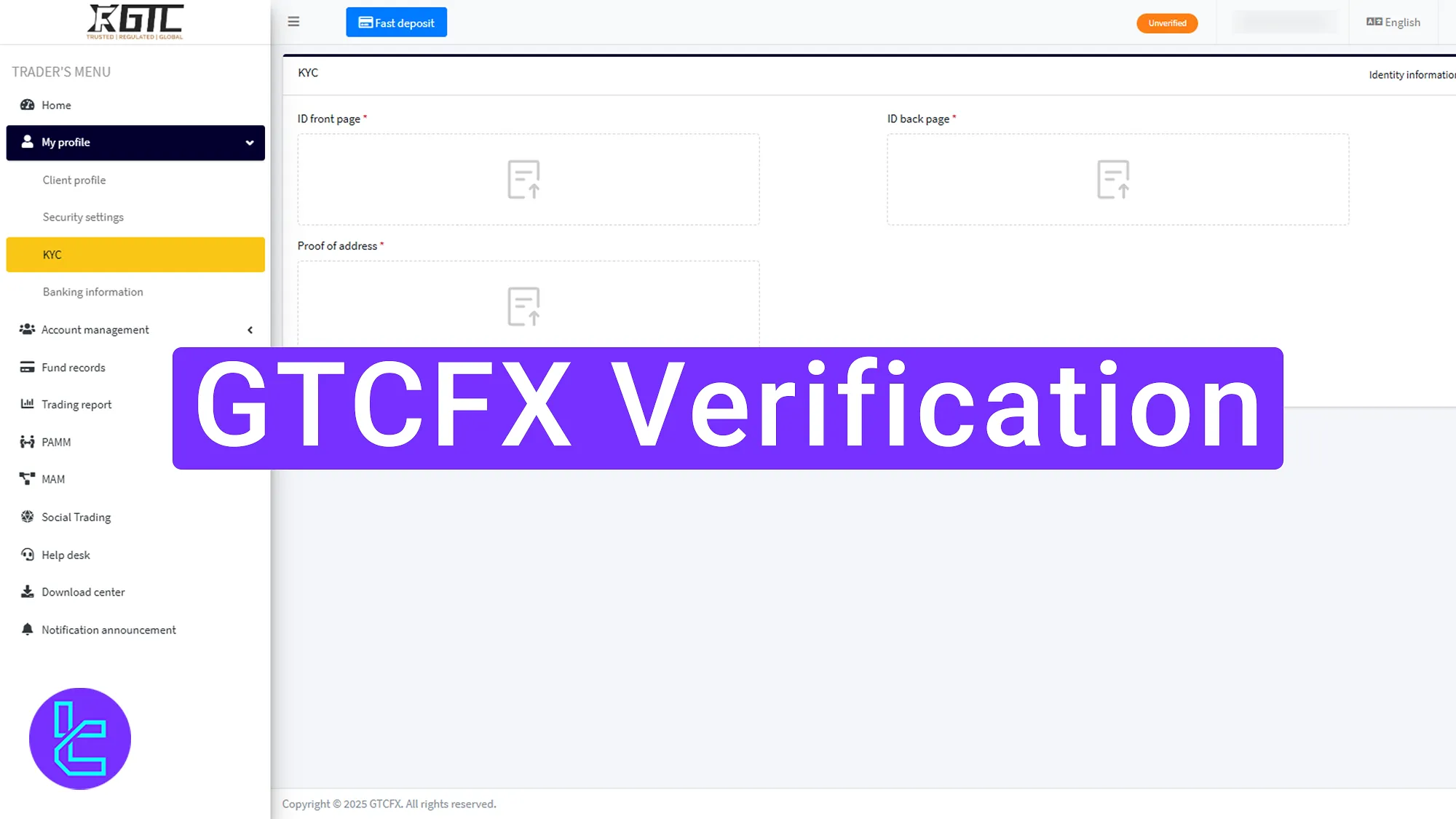
How to Complete GTCFX Identification
Follow these five steps to verify your account in the GTCFX broker.
GTCFX verification:
- Click on the “Unverified” button to start approval process;
- Enter your personal information;
- Provide your investment details;
- Upload the necessary documents for identity and address confirmation;
- Click “Submit” and wait for approval.
Here are the required documents to complete the GTCFX broker user authentication process.
Verification Requirement | Yes/No |
Full Name | No |
Country of Residence | Yes |
Date of Birth Entry | No |
Phone Number Entry | No |
Residential Address Details | Yes |
Phone Number Verification | No |
Document Issuing Country | Yes |
ID Card (for POI) | Yes |
Driver’s License (for POI) | Yes |
Passport (for POI) | Yes |
Residence Permit (for POI or POA) | Yes |
Utility Bill (for POA) | Yes |
Bank Statement (for POA) | Yes |
2-Factor Authentication | No |
Biometric Face Scan | No |
Financial Status Questionnaire | Yes |
Trading Knowledge Questionnaire | Yes |
Restricted Countries | Yes |
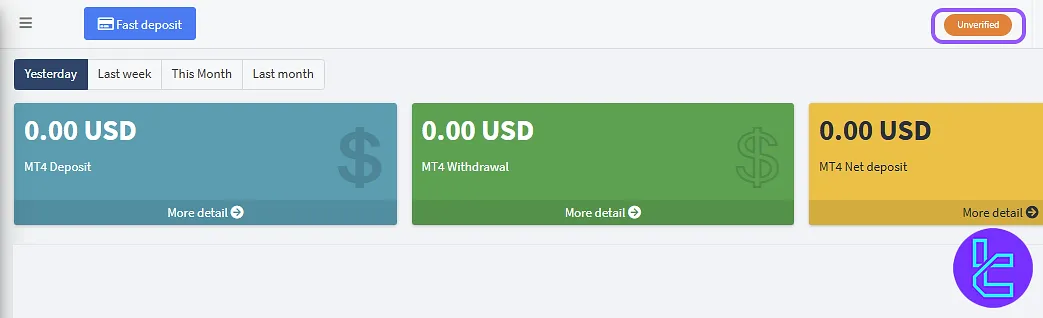
#1 Click “Unverified” to Start Verification
To start the approval process, follow these steps:
- log into your GTCFX account;
- Click on the “Unverified” button in your profile.
#2 Enter Your Personal Information
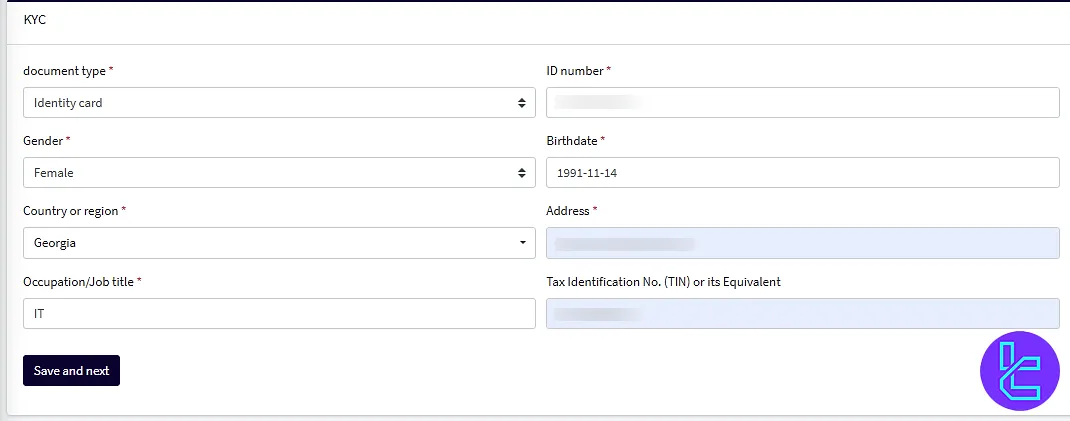
Fill in the required personal details, including:
- Document Type
- ID number
- Gender
- Country of region
- Address (matching your proof of address)
- Date of birth
- Job title
- Tax number (if applicable)
Ensure that the information matches your legal documents to avoid delays.
#3 Provide Investment Information
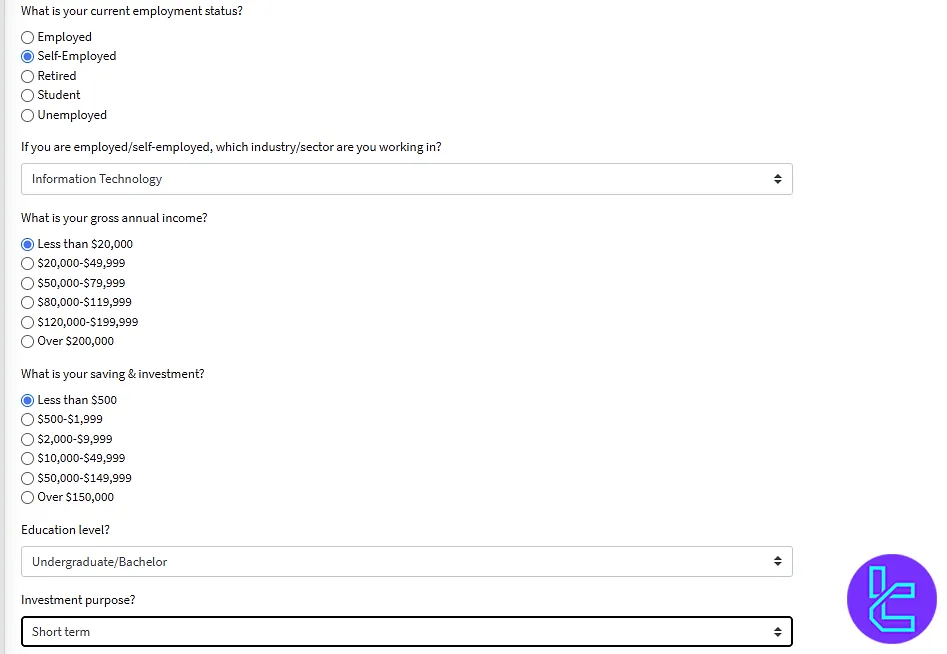
Additionally, the employment and asset details form must be completed, requiring:
- Employment Status (Employed, Self-Employed, Unemployed, Retired, Student)
- Annual Income (estimated yearly income range)
- Source of Funds (Salary, Investments, Inheritance, Other)
- Total Assets (approximated value of your financial assets)
- Investment Experience (Beginner, Intermediate, Advanced)
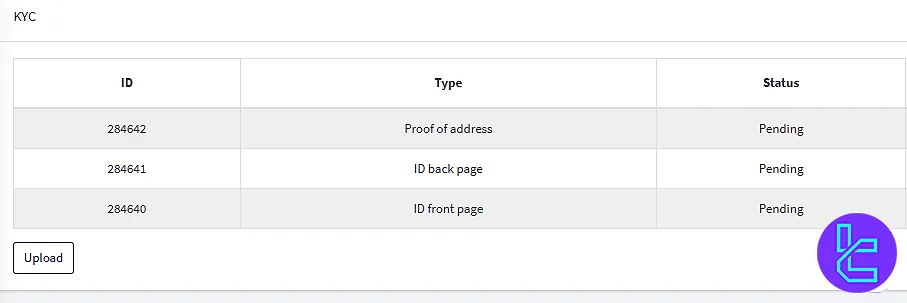
#4 Upload Your Documents
To verify your account, upload:
- A clear photo of the front and back of your ID card (passport, driver’s license, or national ID);
- A bank statement or utility bill (issued within the last three months) as proof of address.
Make sure your documents are high-quality and meet GTCFX’s requirements.
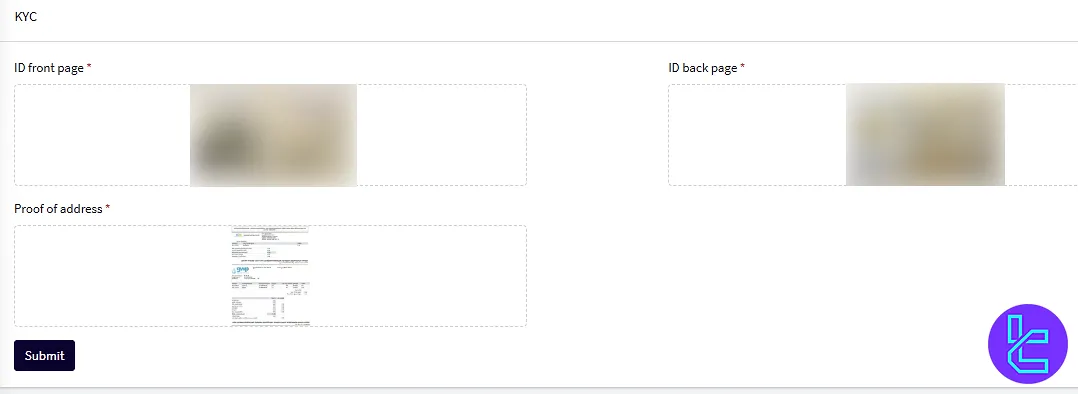
#5 Submit and Wait for Approval
Click “Submit” to send your validation request. Document review and approval typically takes a few minutes.
GTCFX KYC vs Other Forex Brokers
This table helps compare the verification documents needed to open an account with GTCFX and three other brokers.
Verification Requirement | GTCFX Broker | |||
Full Name | No | No | No | No |
Country of Residence | Yes | No | No | No |
Date of Birth Entry | No | No | No | No |
Phone Number Entry | No | No | No | No |
Residential Address Details | Yes | Yes | No | No |
Phone Number Verification | No | No | No | Yes |
Document Issuing Country | Yes | No | No | Yes |
ID Card (for POI) | Yes | Yes | Yes | Yes |
Driver’s License (for POI) | Yes | Yes | Yes | Yes |
Passport (for POI) | Yes | Yes | Yes | Yes |
Residence Permit (for POI or POA) | Yes | No | No | Yes |
Utility Bill (for POA) | Yes | Yes | No | Yes |
Bank Statement (for POA) | Yes | Yes | No | Yes |
2-Factor Authentication | No | No | No | No |
Biometric Face Scan | No | Yes | No | Yes |
Financial Status Questionnaire | Yes | Yes | No | Yes |
Trading Knowledge Questionnaire | Yes | Yes | No | No |
Restricted Countries | Yes | Yes | Yes | Yes |
TF Expert Suggestion
Completing GTCFX verification takes about 10 minutes. Traders are allowed to submit their national ID card, passport, or driver’s license as proof of identity.
To fund your newly verified account, use the GTCFX deposit and withdrawal methods, mentioned in the articles on the GTCFX Tutorial page.






