












The TNFX Tether TRC20 deposit generally takes around 7 minutes to finalize. Go to the cash-in section, select USDT, copy the wallet address or scan the QR code, then verify the transaction status.
Once your TNFX account is funded via USDT, you can begin trading. Most account types (Standard, Fix, Zero, and Cent) offer leverage of up to 1:500, while the VIP account provides lower leverage at 1:100 but comes with tighter spreads.
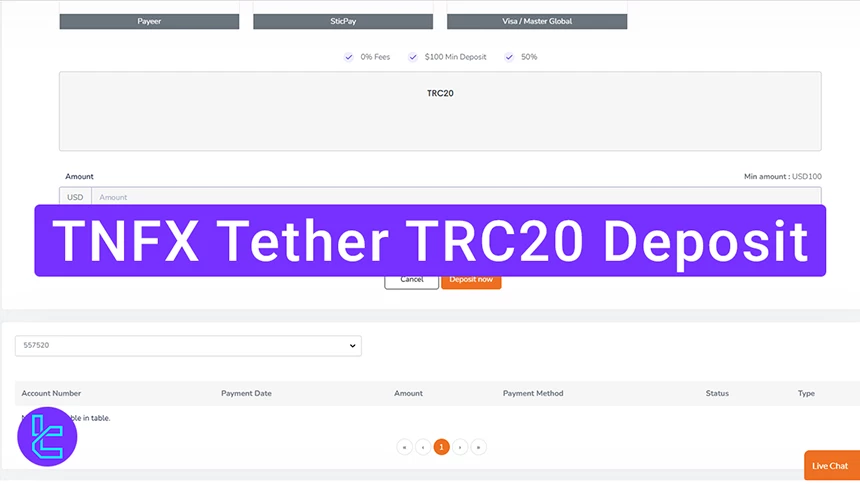
Overview of the TNFX Tether TRC20 Top-up Process
Funding your TNFX broker account with Tether (USDT) on the Tron network is quick and beginner-friendly.
TNFX Tether TRC20 deposit steps:
- Choose the trading account to fund;
- Choose the USDT option;
- Enter the funds amount;
- Scan the QR code and complete the transfer;
- Check the TNFX dashboard for confirmation.
Before proceeding with this method, consider reviewing the other payment options available.
Payment Method | Tether (TRC20) | Bitcoin (BTC) | Debit/Credit Card | Bank Transfer | Perfect Money | Web Money |
Availability | Yes | Yes | Yes | Yes | Yes | Yes |
Minimum Deposit | $100 | $100 | $100 | $100 | $100 | $100 |
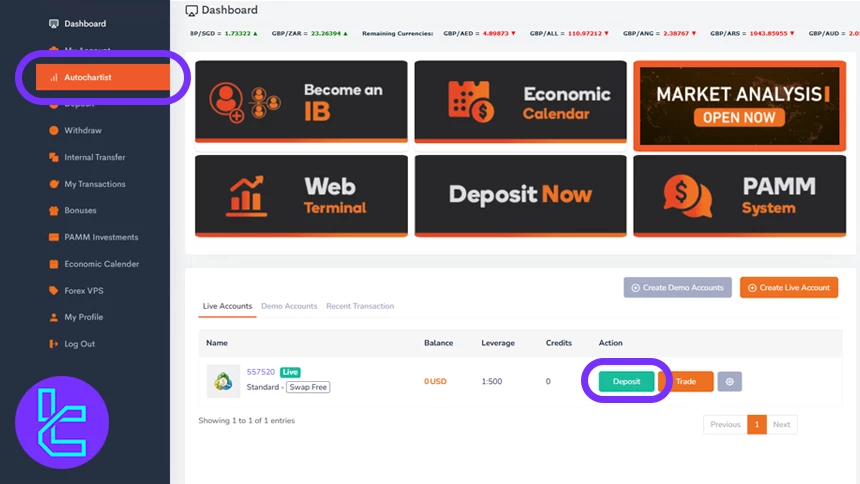
#1 Select Your Trading Account
The first step in this TNFX tutorial is navigating to the trading accounts section and choosing the account you want to fund; this ensures your funds are assigned to the correct wallet.
Tap "Deposit" to open the list of available payment methods; this displays the funding types supported by TNFX. Proceed to choose Tether USDT.
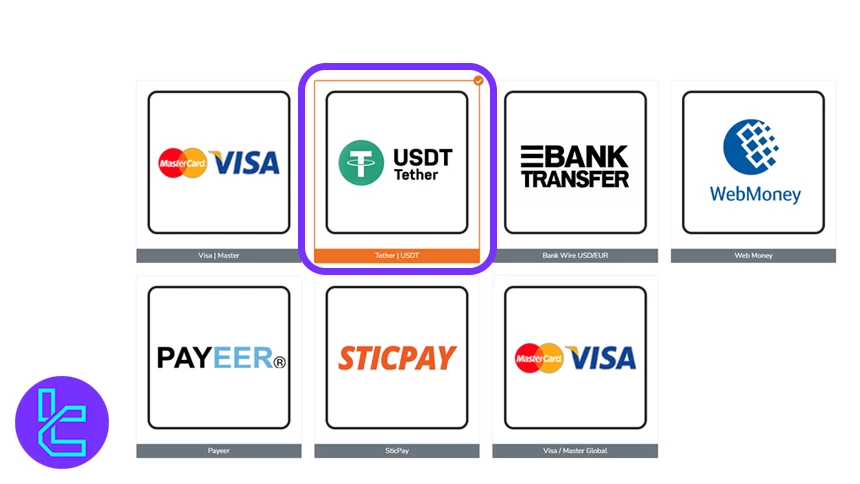
#2 Choose USDT Tether
Select USDT Tether as your preferred method to ensure compatibility with TRC20 transfers and benefit from fast, cost-efficient blockchain processing.
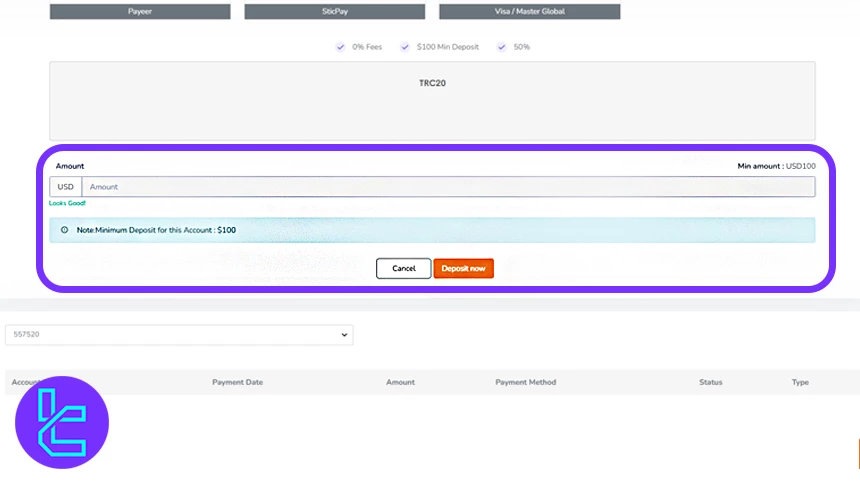
#3 Enter the Cash in Amount
Input the Amount you wish to add; note that the first fund requirement is typically $100, depending on account type; confirm the value before continuing.
Then, select the TRC20 network, then click "Pay Now" to generate the wallet address and QR code.
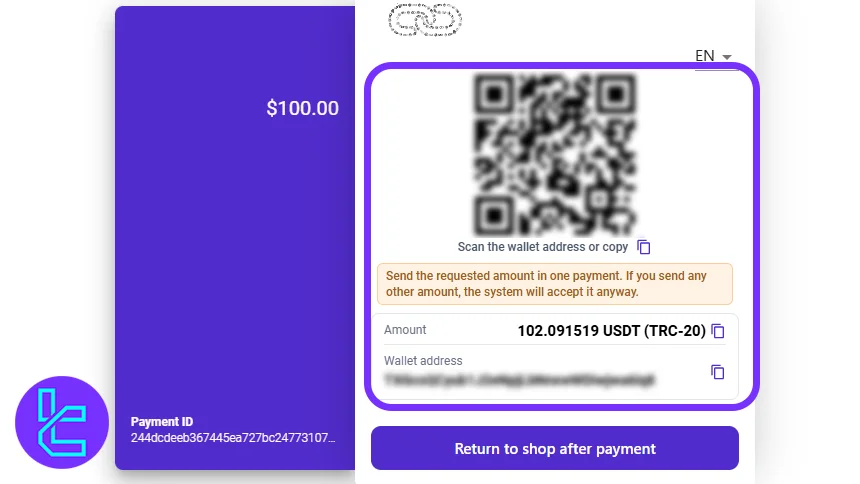
#4 Scan QR Code and Complete Wallet Transfer
Use your crypto wallet to scan the displayed QR code, confirm the network is TRC20, and send the USDT. Blockchain confirmations usually finalize in minutes.
#5 Top up Confirmation
After a few minutes, your TNFX wallet will reflect the added Tether. Check the "Recent Transaction" section to verify the successful funding.
Can I Add Funds to My Account Using Tether on the TRC20 Network with Other Brokers?
Yes. Numerous well-established forex brokers support this payment method.
Payment Method | TNFXBroker | |||
Availability | Yes | Yes | Yes | Yes |
Minimum Amount | $100 | $100 | $10 | $10 |
TF Expert Suggestion
The TNFX Tether TRC20 top-up can now be finalized in just 5 steps. Remember that the minimum Amount required is $100, and you can track your transfers in the "Recent Transactions" section.
Besides Tether, traders can replenish their accounts using TNFX Bitcoin deposits, bank transfers, or Perfect Money. The broker also offers islamic accounts and supports both automated and manual trading through the MT4 and MT5 platforms.






