












XTrend registration is a 6-step procedure allowing you to open an account by providing personal, residential, and employment details with this Forex broker.
During this process, traders can receive $3 of free stocks from Xiaomi Corp, Hang Seng Bank, or Kunlun Energy.
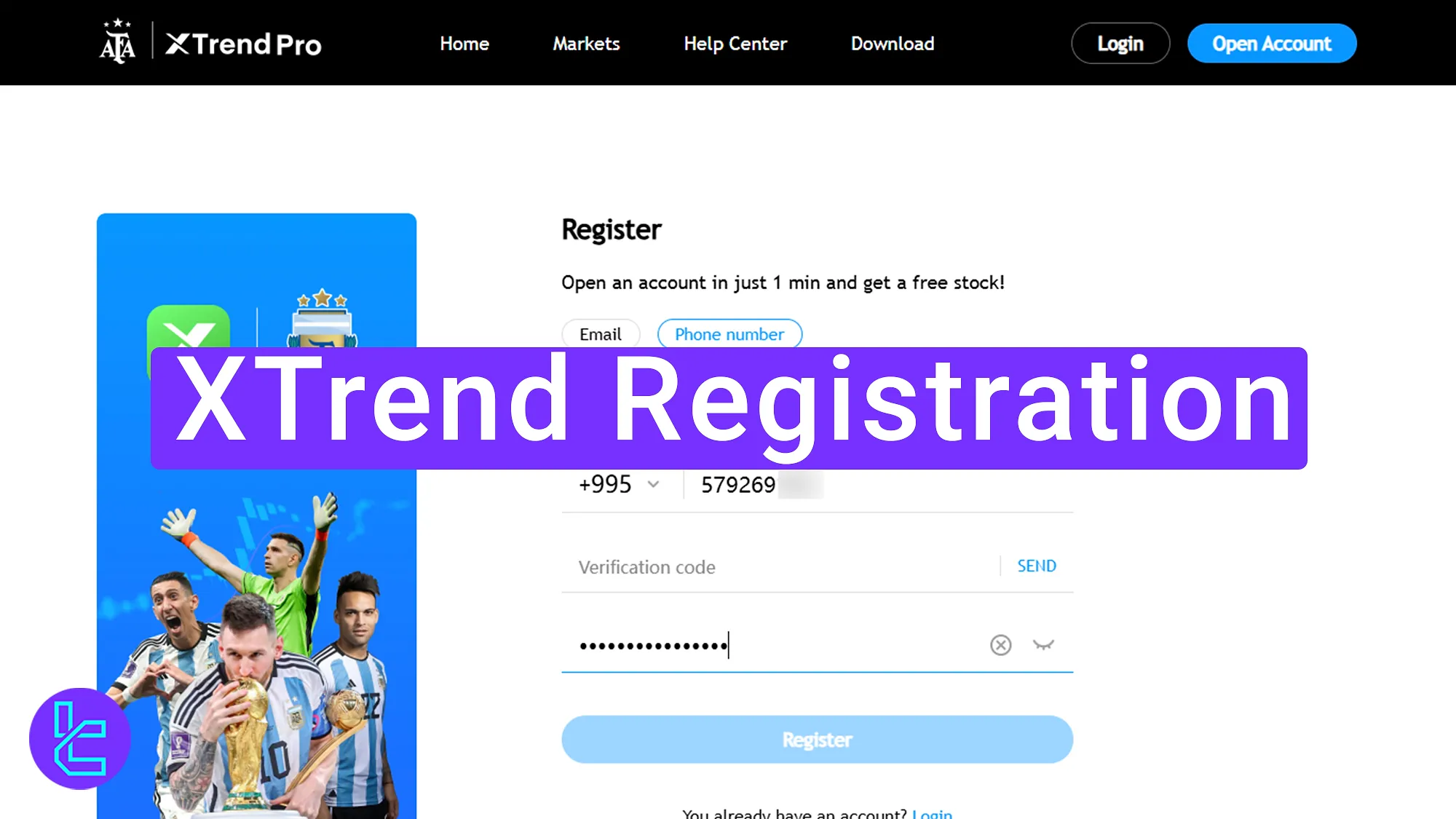
How to Complete XTrend Account Opening Process
To open an account with the XTrend broker, traders are required to follow the steps outlined below.
XTrend registration:
- Enter the XTrend official website via TradingFinder;
- Type in your country, email, and password;
- Provide your phone number and verify it;
- Fill in personal details such as name, gender, and nationality;
- Add your address, postal code, and employment status;
- Claim your free stocks and finalize the account setup.
Ensure you have the following documents and information to easily open an account with the XTrend broker.
Registration Requirements | Yes/No |
Email Sign-up | Yes |
Phone Number Required | Yes |
Google Account Login | No |
Apple ID Login | No |
Facebook Login | No |
Full Name | Yes |
Country of Residence | Yes |
Date of Birth | Yes |
Address Details | Yes |
Email Verification | No |
Phone Number Verification | Yes |
Financial Status Questionnaire | Yes |
Trading Experience Questionnaire | Yes |
#1 Go to the XTrend Website and Click Open Account
To begin this beginner-friendly process:
- Click on the "Open an account" at the bottom of the page;
- On the XTrend website and click on the "Open Account" button.

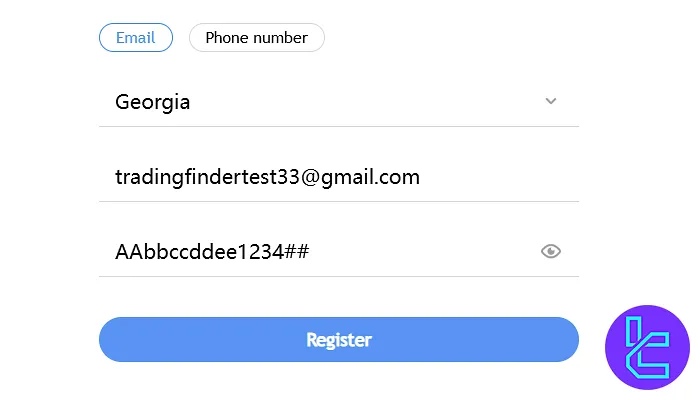
#2 Enter Your Country, Email, and Password
Next, follow the steps below:
- Select your country;
- Enter a valid email address;
- Create a strong password for security using uppercase and lowercase letters, numbers, and symbols.
#3 Verify Your Phone Number
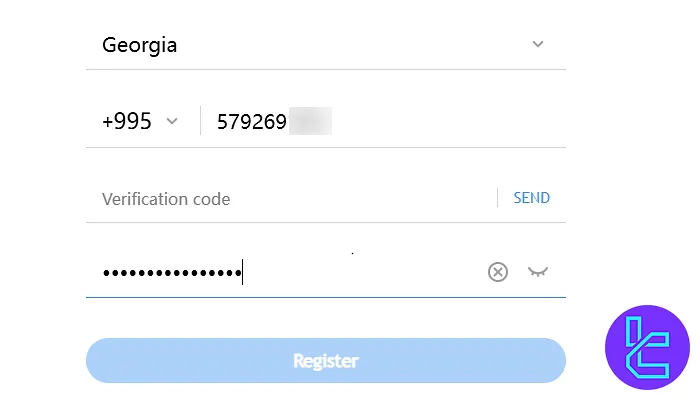
To continue this procedure, follow the steps outlined below:
- Choose your country code;
- Enter your mobile phone number;
- Click "Send" to receive a verification code;
- Enter the code in the required field to proceed.
#4 Enter Personal Information
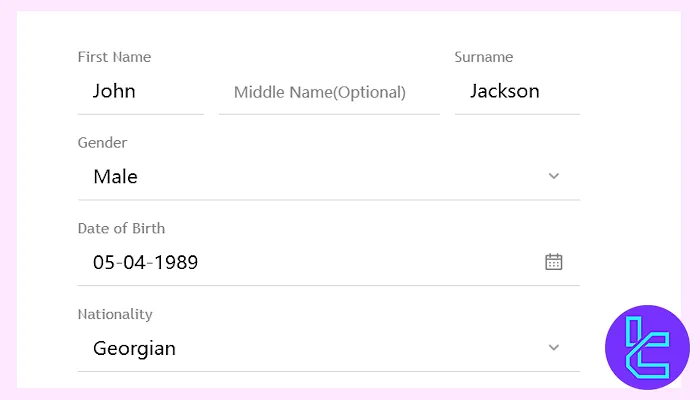
To complete this step, fill in your first and last name, gender, date of birth, and nationality. Ensure the details match your government-issued ID.
#5 Provide Your Address and Employment Details
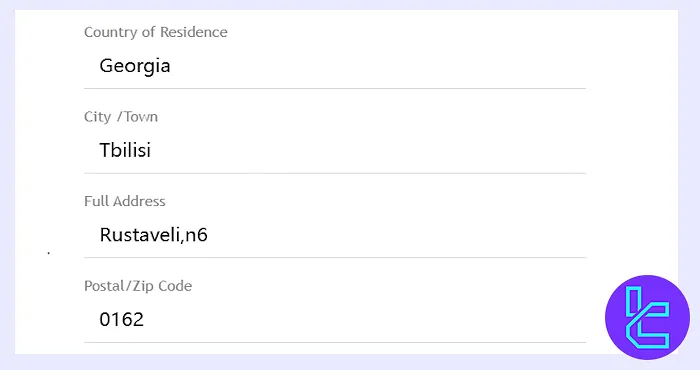
Enter your residential details, including:
- Country of residence
- City
- Residential address
- postal code
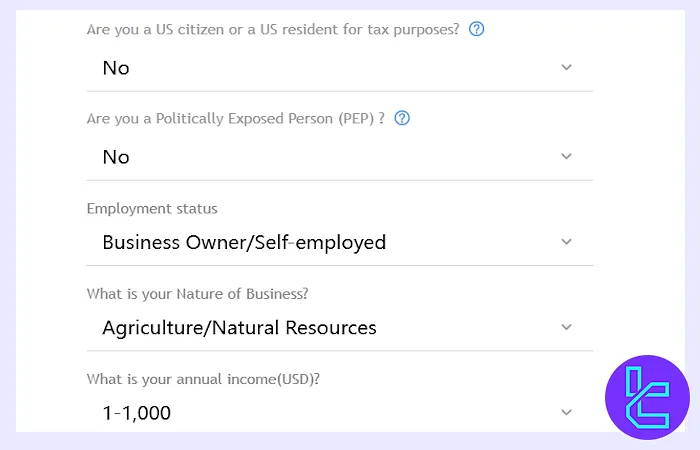
You will also need to specify your employment status, income level, and whether you hold any political affiliations. Additionally, declare whether you are a U.S. citizen or a taxpayer.
#6 Claim Free Stocks and Finalize Registration
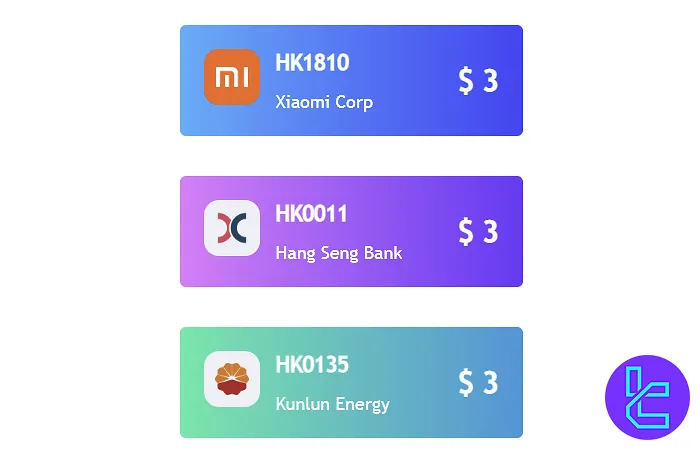
In this steps, you can choose a $3free stock from one of the following enterprises:
- Xiaomi Corp
- Hang Seng Bank
- Kunlun Energy
XTrend Registration in Comparison to Other Forex Brokers
The following table provides a comparison of the required information to create an account with XTrend and 3 other brokers.
Registration Requirements | XTrend Broker | |||
Email Sign-up | Yes | Yes | Yes | Yes |
Phone Number Required | Yes | Yes | Yes | Yes |
Google Account Login | No | No | No | No |
Apple ID Login | No | No | No | No |
Facebook Login | No | No | No | No |
Full Name | Yes | Yes | Yes | Yes |
Country of Residence | Yes | Yes | Yes | Yes |
Date of Birth | Yes | No | Yes | Yes |
Address Details | Yes | No | Yes | Yes |
Email Verification | No | Yes | Yes | No |
Phone Number Verification | Yes | No | No | No |
Financial Status Questionnaire | Yes | No | Yes | No |
Trading Experience Questionnaire | Yes | No | Yes | No |
TF Expert Suggestion
XTrend registration process is simple, allowing traders to open an account in just 5 minutes. During this procedure, traders are required to enter their name, residential address, phone number, country of residence, and enter their employment details.
To continue your journey in this broker, read the XTrend verification article by visiting the XTrend tutorial page.






