












Axiory registration takes just 12 minutes and requires you to provide personal details, such as your first and last name, country of residence, and tax information.
Additionally, you need to define your account settings, including leverage, base currency, and preferred trading platform.
How to Register with Axiory Broker
The Axiory broker account opening process can be completed in 4 simple steps. Axiory registration overview:
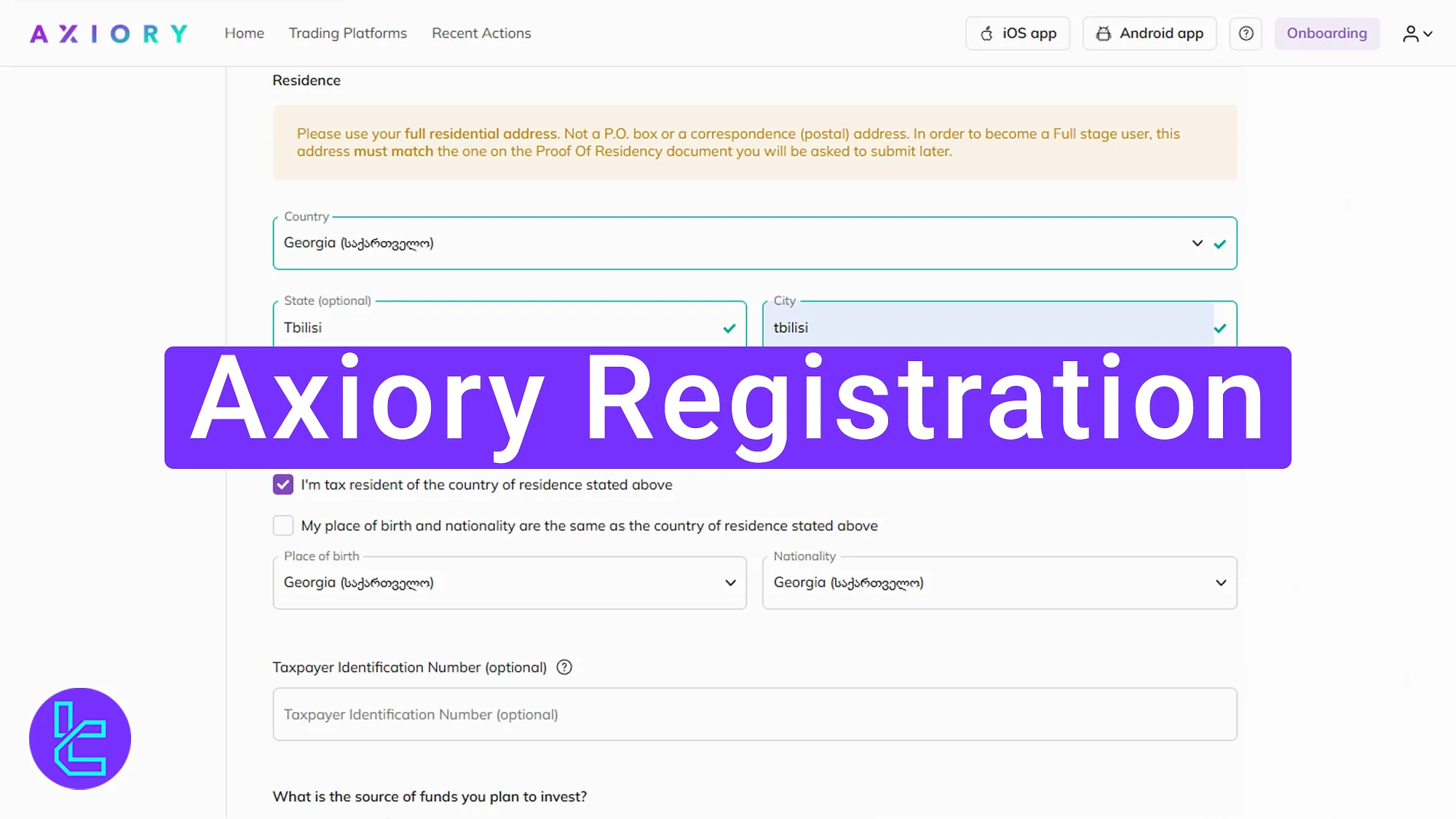
- Enter the broker’s official website;
- Enter your details;
- Choose between a Demo or a Live Account and specify your account features;
- Provide additional personal and financial details;
The table below consists of all the necessary information and details required to open an account with Axiory.
Registration Requirements | Yes/No |
Email Sign-up | Yes |
Phone Number Required | Yes |
Google Account Login | No |
Apple ID Login | No |
Facebook Login | No |
Full Name | Yes |
Country of Residence | Yes |
Date of Birth | Yes |
Address Details | Yes |
Email Verification | No |
Phone Number Verification | No |
Financial Status Questionnaire | Yes |
Trading Experience Questionnaire | Yes |
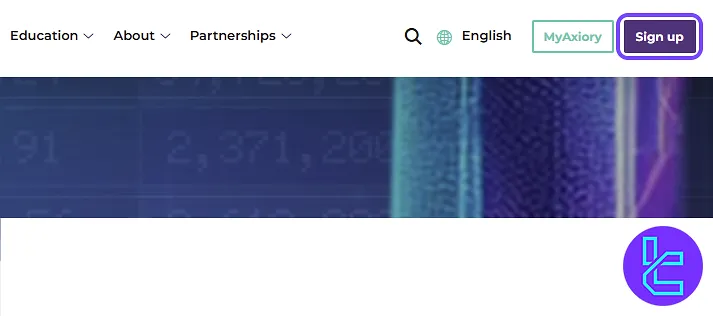
#1 Visit the Axiory Website and Click on the “Sign Up” button
To begin your Axiory account opening process, follow these steps:
- Click on the “Open an Account” button on the buttom of this page;
- On the broker’s website, find and select the "sign up" button to start.
#2 Enter Your Personal Information
Fill in the fields with the following details:
- First name
- Last name
- Country of residence
- Phone number
Next, create a secure password that includes:
- Uppercase letters
- Lowercase letters
- Numbers
- Special characters
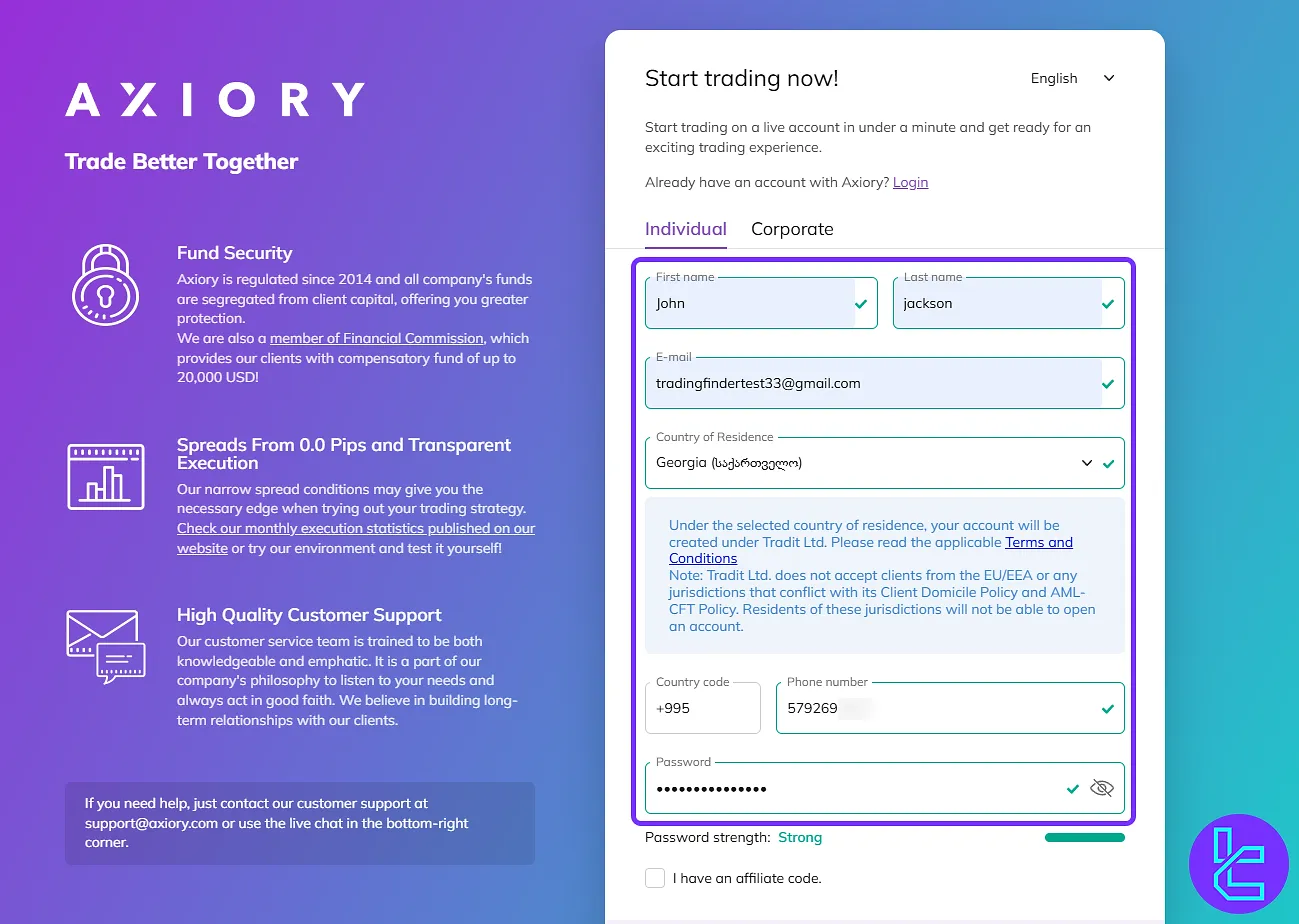
If you have an affiliate code, enter it in the designated field. If not, you can request one from the TradingFinder support team.
#3 Choose Your Account Type and Its features
Next, select whether you want a Demo or a Live Account. A demo account is a great way to practice if you're new to Forex trading. If you're ready for trading with real money, choose a Live Account.
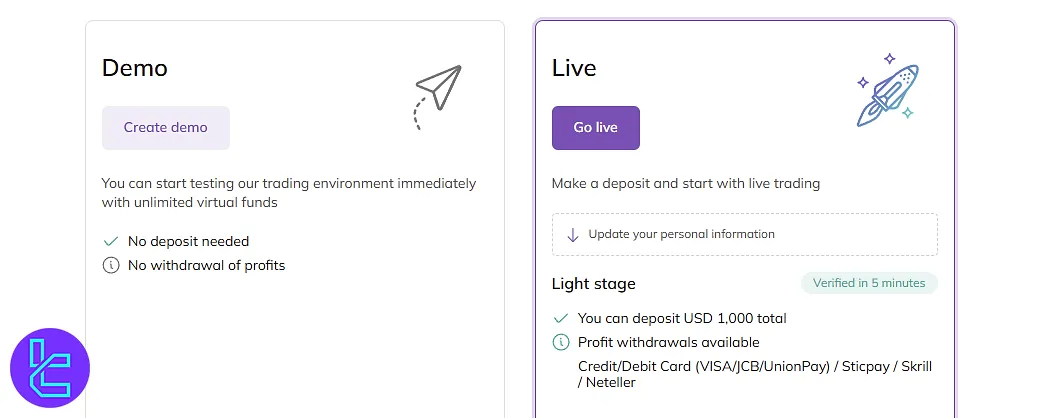
Then, select your preferred trading platform from the available options:
- MT4
- MT5
- Ctrader
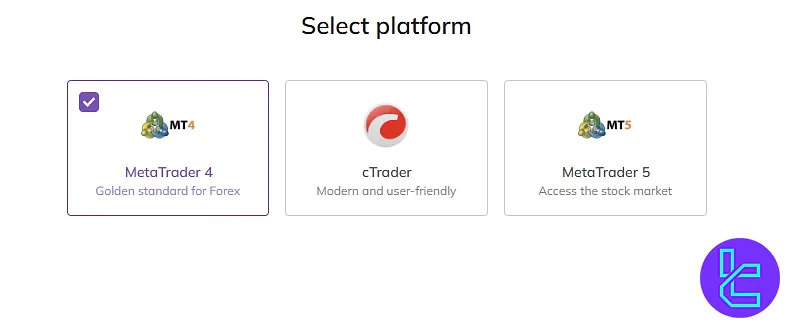
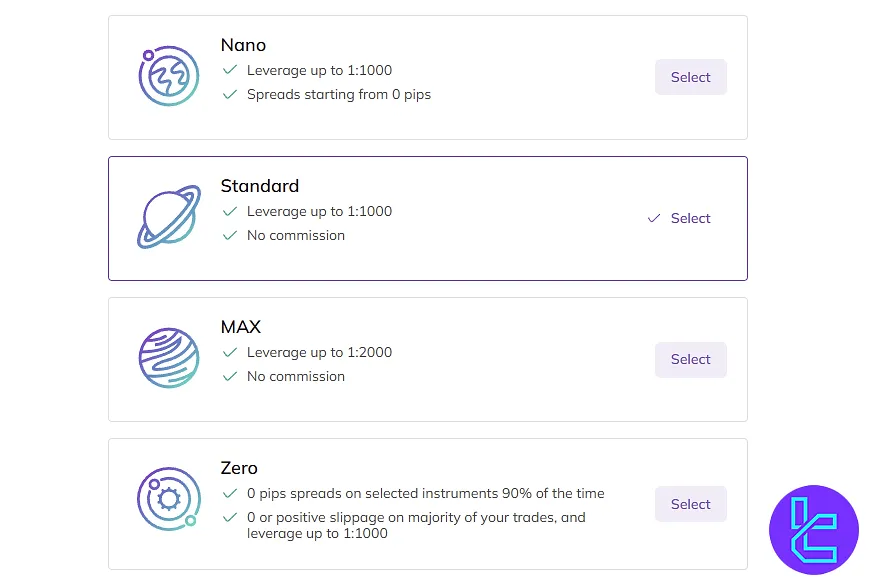
Now, you must choose your account type from the following 4 options:
- Nano
- Standard
- Max
- Zero
Click "Continue".
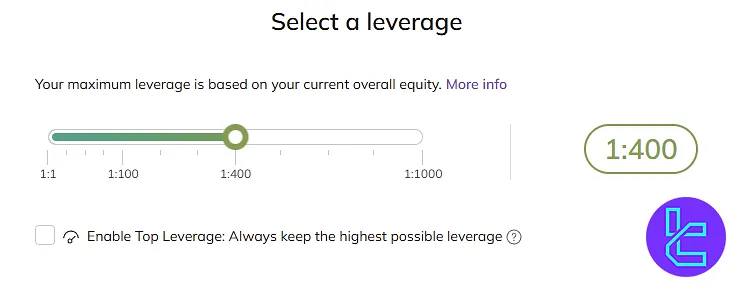
Then, choose your preferred leverage from 1 to 1:1000. If you want the highest available leverage, tick the “Enable Top Leverage” box before proceeding.
Now, select USD or EUR as your account’s base currency.
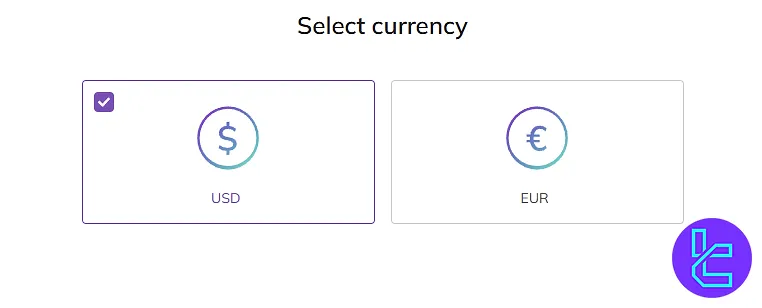
After choosing your currency, carefully review your account details and click "Start Trading" to move on to the next step.
Next, verify your personal information, including your first name, last name, middle name, gender, and date of birth.
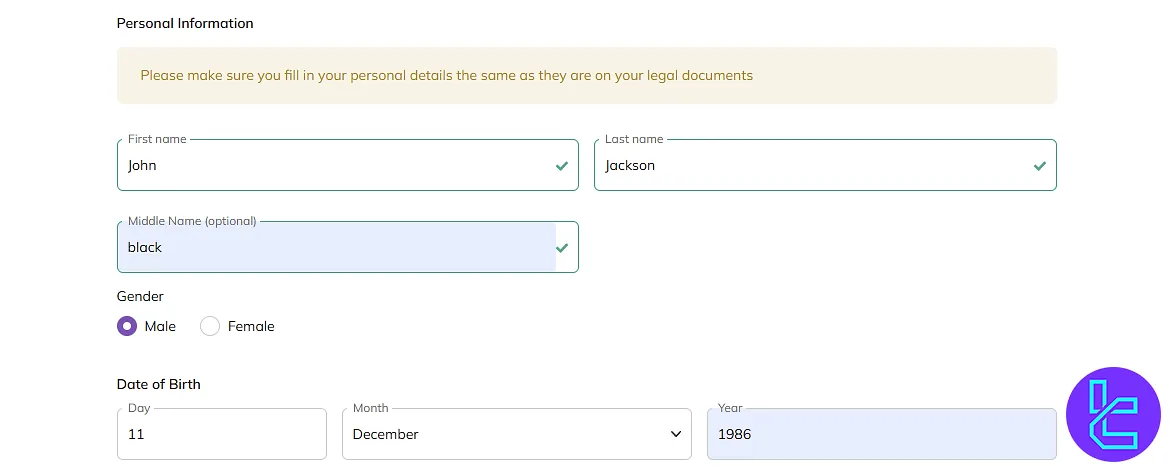
#4 Provide Additional Personal and Financial Details
Enter your address details, including:
- Country
- City
- Region
- Postal code
Enter your Tax ID if applicable.
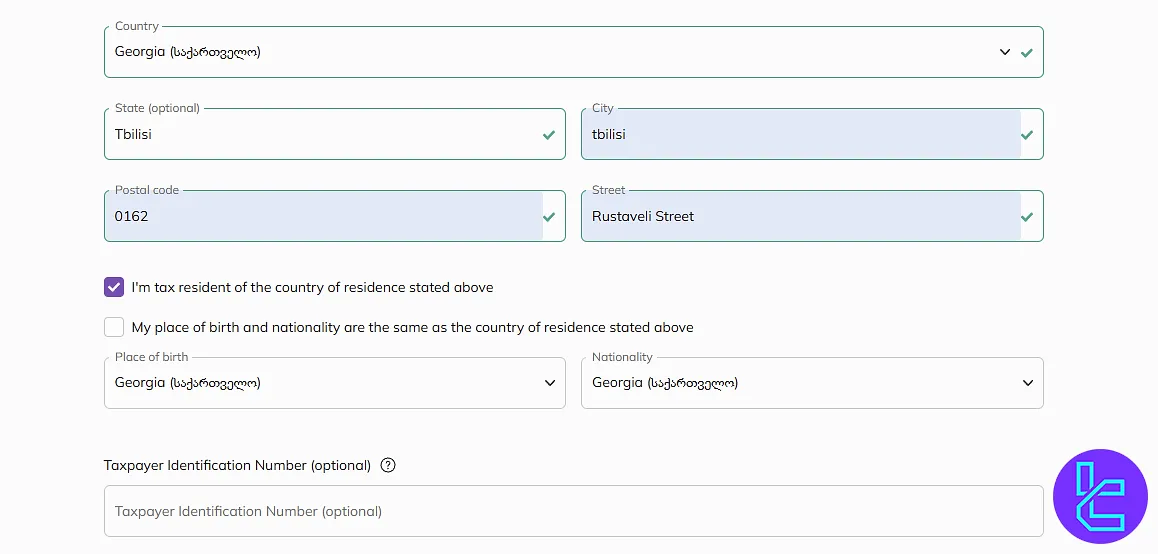
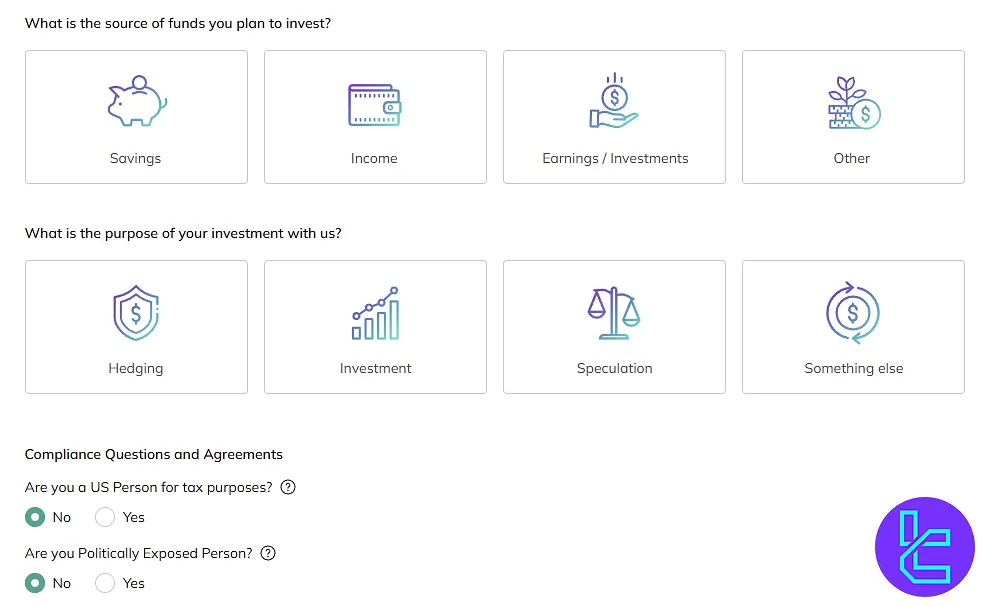
Next, answer financial questions related to your trading experience and risk tolerance. Additionally, indicate whether you are a U.S. taxpayer and disclose any politically imposed status. Click "Submit the form" to finalize the process.
Axiory Signup Requirements vs Other Brokers
The table below outlines the differences in required information during the account opening process between Axiory and three other brokers.
Registration Requirements | Axiory Broker | |||
Email Sign-up | Yes | Yes | Yes | Yes |
Phone Number Required | Yes | Yes | Yes | Yes |
Google Account Login | No | No | No | No |
Apple ID Login | No | No | No | No |
Facebook Login | No | No | No | No |
Full Name | Yes | Yes | Yes | Yes |
Country of Residence | Yes | Yes | Yes | Yes |
Date of Birth | Yes | Yes | Yes | Yes |
Address Details | Yes | Yes | Yes | Yes |
Email Verification | No | No | Yes | No |
Phone Number Verification | No | Yes | Yes | No |
Financial Status Questionnaire | Yes | Yes | No | Yes |
Trading Experience Questionnaire | Yes | Yes | No | Yes |
TF Expert Suggestion
To complete the Axiory registration process, you will need to fill in your personal, residency, and tax information and set up your Nano, Standard, Max, or Zero account.
Once you've done this, visit the Axiory tutorial page to learn more about the Axiory verification process and the specifications of different Axiory account types.






