












The Decode Global Tether ERC20 deposit process takes about 6 minutes to complete. Just open the top-up page, choose USDT on the ERC-20 network, copy the wallet address or scan the QR code, and then confirm the transaction status.
Once your account is funded, you can begin trading through the Standard and Pro account types, which offer leverage of up to 1:500 and highly competitive spreads starting from 0.0 pips.
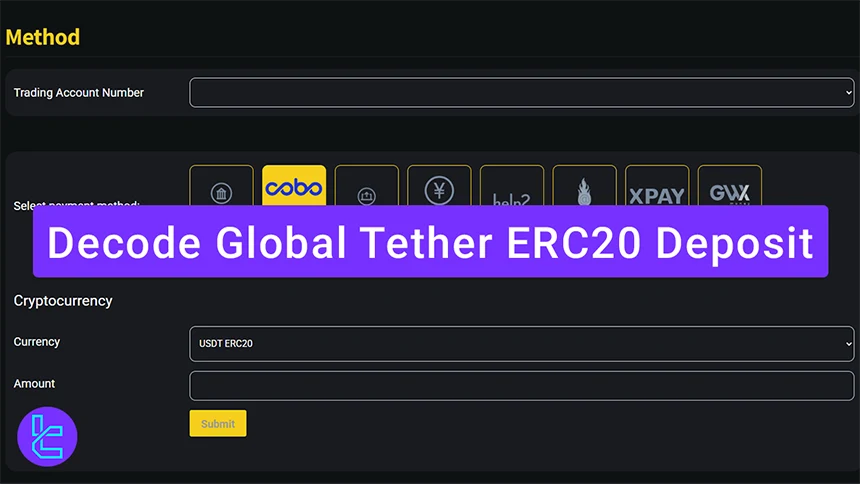
Overview of the Decode Global Tether ERC20 Deposit
Adding funds to your Decode Global broker account using Tether (USDT) on the Ethereum network is simple and suitable for beginners.
Decode Global USDT ERC20 deposit process:
- Go to the fund section;
- Choose your trading account and select USDT;
- Initiate the transfer from your crypto wallet;
- Check your transaction history to confirm completion.
Before sending funds using this method, you should explore the other available payment options.
Payment Method | Tether (ERC20) | Tether (TRC20) | Debit/Credit Card | Bank Transfer | Union Pay | WeChat Pay |
Availability | Yes | Yes | No | Yes | Yes | Yes |
Minimum Deposit | $100 | $100 | - | $100 | $100 | $100 |
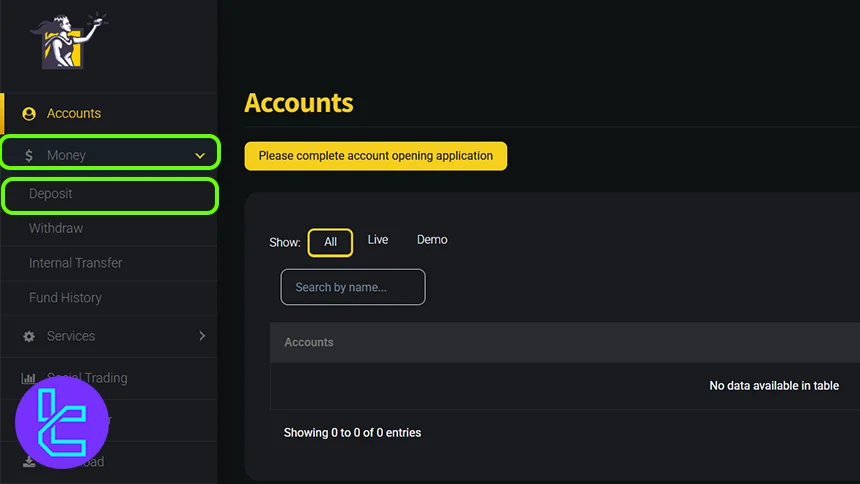
#1 Access the Deposit tab
Navigate to your Decode Global account dashboard and click on the "Money" tab. From there, select "Deposit" to get started in this Decode Global tutorial.
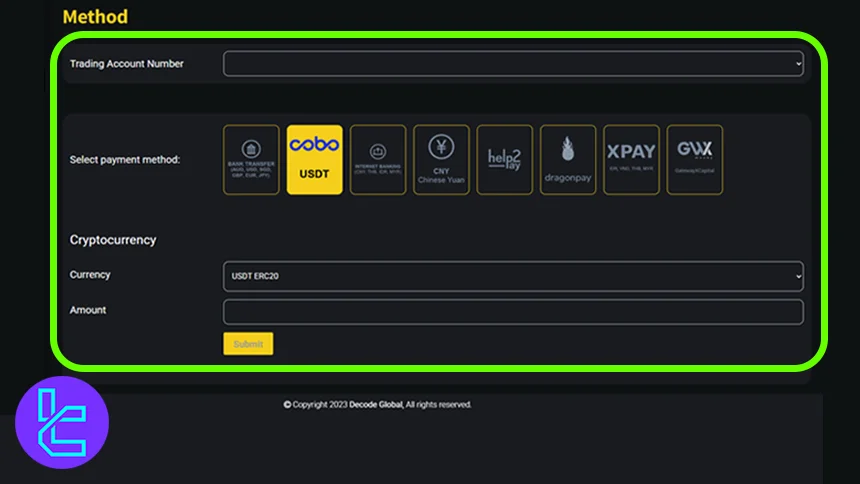
#2 Select USDT and the ERC-20 Network and Amount
Choose the trading account where you want the funds deposited. Then, choose USDT as the preferred funding method. ERC20 as the transfer network, then enter the amount you want to deposit.
The minimum accepted amount is 100 USDT; deposits below this threshold are not processed.
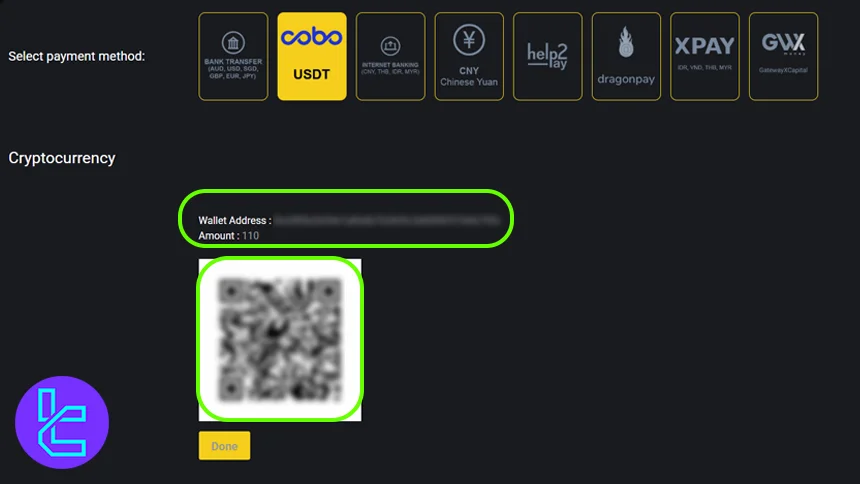
#3 Complete the Payment via Wallet
To finalize the transaction, scan the QR code or manually copy the wallet address and transfer the USDT ERC20 amount from your crypto wallet. Remember to verify the network before confirming.
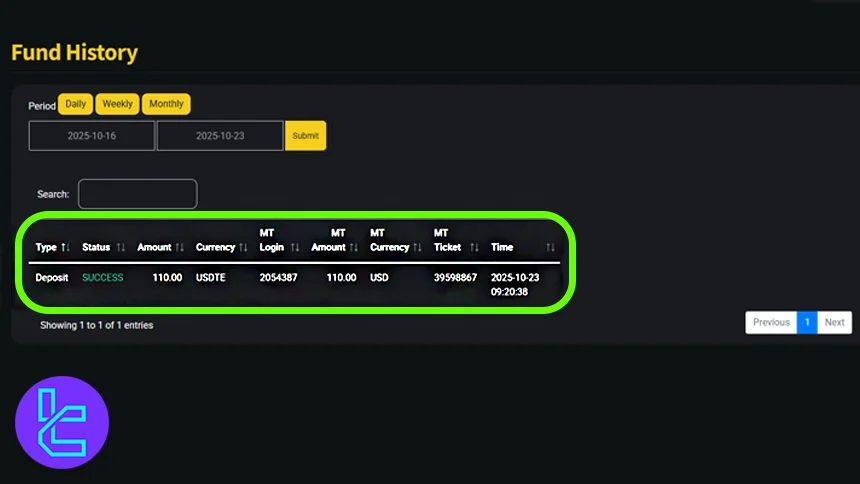
#4 Review the Transaction in Fund History
Once the payment is completed on the blockchain, click "Done". You can verify the confirmed transaction in the "Fund History" section, where all previous deposits and withdrawals are logged.
Can I Fund My Account with USDT Using the ERC20 Network at Other Brokers?
Yes. Many reputable Forex brokers accept this funding option.
Payment Method | Decode Global Broker | |||
Availability | Yes | Yes | Yes | Yes |
Minimum Amount | $100 | $10 | $50 | $10 |
F Expert Suggestion
The Decode Global Tether ERC20 deposit can be completed in 4 steps after finishing Decode Global registration. Keep in mind that the minimum cash in is $100.
For additional transaction options, traders can top up their accounts via a Decode Global Tether TRC20deposit, bank transfer, or UnionPay, and test their strategies without risk on a demo account that mirrors real market conditions.






